
Blog
Discover our latest articles and blogs

Call to Action in Virtual Tours: Placement, Wording, Testing
Learn where to place calls to action in a virtual tour, which button wording works, and how to test CTAs so viewers book, inquire or buy.

Visual Tour Editor: How to Build a 360° Tour Step by Step
What a visual tour editor does, how to prepare and bulk upload 360° photos, connect scenes, add hotspots, and publish a finished virtual tour.

Zoom Guided Virtual Tours: How to Host One That Works
Learn how to run a guided virtual tour over Zoom: what you need, how to share a 360° tour, keep viewers engaged, handle tech issues and stay accessible.

Virtual Tour Data Ownership: Who Controls Your Tours
Who owns your virtual tour images, files and visitor data? Learn what to check in contracts, how CCPA applies, and how cloud and self-hosted setups differ.

SVG Hotspots in Virtual Tours: How They Work and How to Build Them
Learn what SVG hotspots are in a virtual tour, how to link them to scenes, URLs, PDFs and products, and how to test them for accessibility on desktop and mobile.

Offline Virtual Tour: How to Build and Run One
Learn what an offline virtual tour is, how static hosting and PWA caching make one work, and how to avoid the problems that break tours without a connection.
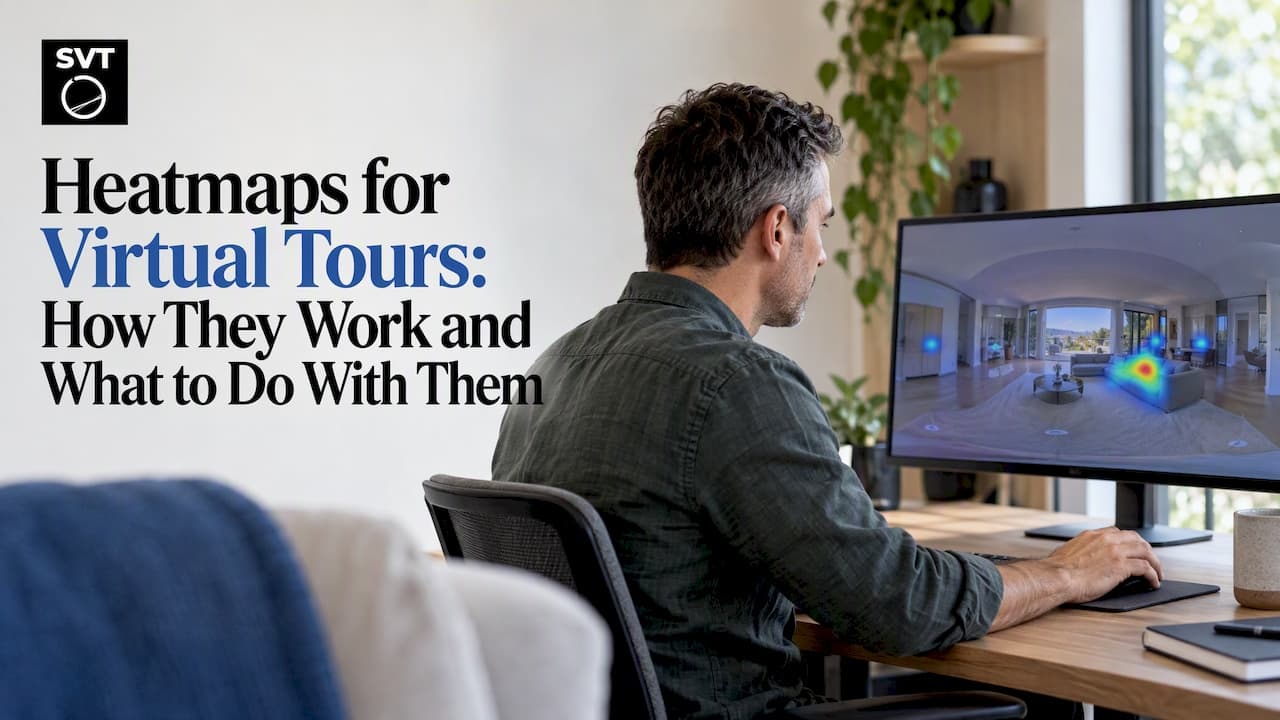
Heatmaps for Virtual Tours: How They Work and What to Do With Them
Learn what heatmaps for virtual tours show, how they are built from viewer activity, how to read them, and which privacy limits to respect.

Conditional Hotspots in Virtual Tours: How They Work
Learn what conditional and auto-link hotspots are in virtual tours, how to plan their triggers and destinations, and where they help in real estate, museums and training.

Autorotate Virtual Tours: Settings That Work
How to autorotate a virtual tour without hurting usability or load speed: ideal speed, idle delay, accessibility rules, lazy loading and a setup checklist.