

Interactive campus tour features are immersive digital tools that allow prospective students and families to explore college campuses virtually at their own pace, using 360-degree panoramic views, clickable hotspots, and guided voice narration. Universities like Midwestern University and UT Martin have deployed these experiences in 2026 to give families a genuine sense of campus life before ever setting foot on campus. The best virtual campus tour options go far beyond a slideshow of building photos. They replicate the feeling of walking through a campus, discovering spaces, and asking questions, all from a phone, tablet, or desktop.
1. What are the core interactive campus tour features?
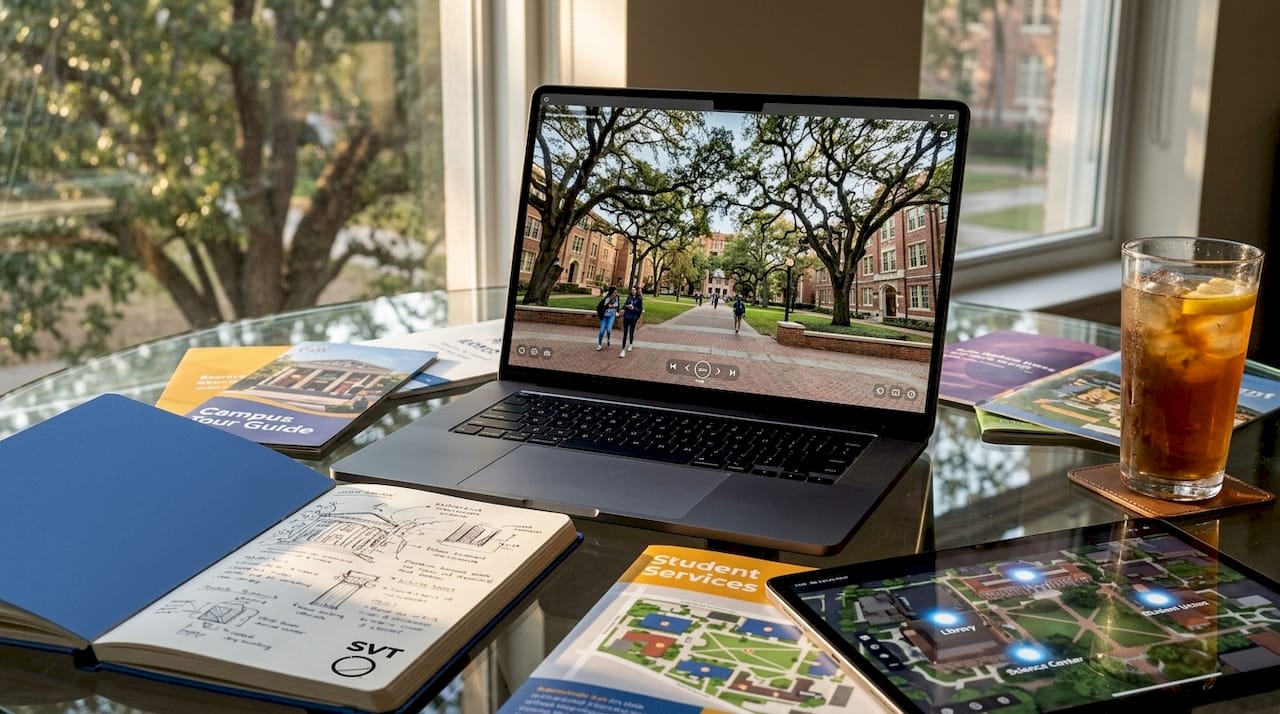
The term "interactive virtual tour" refers to a self-guided digital experience built on 360-degree photography, layered with clickable content and navigation tools. These are the features that separate a genuinely useful virtual campus experience from a static photo gallery.
The four features that define a high-quality interactive campus tour are:
- 360-degree panoramas: Full spherical views of campus spaces that let users look in any direction, creating genuine spatial awareness of a room, quad, or building.
- Interactive hotspots: Clickable points placed within a panorama that open photos, videos, text descriptions, or links to additional information about a specific location or feature.
- Voice narration: Audio guides that walk users through a space, adding context, storytelling, and personality that text alone cannot deliver.
- Interactive campus maps: Spatial navigation tools that show users where they are on campus and let them jump between locations with a single click.
Each of these features serves a distinct purpose. Panoramas answer "What does this place look like?" Hotspots answer "What happens here?" Narration answers "Why does this matter?" Maps answer "Where is this relative to everything else?" Together, they create a layered experience that mirrors an in-person visit.
Pro Tip: When evaluating a virtual campus tour, test it on your phone first. If the navigation feels clunky or the panoramas load slowly on mobile, the school's tour technology is likely outdated.
2. How 360-degree photography powers the experience
The foundation of every interactive campus tour is 360-degree photography, which captures a full spherical image of a space using wide-angle or fisheye lenses. The resulting equirectangular image is then mapped onto a virtual sphere, so when you view it on screen, you can rotate in any direction as if you were standing in the room.
Capturing quality 360-degree images requires the right hardware. Cameras like the Ricoh Theta Z1 or Insta360 X4 are widely used for this purpose because they produce high-resolution spherical panoramas with minimal stitching errors. The quality of the source photography directly determines how convincing and useful the final tour feels.
Once the images are captured, software platforms take over. Michigan State University uses Thinglink software to layer hotspots onto 360-degree classroom images, embedding videos that show how to operate classroom technology and helping instructors prepare for unfamiliar teaching spaces. This combination of hardware and software is what transforms a photograph into a functional, interactive experience.
Optimization across devices is non-negotiable for modern campus tours. Midwestern University's virtual tours are built to work on phones, tablets, and desktops, and include screen-reader support for users with visual impairments. Accessibility is not an optional add-on. It is a design requirement that determines whether a tour serves your entire prospective student population.
3. How leading universities apply these features in 2026
Real-world examples show exactly how these features of interactive tours translate into practice. Four universities offer particularly instructive models.
-
Midwestern University offers self-paced virtual tours covering a 105-acre campus in Downers Grove, Illinois, and a 156-acre campus in Glendale, Arizona. Each tour combines 360-degree panoramas with guided narration and interactive hotspots, letting families explore at their own speed without a scheduled appointment or travel cost.
-
UT Martin launched a virtual tour in 2026 featuring immersive 360-degree photography, directional guides, vocal narration, and an interactive map covering key locations on both its main and regional campuses. The layered navigation structure reduces interface complexity while making it easy to discover new areas of campus organically.
-
Michigan State University has deployed 3D classroom tours across 186 classrooms using Thinglink, with hotspots that detail specific classroom technology and instructional videos. This level of specificity helps prospective students understand the actual learning environment, not just the exterior of academic buildings.
-
University of Minnesota pairs its virtual tour content with an interactive campus map on its Twin Cities St. Paul campus, giving families tools to orient themselves spatially and plan in-person visits with greater confidence.
"Virtual tours serve as a valuable first step in the recruitment journey, complementing but not replacing in-person visits or other engagement activities." — UT Martin
Each of these implementations reflects a deliberate choice to match campus tour technology to the specific needs of prospective families, not just to check a digital marketing box.
4. How interactive tours fit into a broader enrollment strategy
A virtual campus tour is not a standalone recruitment tool. EAB's research across more than 50 institutions shows that enrollment increases when students engage across multiple recruitment sources, not just a single touchpoint like a virtual tour. This finding means that a well-designed tour should function as an entry point into a deeper relationship, not the final word.
The most effective approach combines interactive tours with:
- Email sequences that follow up on specific areas of campus a student explored during their virtual visit.
- Campus events and open days that give families a reason to convert their virtual curiosity into an in-person commitment.
- Admissions outreach that references the virtual tour and invites questions about what students saw.
The tour itself should be designed to encourage further inquiry. Hotspots can link directly to program pages, financial aid information, or a contact form for the admissions office. An interactive map can include links to upcoming campus events. When campus tour technology is connected to the broader recruitment workflow, it becomes a lead-generation tool rather than a passive brochure.
Pro Tip: Look for tours that include a clear call to action at the end, such as a link to schedule an in-person visit or contact an admissions counselor. A tour that ends with no next step is a missed opportunity for both the school and the student.
5. Design principles that make or break a virtual tour
The difference between a virtual tour that families actually use and one they abandon after 90 seconds comes down to design decisions. Understanding what to include in campus tours, and what to leave out, is as important as the technology itself.
The most common mistake is hotspot overload. Placing too many clickable points in a single panorama scene creates cognitive overload, where users feel overwhelmed and stop exploring. UT Martin's tour addresses this by structuring navigation in layers, presenting the map and directional guides first before surfacing detailed hotspot content. This approach mirrors how a good in-person tour guide works: orient first, then detail.
A comparison of two design approaches makes the difference clear:
| Design approach | User experience |
|---|---|
| All hotspots visible at once | Overwhelming; users click randomly or disengage |
| Layered navigation with guided suggestions | Users orient first, then explore with purpose |
| No interactive map | Users feel lost between panorama scenes |
| Map integrated with tour navigation | Users maintain spatial context throughout |
| Narration only, no hotspots | Passive experience; low engagement with specific spaces |
| Narration plus hotspots plus map | Active, self-directed exploration with full context |
Michigan State University's phased rollout strategy offers another practical lesson. Rather than attempting to photograph every building at once, MSU expanded from 186 to 354 classrooms by prioritizing spaces based on renovation and building schedules. This approach keeps content fresh and manageable, and it prevents the tour from becoming outdated the moment a building is renovated.
Device compatibility is the final design requirement that many schools underestimate. A tour that works beautifully on a desktop but breaks on a phone will alienate the majority of prospective students, who are most likely browsing on mobile. Testing across iOS, Android, and multiple screen sizes before launch is not optional.
Key takeaways
The most effective interactive campus tour features combine 360-degree panoramas, layered hotspot navigation, voice narration, and integrated campus maps to create self-paced virtual experiences that genuinely support enrollment decisions.
| Point | Details |
|---|---|
| 360-degree panoramas are the foundation | Spherical photography creates spatial awareness that static images cannot replicate. |
| Hotspots must be layered, not stacked | Too many hotspots at once causes cognitive overload; guide users before adding detail. |
| Maps and tours belong together | Pairing spatial context with panoramas improves orientation and family confidence. |
| Tours work best as one channel among many | EAB research confirms multichannel engagement drives enrollment more than any single touchpoint. |
| Phased rollouts keep content current | Prioritizing buildings by renovation schedule, as MSU does, maintains tour accuracy over time. |
What I've learned watching campus tours evolve
I have watched universities treat virtual tours as a pandemic-era workaround for years. What is happening in 2026 is genuinely different. Schools like Midwestern University and UT Martin are not building virtual tours because they have to. They are building them because families now expect a self-paced, device-friendly experience as a baseline, not a bonus.
The feature that consistently surprises families is voice narration. Most people expect a virtual tour to be a silent, click-through experience. When a warm, knowledgeable voice starts explaining what makes a particular residence hall or research lab special, the emotional register of the experience shifts. Families stop evaluating and start imagining. That shift is what moves a prospective student from curious to committed.
What I find underappreciated in most discussions of virtual campus tour options is the enrollment strategy connection. A beautifully designed tour that exists in isolation from email follow-up, event invitations, and admissions outreach will underperform. The schools getting the most value from their campus tour technology are the ones treating the tour as the first conversation, not the only one.
The next frontier worth watching is live session integration, where admissions staff can join a prospective student's virtual tour in real time and answer questions as they explore. This feature already exists in platforms like Simple Virtual Tour, and it closes the gap between virtual and in-person engagement in a way that recorded narration alone cannot.
— Andrea
Build your own interactive campus tour with Simple Virtual Tour
If you are a school looking to create the kind of experience described in this article, Simple Virtual Tour makes it straightforward to get started.

Simple Virtual Tour gives you the tools to build unlimited interactive virtual tours using 360-degree photography, customizable hotspots, guided narration, and integrated navigation menus. The platform works across phones, tablets, and desktops, and supports both cloud-hosted and self-hosted deployment so your institution controls its own data. With live session capabilities and an intuitive backend that requires no technical expertise, Simple Virtual Tour is used by over 1,400 organizations to create engaging digital experiences. You can start building a tour that gives prospective families a genuine sense of your campus without a development team or a large budget.
FAQ
What are the most important interactive campus tour features?
The four core features are 360-degree panoramas, interactive hotspots, voice narration, and an interactive campus map. Together, they create a self-paced experience that gives prospective students and families spatial awareness, detailed information, and clear navigation.
How do universities build interactive virtual tours?
Most universities use 360-degree cameras to capture spherical images of campus spaces, then use software platforms like Thinglink to add hotspots, narration, and navigation menus. Michigan State University's 3D classroom tours are a well-documented example of this workflow.
Do virtual campus tours replace in-person visits?
Virtual tours are a first step, not a replacement. EAB's research across 50-plus institutions confirms that students who engage across multiple recruitment channels, including tours, emails, and events, are significantly more likely to enroll than those who interact through a single touchpoint.
What devices should a campus virtual tour support?
A well-designed tour must work on phones, tablets, and desktops. Midwestern University's virtual tours are explicitly optimized for all three device types and include screen-reader support, which sets a practical standard for accessibility.
How many hotspots should a campus tour scene include?
There is no fixed number, but the principle is to layer rather than overload. UT Martin's tour design presents directional guides and map context before surfacing detailed hotspot content, which reduces cognitive overload and keeps users engaged longer.