
Choosing virtual tour software that fits your organization's needs is complicated by platforms that restrict core features behind expensive subscriptions or make you rely solely on cloud hosting. Many solutions limit your branding, cap project numbers on free tiers, or demand direct sales for enterprise pricing without transparency. This overview compares five leading virtual tour software platforms so you can decide which offers the right mix of purchase flexibility, branding control, and deployment options for your projects.
Table of Contents
- Simple Virtual Tour
- Panoee
- TillerXR
- VPiX Virtual Tour Software
- Virtual Tour Software Selection: Finding the Best Match
Simple Virtual Tour
At a Glance
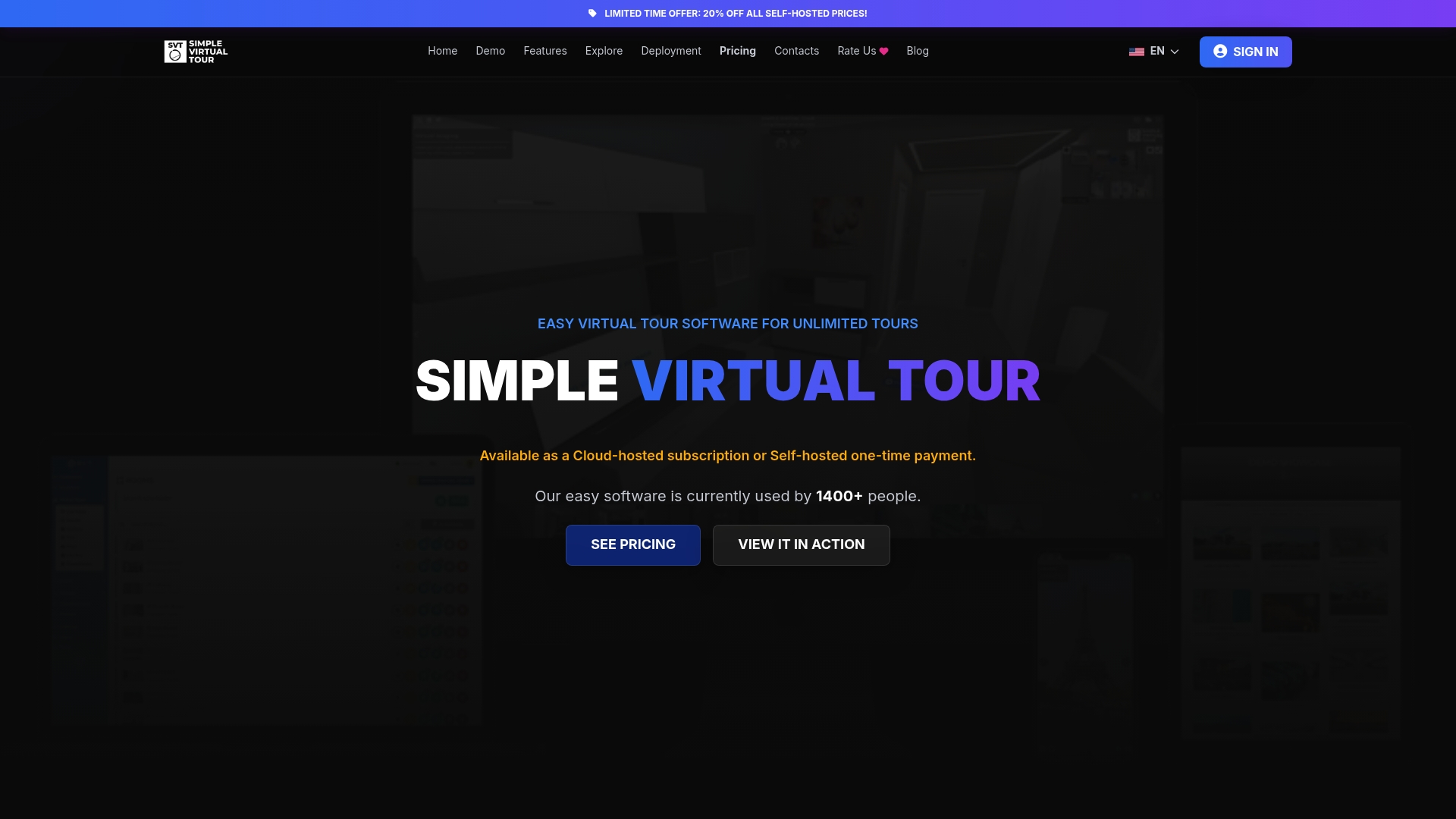
Offers both a one-time full ownership purchase and subscription tiers, plus a free forever plan with limited features. The vendor reports over 1,400 users, which suggests a modest installed base for support resources and community help.
Core Features
- Unlimited tour creation and customization including multimedia and VR support for photo, video, and audio embeds.
- Map and floorplan editor with room linking and hotspot placement for guided navigation.
- 3D Dollhouse view that gives viewers a compact spatial overview of properties and venues.
- Live session support for multiple users to join a guided walkthrough.
- Automatic presentation mode that runs tours as a slideshow for kiosks or unattended displays.
Key Differentiator
The clear selling point is the dual purchase model: you can buy a one-time license for the full source code or pick a subscription plan. That choice lets teams decide whether they want outright ownership and self-hosting or the convenience of cloud hosting.
Pros
- The backend is straightforward to use, which gets nontechnical users producing tours quickly without an extended learning curve.
- Flexible deployment options let you self-host to control data and hosting costs or use the cloud-hosted service to avoid maintenance.
- Multilanguage support and user access levels make the product suitable for agencies that manage listings across regions.
- Live session capabilities let an agent walk multiple prospects through a property in real time, reducing the need for in-person visits.
- An available free tier lets hobbyists and small listings publishers test core functionality before upgrading.
Cons
- Self-hosted installation requires technical knowledge for setup and ongoing maintenance, which adds operational overhead for teams without server experience.
Who It's For
Real estate agents, tourism professionals, digital marketers, and hobbyists who need a flexible virtual tour tool and who value either owning code or choosing a subscription. Teams that want to avoid monthly fees can lean on the one-time purchase option.
Unique Value Proposition
Buying the full source code outright starting at a low one-time price changes the cost math for agencies that publish many tours. Instead of ongoing per-seat or per-site fees, you can self-host and absorb hosting costs once, which lowers recurring spend for high-volume users.
Real World Use Case
A mid sized real estate agency converts its photo listings into interactive tours, embeds them on listing pages, and runs live sessions for remote buyers. The result is higher engagement on listings and fewer wasted in-person showings.
Pricing
A free plan with limited features is available. Paid plans run from €2.99/month for XS up to €49.99/month for XL. One-time purchase options for full source code start at $63 after discount.
Website: https://simplevirtualtour.com
Panoee
At a Glance
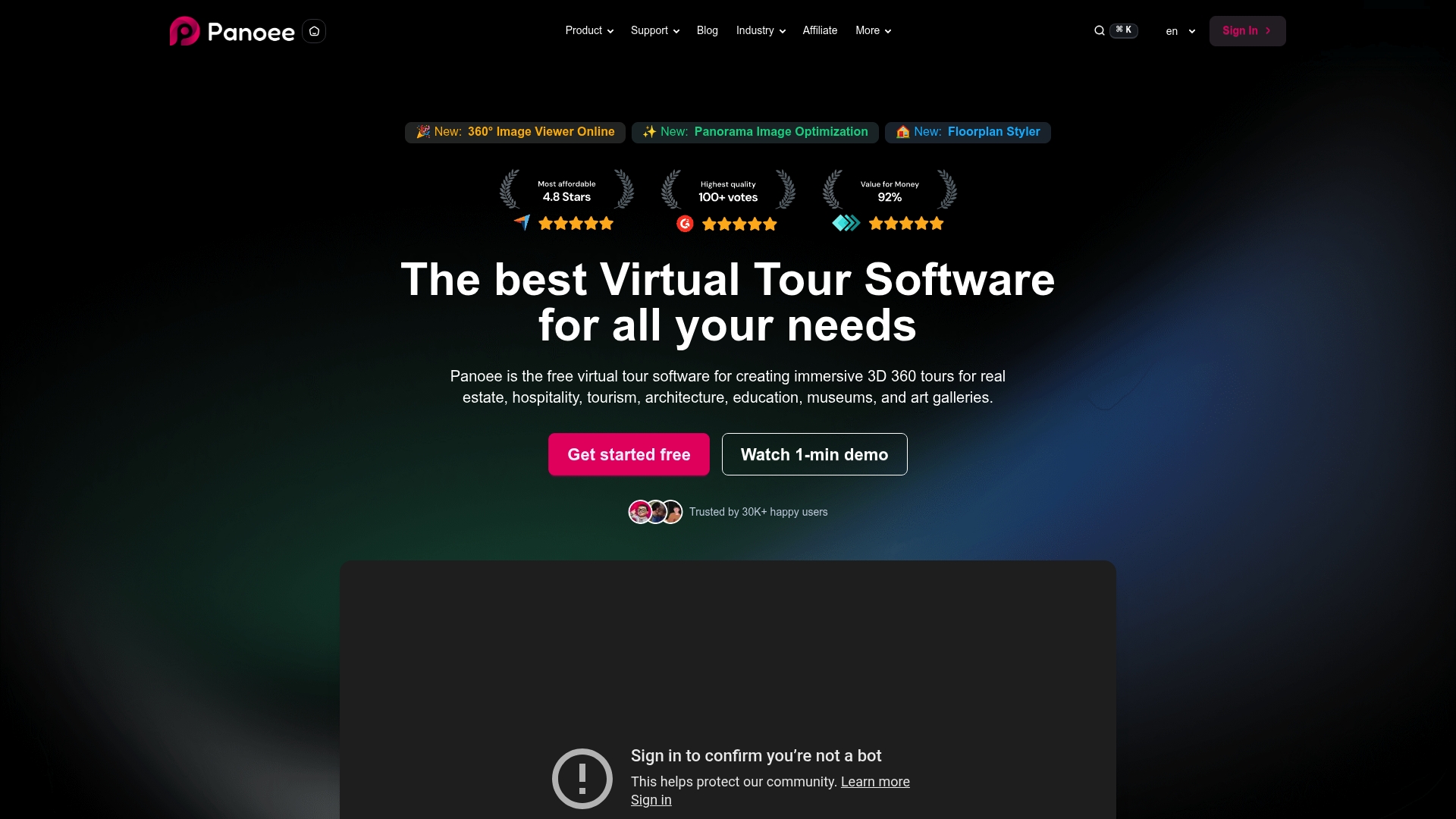
Professional-grade features at no cost for unlimited projects are Panoee's headline claim, including support for 32K panoramas and multi-resolution tiled images for faster loading. The platform is cloud based with a drag-and-drop workflow and publishing options that include Google Street View and self-hosting.
Core Features
Panoee focuses on fast tour assembly and flexible publishing.
- Upload high-resolution panoramas and standard images, including tiled multi-resolution assets for faster viewer load times.
- Add hotspots, embed media, and annotate scenes to create interactive points of interest.
- Build interactive floorplans with map integration and publish tours to websites, Google Street View, or your own server.
Key Differentiator
Panoee's distinction is giving advanced tour tools without forcing a paywall for project limits while also letting you publish to public platforms or self-host behind your own infrastructure. That combination makes it simple to prototype tours in the cloud and later migrate to a self-hosted setup for privacy or performance reasons.
Pros
- Offers professional features on a free tier with no watermarks. You can run multiple projects without hitting a project cap, which lowers testing overhead for teams.
- The drag-and-drop editor is quick for building tours, so photographers and agents can assemble a walkthrough in under an hour once panoramas are ready.
- Paid tiers add analytics and white-label branding, so agencies can replace platform marks and track visitor behavior when they need it.
- Hardware agnostic compatibility means any 360 camera workflow will work, which avoids vendor lock in for capture pipelines.
Cons
- The interface can feel confusing for first time users and usually requires watching tutorials to access advanced settings.
- Lead capture and custom branding are gated behind paid plans, so the free tier limits conversion workflows.
- Some users report the dashboard and project management become clumsy as scene libraries grow, making bulk edits harder.
When It May Not Fit
If you need a zero learning curve product where every setting is obvious on first use, Panoee's interface may slow you down. If lead forms and custom branding are core to your business model, the free tier will not suffice. Large inventory operations that require sophisticated media library tools may find the project management lacking.
Who It's For
Real estate agents, property managers, architects, museum curators, and small to medium businesses that need a low cost way to publish high quality virtual tours. It suits teams that want to prototype rapidly in the cloud and optionally move tours behind their own hosting.
Real World Use Case
A real estate agency uploads 32K panoramas, drops interactive hotspots for room details, and publishes listings to both its website and Google Street View. The agent reduces in-person visits for initial screening and tracks which listings get the most engagement via the paid analytics add on.
Pricing
A free forever tier covers basic features and unlimited projects. Paid options start at $7 per month on a pay as you go basis, $22 per month for Pro, and top out at $1,188 per year for Enterprise plans with increased storage and white-label features.
Website: https://panoee.com
TillerXR
At a Glance
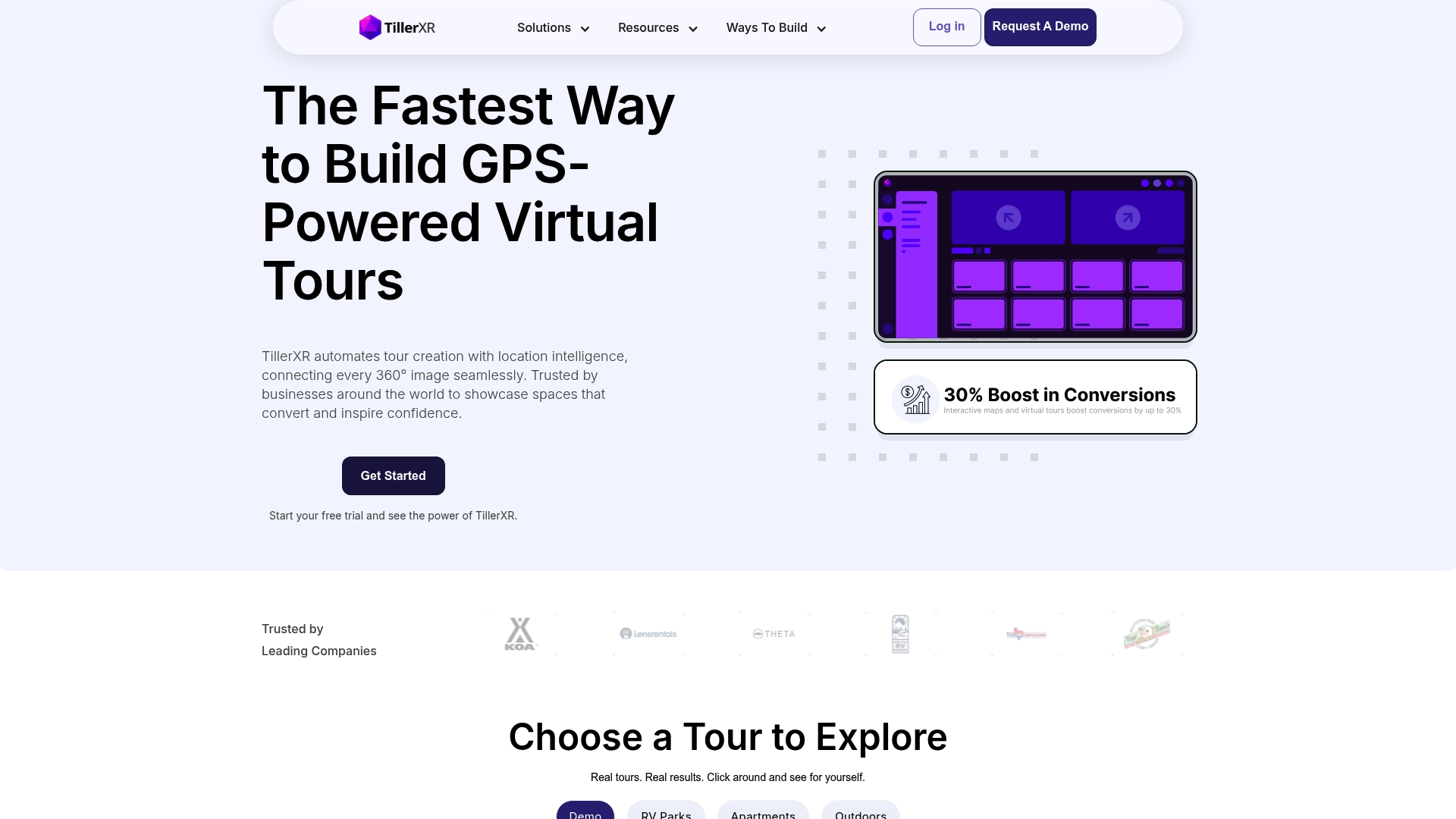
Automated GPS-based linking places photos onto a map as you upload, turning GPS tracks into a navigable 360° tour without manual pinning. The platform targets outdoor and large-area sites where real-world context improves buyer or guest understanding.
Core Features
- GPS auto-linking of images that attaches panoramas to their real-world coordinates for fast tour assembly.
- Customizable interactive maps and floor plans so you can tailor the visual navigation layer to a resort or land parcel.
- Multimedia infospots allowing videos, links, and documentation inside each panorama for richer storytelling.
- GPS-guided navigation that gives visitors spatial orientation and route context across large outdoor spaces.
- Embedding and sharing tools including direct links and website integration for public or private distribution.
Key Differentiator
The platform’s most distinct capability is its automated GPS wiring of imagery, which reduces manual geotagging work and preserves geographic accuracy. For outdoor hospitality, land management, and sprawling event venues that need mapped context, that automation speeds setup and keeps tours spatially reliable.
Pros
- Very approachable for non-technical users. The workflow moves from image capture to a mapped tour without scripting or complex configuration.
- GPS-based accuracy helps guests or buyers understand distances and orientation, which matters for resorts and land parcels.
- Strong customization options with infospots and custom maps allow branded presentations and contextual documentation inside the tour.
- Designed with large-area sites in mind; workflows fit outdoor resorts, wedding venues, and land development projects rather than tight interior-only spaces.
- Embedding and direct-link sharing make distribution straightforward across websites and booking pages.
Cons
- Third-party evaluation appears limited; the vendor’s own materials supply most feature claims rather than independent reviews.
- Public pricing details are not provided in the product data, which complicates budget planning for procurement.
- No listed integrations were provided in the product data, so you may need custom work to connect tours into existing CMS or booking systems.
Who It's For
Professionals creating immersive virtual tours for outdoor spaces, real estate, or event venues who prioritize speed and map-accurate navigation. Ideal for resort managers, land developers, and venue marketers who need spatial storytelling rather than dense indoor floor plan features.
Real World Use Case
A resort manager captures 360° panoramas along walking routes and uploads them to TillerXR. The tour auto-links images to a map, then adds video infospots for amenities so prospective guests can preview the grounds and routes before travel, cutting unnecessary on-site visits.
Pricing
TillerXR’s published data lists pricing as not applicable and reads as informational only. There are no public tier details in the product data, so plan to request a quote or contact the vendor for availability and licensing terms.
Website: https://tillerxr.com
VPiX Virtual Tour Software
At a Glance
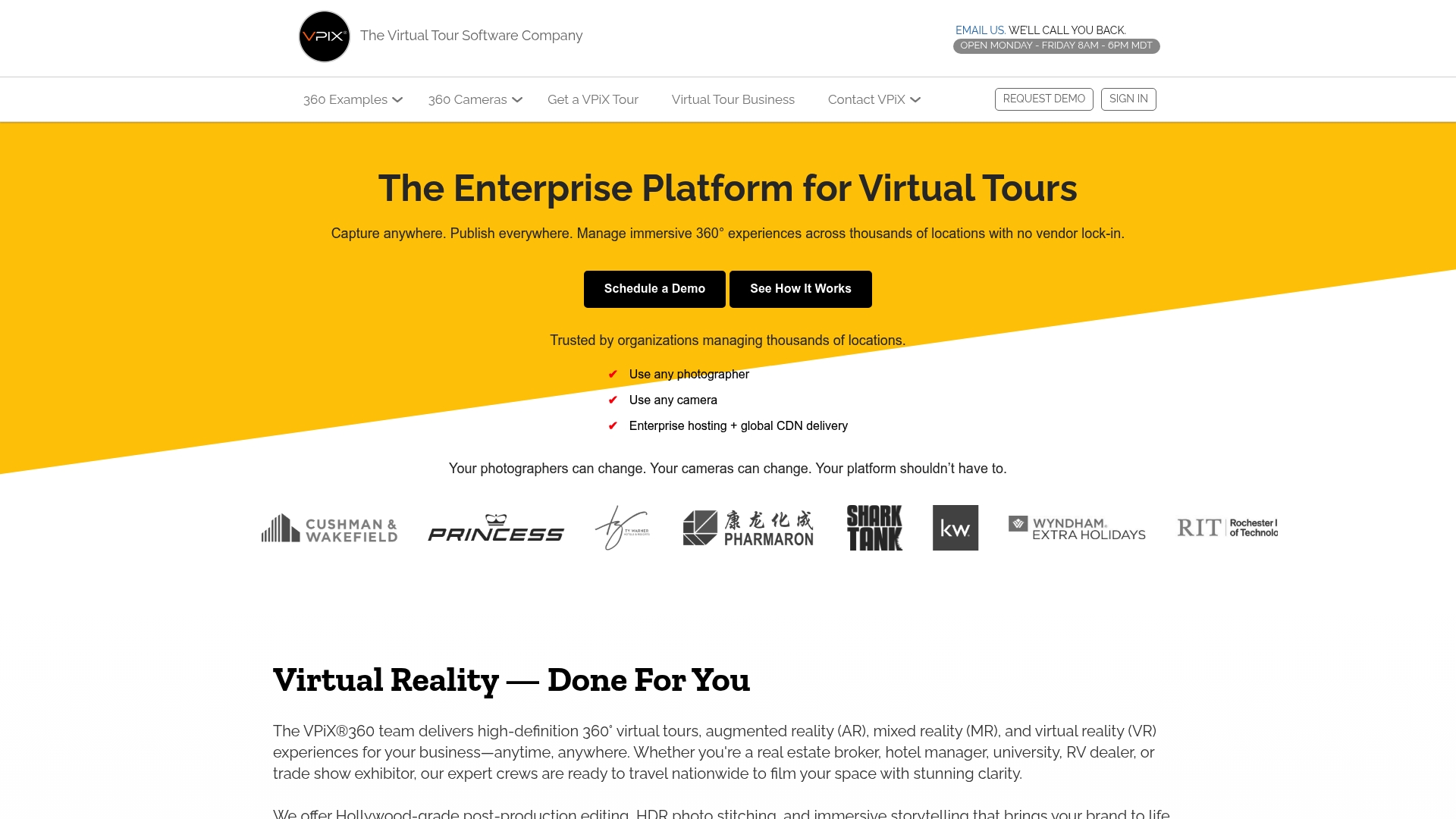
The vendor describes enterprise hosting with a global CDN and a no vendor lock-in policy that lets organizations publish 360° tours without third-party logos or watermarks. That combination targets teams that need control over branding and delivery across many locations.
Core Features
- 360° virtual tours built from professional cameras or smartphones with in-platform editing and publishing.
- AR and VR support to add immersive overlays and headset experiences where needed.
- Global CDN based hosting for enterprise customers to speed delivery across regions.
Key Differentiator
VPiX emphasises flexible content ownership and camera support. You can switch photographers or camera hardware without replatforming and keep tours fully branded to your organization while using the vendor's enterprise hosting and CDN.
Pros
- Supports multiple camera types and photographer changes, which lowers vendor dependency when you scale shoots across regions.
- No vendor lock-in and control over branding mean you keep final assets and remove third-party logos from public tours.
- Enterprise-grade hosting reduces the need to configure third-party CDNs for global delivery when you manage many locations.
- Built-in editing and publishing tools let marketing teams iterate on tours without ongoing developer cycles.
Cons
- Third-party user reviews and independent performance audits are not available in the provided material, so real customer experience is not visible here.
- The supplied content lacks a full feature matrix and integration specifics, making side-by-side comparisons harder for technical buyers.
- Pricing is not publicly listed and appears to be customised for enterprise needs, which requires sales contact and makes quick budgeting difficult.
Who It's For
Organizations that operate many physical locations and need a scalable virtual tour setup with ownership over assets and branding. If you run hotel portfolios, large campus sites, or commercial property portfolios and want a single vendor to host and deliver tours globally, this matches that brief.
Real World Use Case
A hotel chain centralizes tour production and hosting. Local teams collect imagery with different vendors, and corporate publishes consistent, branded tours through the platform. Prospective guests across regions load scenes quickly because of the CDN.
Pricing
Pricing is not published on the vendor site and appears to be customised to enterprise scope and hosting needs. Expect a contact with sales and a proposal based on locations, storage needs, and advanced AR or VR features.
Website: https://vpix360.com
<scratchpad> **Competitor eligibility:** - Excluded products (discontinued / inaccessible / under construction): None - Usable competitors remaining: Panoee, TillerXR, VPiX Virtual Tour SoftwareIntro pre-write:
- Does simplevirtualtour.com clearly outpace every usable competitor on a single dimension? Yes.
- If YES: dimension where simplevirtualtour.com wins — Flexible cost model with options for both subscription and source-code ownership.
- First sentence draft: Evaluating leading virtual tour software options reveals nuanced differences, with Simple Virtual Tour excelling through its unique dual pricing model, providing significant flexibility for various user needs.
Competitor win pre-write:
- Which competitor wins which dimension: TillerXR wins outdoor adaptability because of its GPS-based automated image linking and navigable maps.
- Does this dimension matter to the primary reader? Yes.
Best Fit uniqueness check:
- List each bullet scenario in one clause: Flexible ownership for frequent users on a budget / Free advanced features for no-cost testing / GPS-based functionality for outdoor contexts / Enterprise-grade branding and CDN for regional operations.
- Can any two be swapped without changing meaning? No.
Our Pick pre-write:
- The ONE capability unique to simplevirtualtour.com in this set: Dual pricing model allowing source-code ownership or subscription.
- Evidence from the reviews: "The clear selling point is the dual purchase model: you can buy a one-time license for the full source code or pick a subscription plan."
- Closing sentence draft: Simple Virtual Tour emerges as a top choice for teams prioritizing cost flexibility and the ability to choose between subscription convenience and self-hosted ownership.
- Substitution test: Simple Virtual Tour emerges as a top choice for teams prioritizing cost flexibility and the ability to choose between subscription convenience and self-hosted ownership.
- Does the substituted version still work as a recommendation? No. </scratchpad>
Virtual Tour Software Selection: Finding the Best Match
Understanding distinct offerings within the landscape of virtual tour software platforms empowers organizations to make choices tailored to their specific needs.
Unique Features and Benefits
A primary differentiation lies in the pricing and ownership structures:
- Simple Virtual Tour provides a unique dual model, allowing users to choose between subscription-based convenience and outright source-code purchase for controlled, cost-effective self-hosting.
- Panoee offers free-tier features ideal for exploring virtual tour development without initial financial commitments.
- TillerXR excels in outdoor site applications with GPS-based image positioning and navigation maps.
- VPiX Virtual Tour Software targets enterprise users with global CDN hosting and enhanced branding control, facilitating consistency across multiple sites.
Suitability for Specialized Needs
Examining specific capabilities reveals important trade-offs:
- Simple Virtual Tour's real-time walkthrough features enable collaborative and interactive client experiences, contrasting Panoee's emphasis on large image support and scene annotation.
- TillerXR's GPS-integration streamlines outdoor tour assembly but lacks broad deployment options for varied environments.
- Panoee's free tier offers substantial value for initial users yet limits advanced functionalities, which require premium upgrades.
- VPiX accommodates complex branding needs but may present challenges with less transparent setup costs for new clients.
Best Fit Recommendations
- Choose Simple Virtual Tour when seeking an adaptable pricing model and versatile functionality for real estate, tourism, or marketing ventures.
- Opt for Panoee if you require in-depth image processing functionality and flexible deployment, particularly for budget-conscious proof-of-concept developments.
- Pick TillerXR for applications needing outdoor imaging solutions with geospatial context, such as parks, resorts, and large venues.
- Select VPiX Virtual Tour Software when unified branding and enterprise-scale content delivery across distributed locations are required.
Our Pick
Simple Virtual Tour stands out through its distinct dual-pricing model, ensuring teams can balance performance with long-term cost efficiency. However, for projects exclusively focusing on outdoor tour creation or advanced enterprise-ready branding, alternatives such as TillerXR or VPiX may present more fitting choices.
Virtual Tour Software Comparison
Discover which virtual tour software provides the best blend of features, flexibility, and user support for your needs.
| Product | Key Differentiator | Best For | Pricing | Notable Limitation |
|---|---|---|---|---|
| Simple Virtual Tour | Dual purchase model for ownership or subscription | Real estate agents and digital marketers | Free tier and $2.99–49.99/month $63 one-time purchase | Requires technical knowledge for self-hosted setup |
| Panoee | Advanced tools without project limits or paywalls | Small to medium businesses | Free tier $7/month to $1,188/year | Confusing interface for first-time users |
| TillerXR | GPS auto-linking for mapped outdoor tours | Resort managers and land developers | Not disclosed | Limited independent review and unclear integrations |
| VPiX Virtual Tour Software | Enterprise hosting with global CDN and branding control | Hotel chains and campus operators | Not disclosed | Limited public user reviews and customized pricing only |
Explore Better Options Among VirtualTourCafe.com Alternatives
If you are searching for virtualtourcafe.com alternatives that offer a flexible approach to virtual tour creation you will appreciate how Simple Virtual Tour meets key challenges faced by many users. Many seek a balance between easy-to-use tools and having full control over hosting and costs. Simple Virtual Tour delivers this with both cloud-hosted and self-hosted options making it a standout choice for real estate agents and tourism professionals who want to manage their data while avoiding recurring fees.
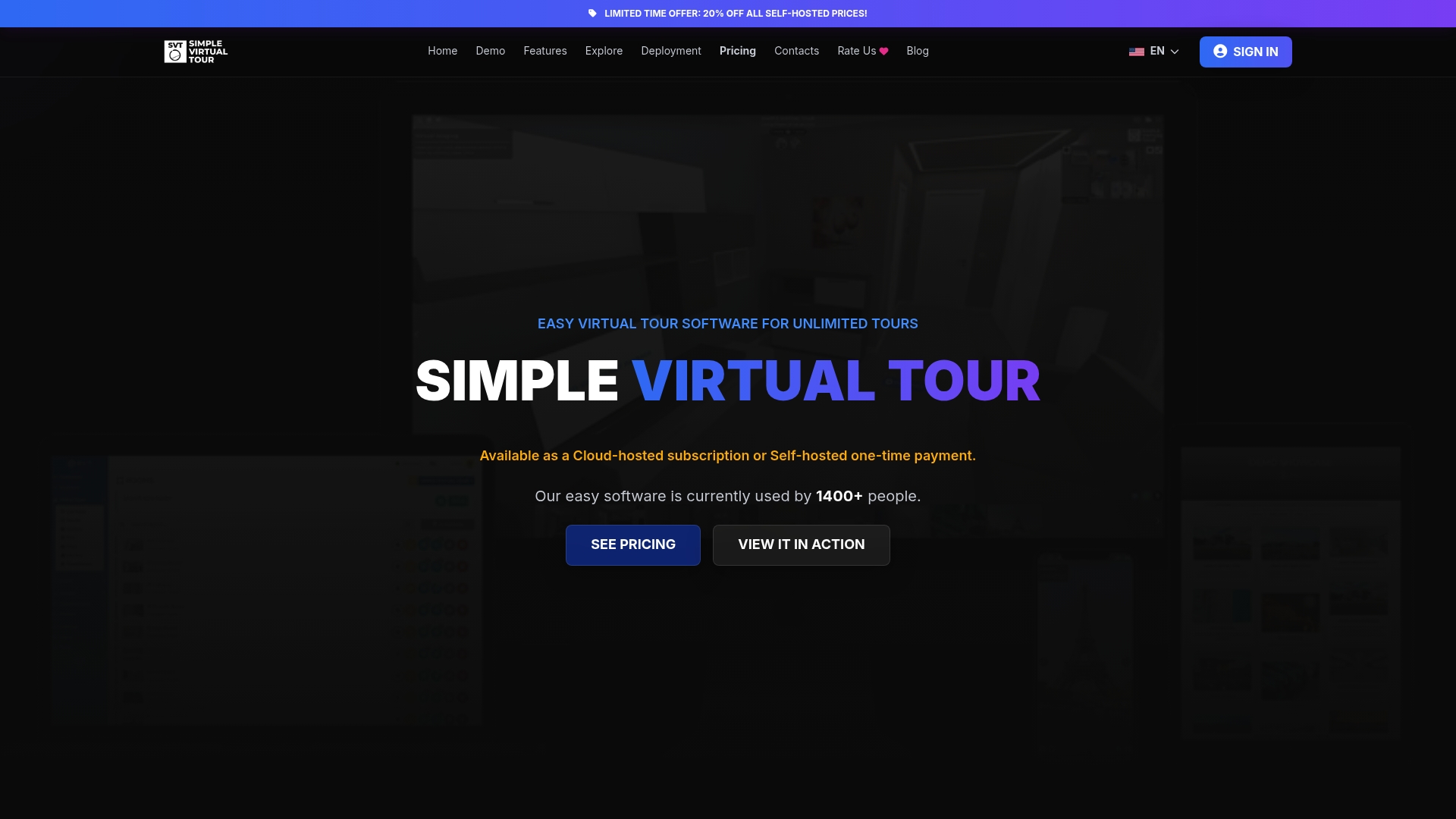
Take advantage of over 1 400 satisfied users who enjoy features like live session walkthroughs and customizable multimedia tours. Visit Simple Virtual Tour today and create unlimited interactive tours that engage your clients without technical stress. Don’t wait start crafting tours that highlight your listings and empower remote presentations with our user-friendly platform.
Frequently Asked Questions
What features does Simple Virtual Tour offer for unlimited tour creation?
Simple Virtual Tour allows for unlimited tour creation and customization, which includes multimedia and VR support for embeds. This is highlighted by the platform's capability to integrate photo, video, and audio into engaging tours. Start making your virtual tours today to utilize these extensive features.
How does Simple Virtual Tour compare to Panoee in terms of project limits?
Panoee offers professional-grade features with no paywall for project limits, supporting an unlimited number of projects without watermarks. In contrast, Simple Virtual Tour provides a one-time purchase model that allows teams to self-host, making it more cost-effective over time for high-volume users. If you frequently publish tours, Simple Virtual Tour's model could yield significant savings in the long term.
What is the cost of Simple Virtual Tour's subscription plans?
Simple Virtual Tour’s pricing starts at €2.99/month for the XS plan and goes up to €49.99/month for the XL plan. With a free tier available, you can test the basic functionalities of Simple Virtual Tour before deciding to invest in a paid plan.
Can I use Simple Virtual Tour if I want to self-host my virtual tours?
Yes, Simple Virtual Tour allows users to self-host their tours, giving you control over your data and hosting costs. The one-time purchase option provides full ownership of the source code, making it a suitable choice for those preferring self-hosted solutions.
What support does Simple Virtual Tour provide for non-technical users?
Simple Virtual Tour is designed to be highly accessible to non-technical users, featuring a straightforward backend that enables quick tour production without a steep learning curve. This makes it an ideal choice for real estate agents and digital marketers looking to create engaging virtual experiences quickly.