

Managing immersive virtual tours for real estate, education, or enterprise use often means accepting high recurring costs, limited branding control, or rigid hosting requirements. Many virtual tour software options force teams into one hosting model, impose strict project caps on lower-priced tiers, or restrict branding and advanced features unless you commit to their top plans. This comparison details deployment flexibility, branding tools, pricing, and feature sets across five alternatives so you can select the platform that aligns with your workflow, budget, and client expectations.
Table of Contents
- Simple Virtual Tour
- CloudPano
- 3DVista
- Panoee
- VPiX Virtual Tour Software
- Comparative Analysis of Featured Platforms
Simple Virtual Tour
At a Glance
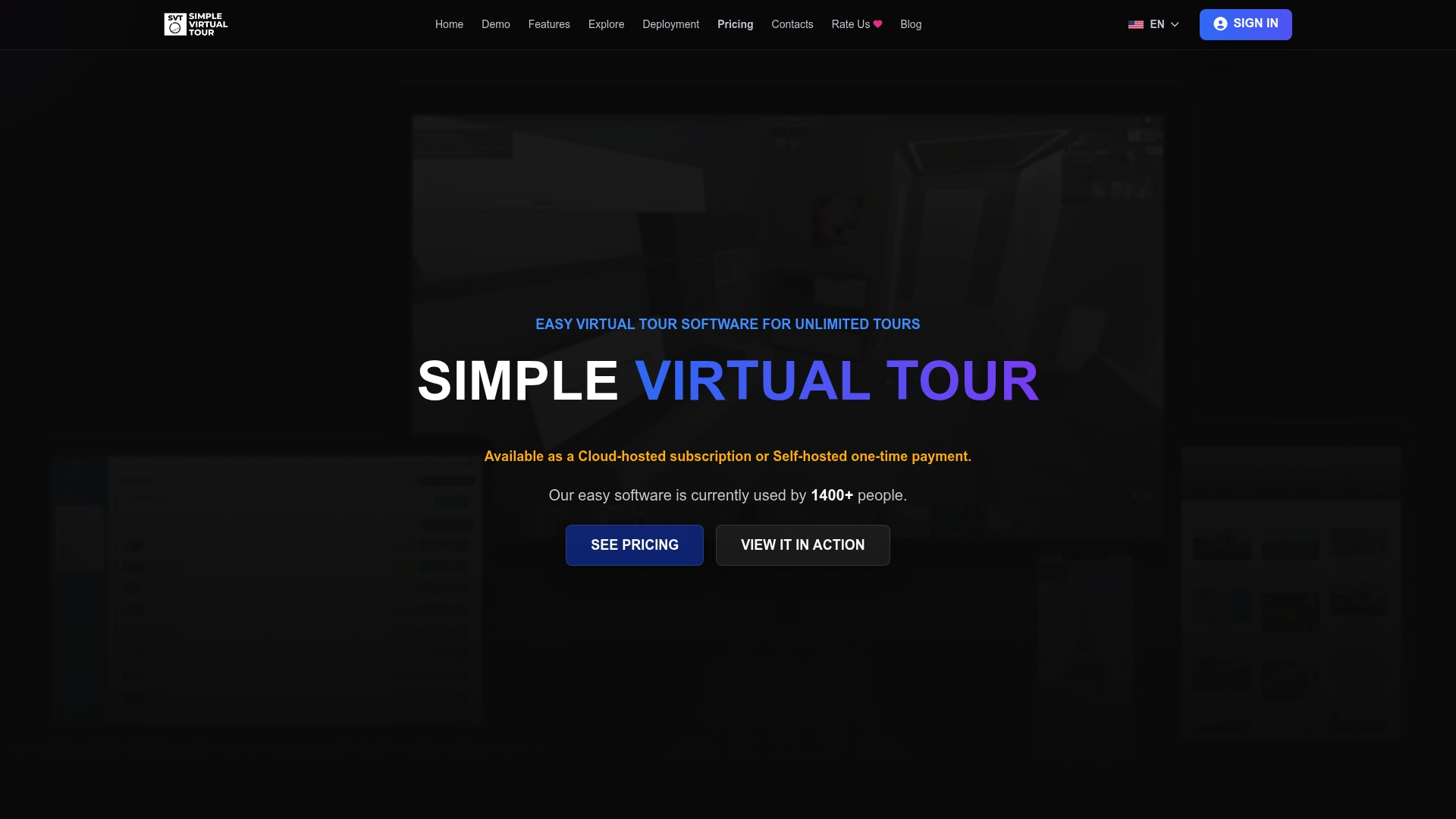
The vendor reports over 1,400 current users, and the product supports both cloud-hosted and self-hosted deployments for the same editor. That dual deployment plus a three-step creation flow lets teams choose a subscription or run the software on their own server.
Core Features
- Upload panoramic images or 360 video and connect rooms with hotspots for guided walkthroughs.
- Personalize the viewer interface and add maps or floorplans to orient visitors.
- Support for AI tools for automated edits, virtual staging to furnish empty spaces, and live session capabilities for guided tours.
- Share tours via direct links, embed codes, or social media and publish multilingual viewers for broader audiences.
Key Differentiator
The product’s single most distinctive element is its dual deployment model paired with a minimal three-step creation process. You can work entirely in the cloud or purchase and self-host the same codebase, while the editor focuses on quick uploads, connecting panoramas, and publishing.
Pros
-
The backend is intuitive, so new editors learn the workflow quickly and start publishing tours without a long ramp.
-
Unlimited tours and broad customization options reduce per-project friction for agencies that maintain large portfolios.
-
The flexibility to choose cloud or self-hosted deployment lowers ongoing costs for teams that prefer to control their data and hosting stack.
-
Includes advanced capabilities such as live sessions and e-commerce hooks that let agents or venues run paid guided tours or sell add-ons directly from a tour.
-
Multilingual support and multi-user accounts make it practical for small agencies that serve international clients.
Cons
- The free forever plan limits you to one tour and 1,000 views per month, which forces upgrades for higher-traffic listings or agency catalogs.
Who It's For
Solo creators, real estate agents, small agencies, and hobbyists who want a straightforward way to produce immersive 360° tours without a steep learning curve. Teams that value hosting control will find the self-hosted option especially attractive.
Unique Value Proposition
You can run the same tour software on your own server via a one-time source code purchase or subscribe to cloud hosting from €2.99 per month. That choice changes the economics: one option minimizes recurring fees, the other minimizes maintenance work.
Real World Use Case
A real estate agent uploads panoramas, adds hotspots and a floorplan, then publishes a multilingual tour embedded on a listing page. The agent hosts a live guided walkthrough for prospective buyers and shares the link across social channels to increase reach.
Pricing
There is a free forever tier with limited capacity, paid cloud plans starting at €2.99/month and rising to €49.99/month, plus an option to buy the source code as a one-time purchase for self-hosted deployment.
Website: https://simplevirtualtour.com
CloudPano
At a Glance
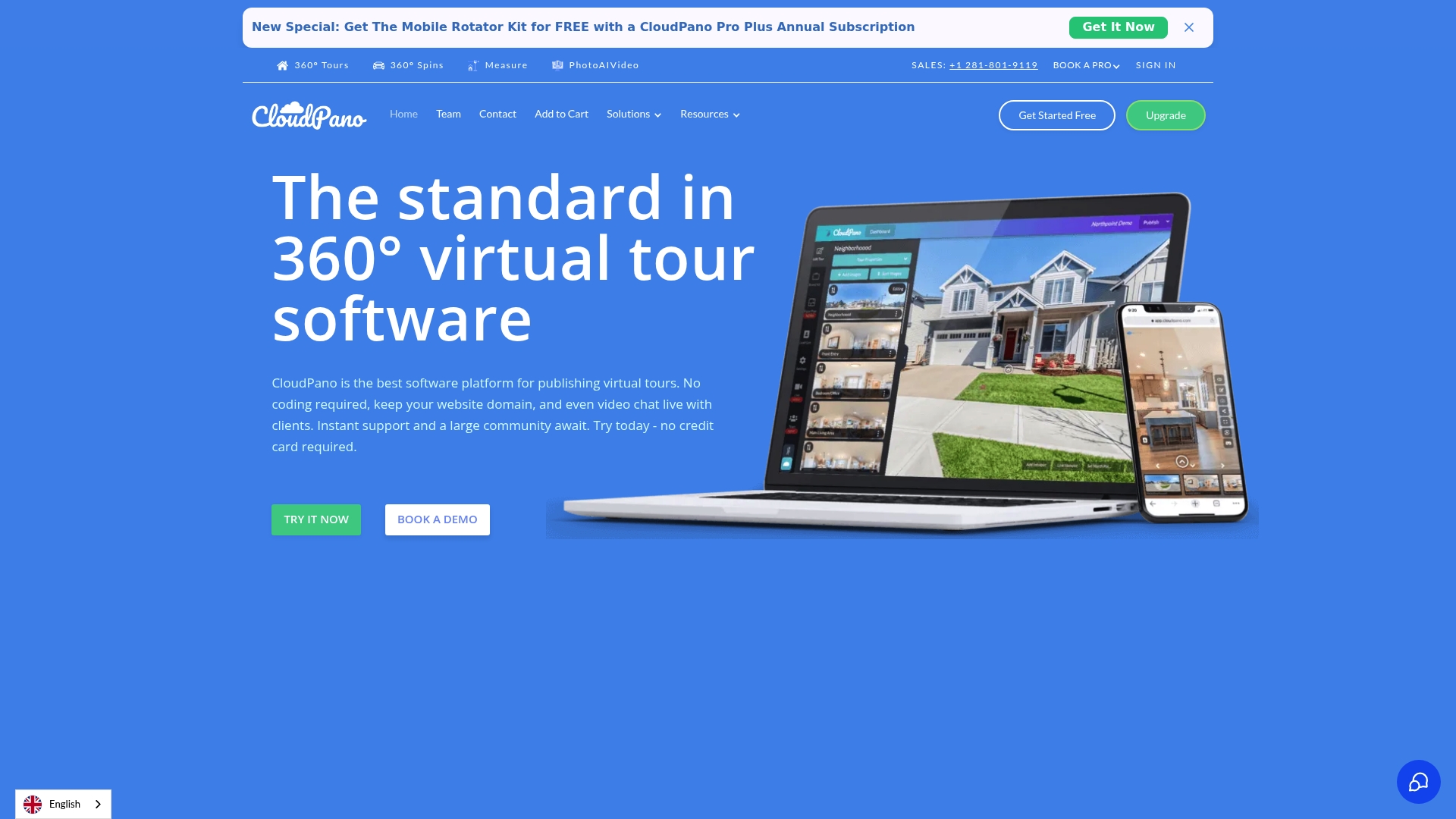
Embedded live 360° video chat inside tours is one of CloudPano's most notable features, letting agents and hosts talk to viewers inside the tour in real time. Pricing starts at $19/month, with higher tiers adding unlimited projects and white-labeling.
Core Features
CloudPano lets you create and publish 360° tours without coding, with support for VR viewing, mobile responsiveness, and hotspots.
You can embed media, add branded overlays, and publish tours to a custom domain with white-label options.
A live video chat widget appears inside tours, and Google Street View plus MLS posting support are available for distribution.
Key Differentiator
What sets CloudPano apart is the combination of in-tour live video chat and white-label branding alongside marketplace connectivity. That mix helps sales teams and photographers host guided walk-throughs, control branding with custom domains, and push listings to major property sites from one interface.
Pros
-
Easy for beginners. The editor reduces setup time so photographers and agents can publish a tour quickly without developer help.
-
White-label and custom URLs let agencies present tours under their own brand rather than CloudPano's, which matters for sellers and brokerages.
-
Integration with listing portals simplifies syndication to MLS-like channels and consumer-facing sites, cutting duplication of work.
-
VR headset compatibility and mobile responsiveness increase viewer reach, from desktop browsers to smartphone users and headset viewers.
-
Affordable entry price and a free trial lower the barrier for solo entrepreneurs and small studios.
Cons
-
Some users report intermittent service reliability and broken links, which can undermine showings if they occur during a live demo.
-
Support responsiveness and billing disputes appear in reviews, indicating customer service inconsistencies for certain accounts.
-
Refund processing and account management problems are mentioned by some customers, creating friction for teams that require predictable billing.
-
User sentiment is polarized; the same features that delight some customers frustrate others when reliability or support lag.
When It May Not Fit
If your operation demands rock-solid uptime for high volume enterprise listings or you need enterprise SLA guarantees, CloudPano's reported reliability and support issues may be a blocker. Teams that require strict billing controls or fast refund handling should factor in reported account management complaints before committing.
Notable Integrations
CloudPano connects directly to a number of major listing and dealer platforms, making distribution simpler:
- Realtor.com
- Zillow
- Apartments.com
- Zumper
- Hotpads
- Trulia
- Realestate.com.au
- Dealer.com
Who It's For
Entrepreneurs, real estate agents, photographers, and sales teams who need quick, branded virtual tours with live walkthrough capability. It fits businesses that want visible branding on tours and easy syndication to listing sites without heavy technical overhead.
Real World Use Case
A real estate agent shoots a home, assembles a CloudPano tour in one session, and launches it with their logo and custom URL. They host a scheduled live 360° chat so buyers can ask questions while the agent moves through rooms, then post the tour to listing portals.
Pricing
Plans begin at $19/month for basic functionality. A mid tier at $33/month (Pro Plus) adds collaboration, private labeling, and unlimited projects. Enterprise pricing is available for custom needs and large teams.
Website: https://cloudpano.com
3DVista
At a Glance
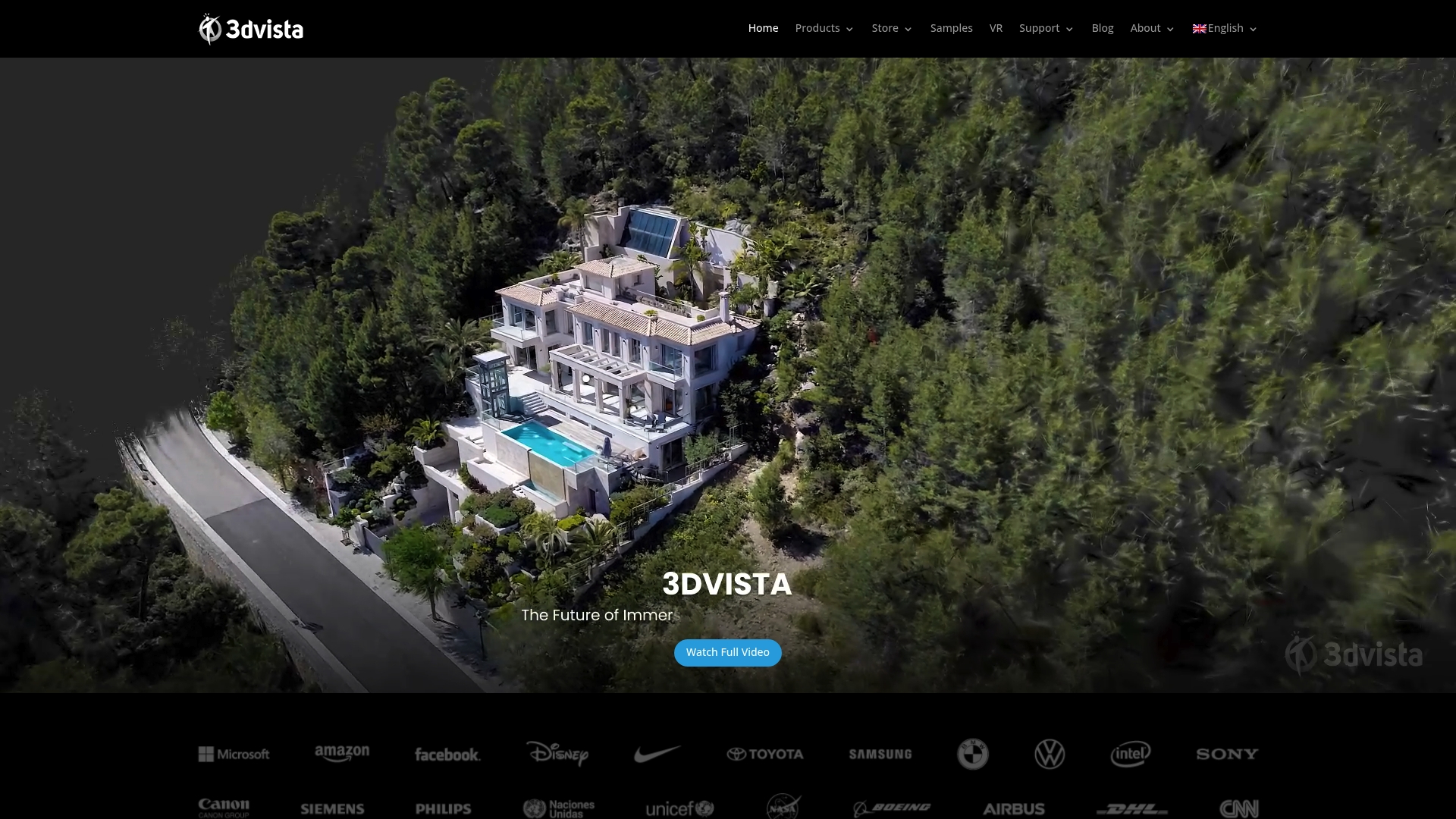
3DVista supports 360 videos and live panoramas, a capability that stands out for producers adding motion and real-time scenes to tours. The vendor's marketing positions the product as a powerful, feature-rich suite, though that claim is presented by the company rather than independently verified.
Core Features
3DVista supplies a set of tools focused on interactive virtual tour creation and multimedia integration.
- Tools for building interactive 360-degree virtual tours with customizable navigation.
- Support for 360 videos and live panoramas plus embedded images, video, and audio.
- Highly customizable frames, hotspots, and multifunctional elements for story-driven experiences.
Key Differentiator
What separates 3DVista from simpler authoring tools is its emphasis on professional multimedia features. The toolset above targets users who need embedded video, live panorama streams, and deep hotspot customization rather than a quick, templated tour builder.
Pros
-
Offers native support for motion content. The presence of 360 videos and live panoramas helps marketing teams create more engaging property or campus tours.
-
Strong hotspot customization. You can place multifunctional elements that open video, launch external links, or reveal nested content without coding.
-
Designed for professional outputs. The feature mix suits real estate photographers and corporate content teams producing polished, brand-aligned tours.
-
Good multimedia integration. Mixing images, narration, and video in one tour reduces the need for separate hosting solutions.
Cons
-
Limited external review presence makes it hard to judge overall user satisfaction. The scarcity of independent feedback raises uncertainty about real-world reliability.
-
Advanced feature set implies a learning curve. New users without prior tour-authoring experience will spend time learning the interface and options.
-
Pricing and integration details are not clearly documented in the available material. That lack of transparency complicates procurement for budgeted teams.
When It May Not Fit
If you need a plug-and-play tour builder for single agents or volunteers, 3DVista's depth can be overkill and slow to adopt. Teams that rely on a large public community for templates and troubleshooting will find the sparse independent review footprint limiting. Buyers requiring clearly listed pricing or prebuilt third-party integrations will need to contact the vendor for specifics.
Who It's For
Professional virtual tour creators, real estate marketers, and corporate content teams who prioritize multimedia storytelling and precise hotspot control. Best when you have someone who can invest time to learn the tool and polish the output.
Real World Use Case
A hotel chain uses 3DVista to produce property tours that mix 360 walkthroughs, short promo videos, and interactive hotspots showing room rates and booking links. The result is a single immersive page that guests can explore before contacting reservations.
Website: https://3dvista.com
Panoee
At a Glance
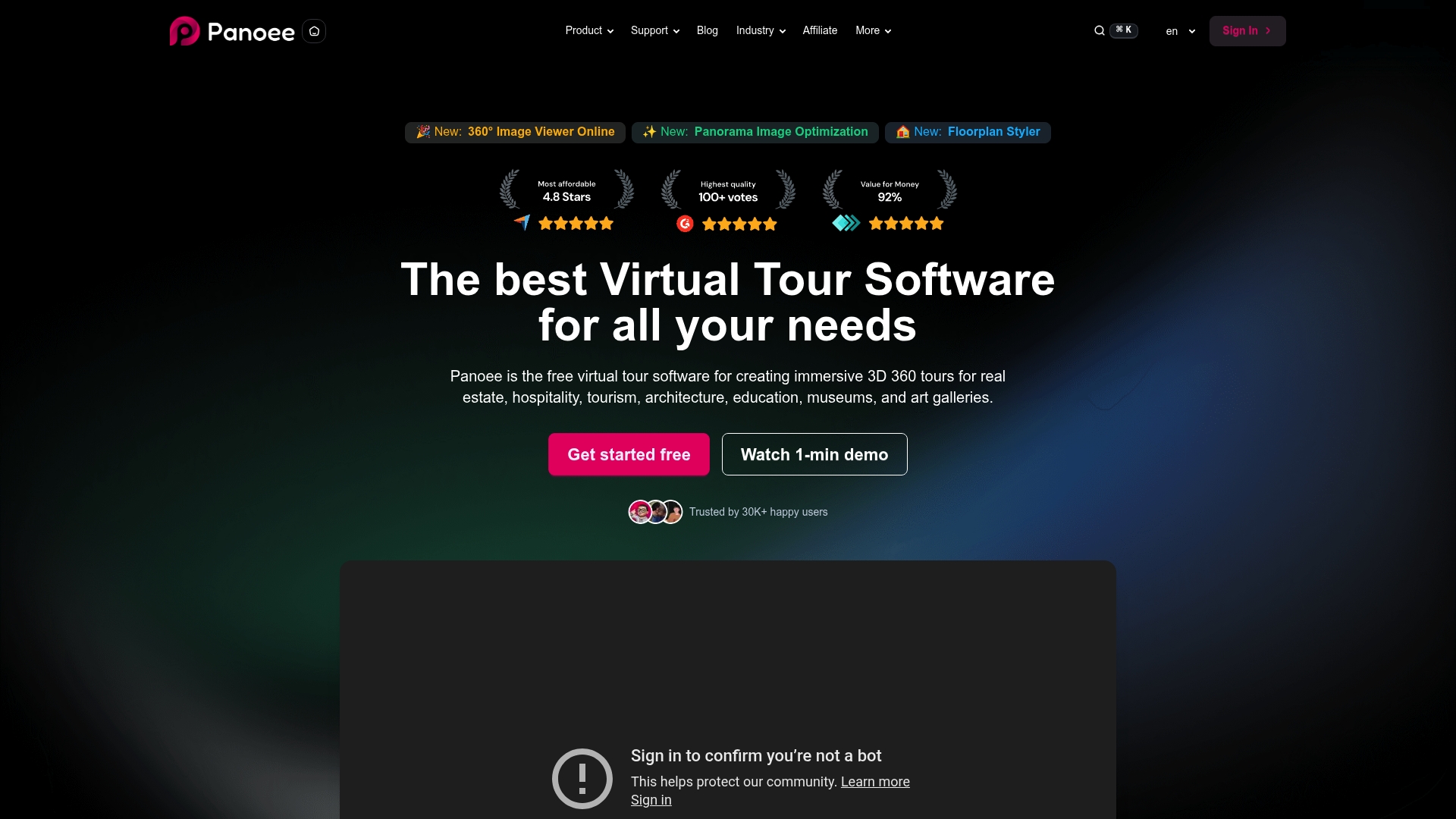
A free plan with unlimited projects, no watermarks, and no hosting fees for public tours makes Panoee unusually accessible for teams on a tight budget. The vendor reports being used by more than 30,000 users, and the editor emphasizes drag-and-drop upload with instant previews.
Core Features
-
Drag-and-drop upload supporting panoramas up to 32K resolution, with multi-resolution tile loading for quicker initial loads and high detail on demand.
-
Hotspot types for navigation, media, polygon overlays, eCommerce links, and lead capture fields to make tours interactive.
-
Theme, skin, and multi-language customization plus floorplan and map integration with clickable scene markers.
-
Multiple publish paths: embed, custom domain, Google Street View, self-hosting, or ZIP export for offline delivery.
Key Differentiator
Panoee’s standout claim is a no-cost entry that still includes pro-level features and export options. That approach favors organizations that want to produce polished tours with minimal upfront spend rather than buyers who need on-premise control or a managed deployment model.
Pros
-
Free tier with unlimited projects and no watermarks lets agencies and schools publish public tours without an initial fee.
-
The workflow is fast; a full tour often assembles in fewer clicks than with legacy tools because of the editor’s instant preview and drag-and-drop flow.
-
Multi-resolution tile loading preserves detail while keeping scene loads responsive for viewers on slower connections.
-
Rich interactivity: hotspots, green screen video support, SEO fields, and lead capture work together for marketing-focused tours.
-
Flexible publishing choices, including self-hosting and ZIP download, mean you are not locked into a single delivery method.
Cons
-
Independent reviews on major platforms are sparse, so public third-party validation is limited compared with older vendors.
-
Advanced features require some technical familiarity; nontechnical users will face a learning curve when using polygons, floorplans, or custom skins.
-
The free plan storage is capped at 3GB, which quickly becomes restrictive for photographers or firms handling many high-resolution panoramas.
When It May Not Fit
If your operation needs large, centralized media libraries measured in hundreds of gigabytes, Panoee’s free storage cap and midrange paid tiers will be a bottleneck unless you upgrade.
If your team expects a turnkey enterprise support contract, dedicated SLAs, or extensive third-party validation, the platform’s community footprint and review volume may feel thin.
Who It's For
Small to large organizations that prioritize low-cost access to professional virtual tours: real estate agents showing listings, museums creating digital exhibits, hospitality teams publishing hotel walkthroughs, and educational institutions running open day tours.
Real World Use Case
An architecture firm uses Panoee to produce 360° walkthroughs for client presentations. They upload tiled 32K panoramas, drop navigation hotspots and video, then export a ZIP to send as part of a proposal. The quick iteration shortens the approval loop.
Pricing
Starts at $0/month for unlimited projects with public hosting and no watermarks. Paid plans (Flex, Pro, Pro+, Enterprise) add storage, analytics, white labeling, team management, and priority support, with paid options beginning around $7 and rising to enterprise pricing above $1,188 per year.
Website: https://panoee.com
VPiX Virtual Tour Software
At a Glance
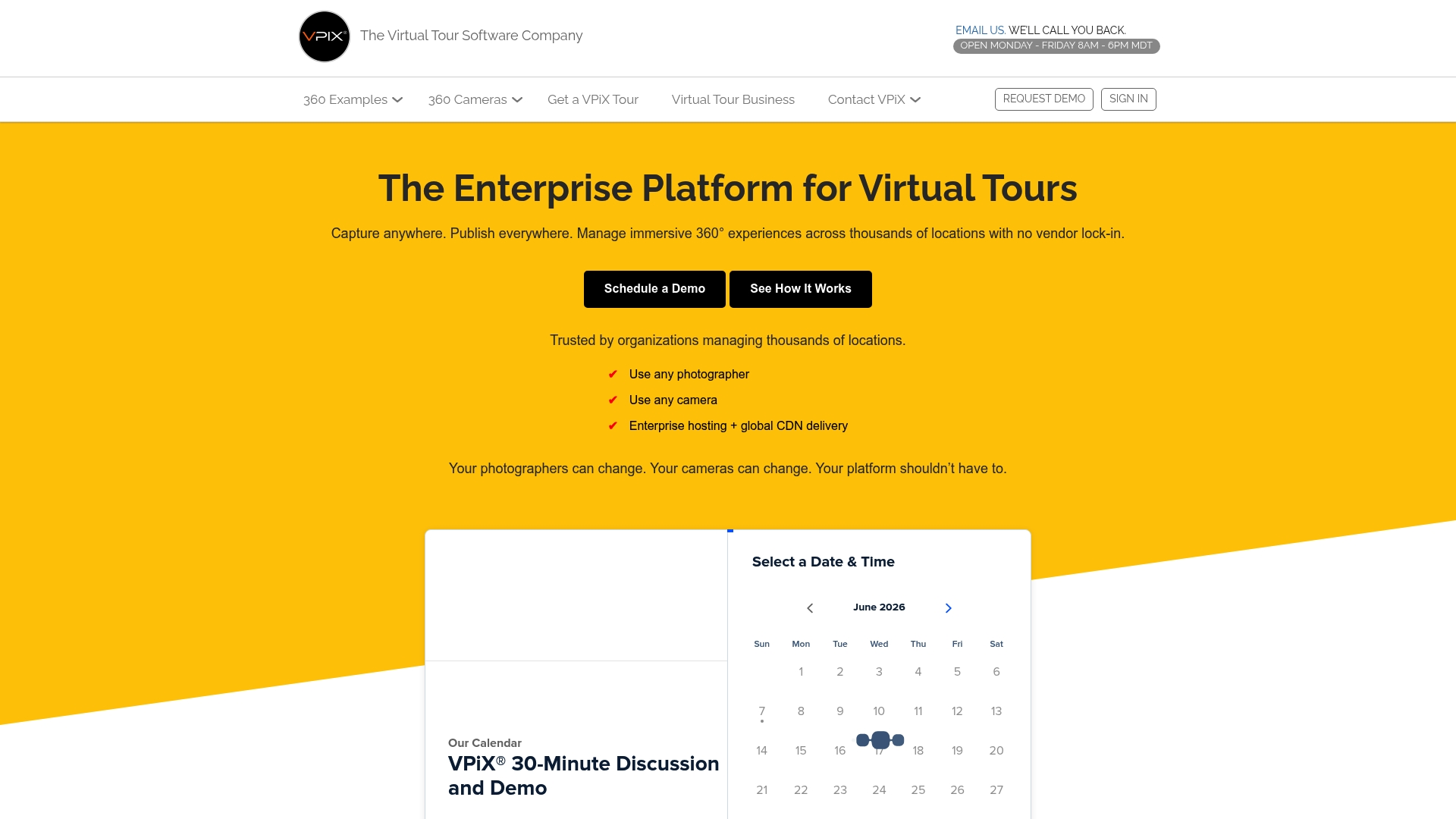
VPiX advertises support for any photographer and camera, including consumer devices, while delivering tours through enterprise hosting and a global CDN. The vendor's materials also state a founding year of 1999 and more than 25 years of VR management experience aimed at multi-location organizations.
Core Features
- Enterprise platform for managing immersive 360° experiences across multiple locations and teams.
- Support for any photographer and camera, from consumer rigs to professional setups.
- HDR stitching and Hollywood-grade post-production for polished, owner-branded tours.
- Custom tour builds or team training so clients can create content in-house.
- Content delivery via web sockets and REST APIs for websites and apps.
Key Differentiator
That camera-agnostic approach combined with enterprise hosting and a global CDN is the single standout here. It lets organizations publish consistent, owner-branded tours at scale without forcing clients into proprietary capture hardware or vendor-locked workflows.
Pros
- Robust support for multi-location operations. The platform is built to centralize thousands of tours and local uploads.
- Broad camera compatibility reduces capture friction; local teams can use whatever gear they already have.
- Highly customizable output keeps your brand visible; tours can ship without third-party watermarks.
- Studio-grade post-production and HDR stitching raise visual quality for hospitality and luxury listings.
- Dedicated support and managed services are available for teams that prefer an end-to-end delivery model.
Cons
- No independent third-party reviews are included in the provided materials, so outside user feedback is scarce.
- Public pricing is not published; contacting VPiX is required to obtain a quote or demo.
- Enterprise-grade implementations can mean higher upfront costs and added implementation complexity.
- Documentation lacks detailed notes on specific camera models or defined scalability limits.
When It May Not Fit
If you run a solo photography business or a small agency wanting low-cost, self-serve tools, this offering will likely exceed your needs and budget.
If transparent, off-the-shelf pricing matters to procurement, the need to request a custom quote can slow evaluation. Teams seeking a lightweight consumer app for single-property tours should look elsewhere.
Who It's For
Large organizations, franchises, and agencies that need centralized control over virtual experiences across many locations. Hospitality brands, retail chains, or museums that require owner-branded output and enterprise delivery will get the most value here.
Real World Use Case
The vendor describes a hotel chain managing thousands of properties via a centralized VPiX platform. Local teams upload tours captured on any permitted camera, and a central admin enforces consistent branding while CDN delivery maintains global performance.
Pricing
Pricing is not published on the site; VPiX asks prospects to contact the team for a quote or demo. Expect custom enterprise and managed service pricing tailored to scale and support requirements.
Website: https://vpix360.com
Comparative Analysis of Featured Platforms
In the current market for virtual tour software, each product caters to distinct needs and operational preferences. By comparing the key features and unique attributes, users can select the best tool for their specific use cases.
Deployment Flexibility
Simple Virtual Tour excels in providing both cloud-hosted and self-hosted options for its editor, uniquely catering to teams that value control over their hosting environment. While CloudPano also offers flexibility through its white-label and custom URL features, it focuses more on customization within the constraints of its platform rather than self-hosting options. On the other hand, Panoee delivers a purely online experience optimized for cost effectiveness, targeting a different segment of users.
Contribution to Viewer Engagement
When discussing tools to enhance audience engagement, CloudPano leads with its embedded live 360° video chat, allowing real-time interactions within the tour. In contrast, Simple Virtual Tour emphasizes tour personalization and multilingual support to reach diverse audiences. Meanwhile, 3DVista stands out with its native motion content support, like 360° videos and live panoramas, enriching the presentation format for professional applications.
Dedicated Professional Integration
For use cases requiring advanced and scalable setups, VPiX Virtual Tour Software offers enterprise-level solutions compatible with any camera, integrating luxury-grade HDR post-production while supporting branding consistency across multiple locations. This feature positions it uniquely compared to others such as Panoee, which leans towards accessibility and cost-effectiveness.
Best Fit by Scenario
- Select Simple Virtual Tour for a versatile, cost-effective, and flexible solution suitable for solo entrepreneurs and small organizations prioritizing hosting control.
- Consider CloudPano if in-tour real-time interaction and efficient syndication to major property platforms are vital.
- Employ 3DVista when creating high-quality, motion-enabled storytelling tours for professional or corporate applications.
- Choose VPiX Virtual Tour Software if you manage extensive multi-location operations requiring custom branding, hosting, and enterprise-grade capabilities.
- Opt for Panoee when working with budget constraints, seeking a no-cost entry to professional tours with generous feature sets.
Our Pick: Simple Virtual Tour
Simple Virtual Tour is our recommended choice due to its unique dual deployment flexibility, enabling users to tailor hosting strategies effectively. While other options provide specialized solutions, Simple Virtual Tour balances accessibility, pricing, and functionality, making it an excellent choice for independent professionals, real estate agencies, and other small to medium operations. However, for enterprises demanding intricate multimedia features or dedicated support, alternative options like 3DVista or VPiX may better meet requirements.
Virtual Tour Software Comparison
Explore which virtual tour platform best suits your specific needs by analyzing the core features, key differentiators, and pricing models of the available options.
| Product Name | Core Feature | Key Differentiator | Best For | Pricing | Notable Limitation |
|---|---|---|---|---|---|
| Simple Virtual Tour | 360° tours with panoramic images and videos | Dual deployment as cloud or self-hosted | Small agencies and hobbyists | €2.99–€49.99/month, onetime purchase available | Free plan limited to one tour and 1,000 views/month |
| CloudPano | Live video chat inside 360° tours | In-tour live video chat and white-label branding | Real estate agents and photographers | $19/month and up | Service reliability issues noted in user reviews |
| 3DVista | Interactive multimedia virtual tours | Emphasis on professional embedded motion content | Corporate content and marketing | Not disclosed | Steep learning curve for non-technical users |
| Panoee | Unlimited projects on free plan | Free plan includes pro-level features | Budget-conscious organizations | $0/month to $1,188+/year | 3GB free plan storage cap |
| VPiX Virtual Tour Software | Enterprise 360° platform for scalability | Compatibility with all cameras and enterprise focus | Hospitality and retail brands | Not disclosed | Lack of transparent public pricing |
Find the Right 360tourpro.com Alternative That Puts You in Control
Choosing the perfect 360tourpro.com alternatives can feel frustrating if you want both powerful features and hosting flexibility. Many platforms limit your options or increase recurring costs. Simple Virtual Tour solves this by offering a unique dual deployment model that puts you in control — whether you want cloud-hosted convenience or prefer to self-host and lower ongoing expenses. With an intuitive editor and features like live sessions and e-commerce integration, it empowers real estate agents, small agencies, and creators to produce unlimited, engaging virtual tours easily.
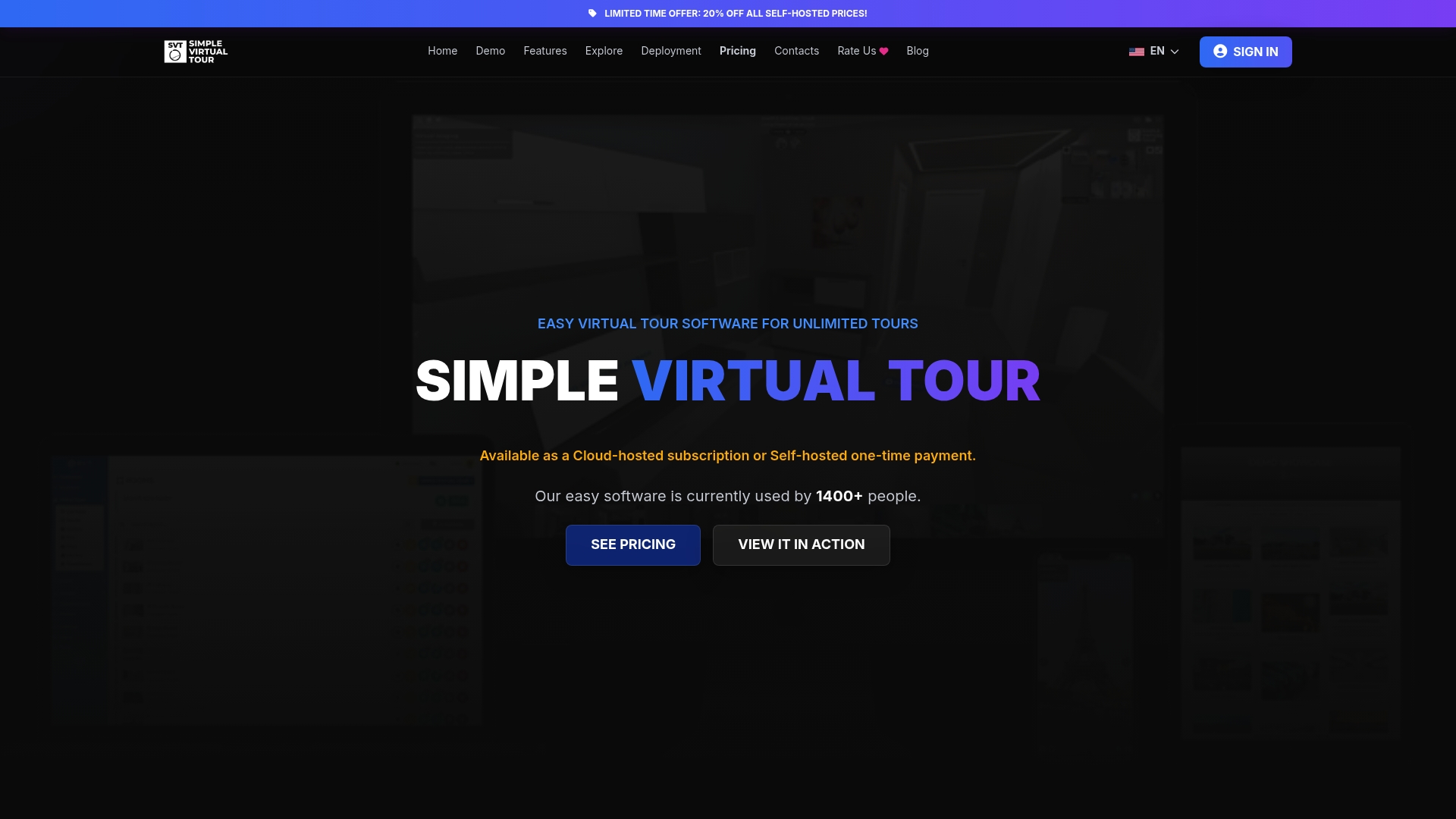
Don’t let limited hosting choices hold your tours back. Visit Simple Virtual Tour to explore how effortless creating and sharing immersive 360° tours can be. Take control today by publishing your first tour with a three-step editor designed to save you time and grow your audience.
Frequently Asked Questions
How does Simple Virtual Tour's pricing compare to alternatives?
Simple Virtual Tour offers cloud plans starting at €2.99 per month, making it an affordable choice for users. The extensive range of pricing options allows agencies to scale their operations effectively without exorbitant expenditures. For teams needing cost-effective virtual tour software, this entry point is a strong advantage.
What is the difference between CloudPano and Simple Virtual Tour?
CloudPano's notable feature is its embedded live 360° video chat, allowing real-time interaction during tours. In contrast, Simple Virtual Tour excels in its dual deployment option, offering both cloud hosting and self-hosting, which can significantly reduce ongoing costs depending on user needs. Users looking for live interaction features might prefer CloudPano.
Which platform is better for agencies managing large portfolios of tours?
Simple Virtual Tour is especially suited for agencies that maintain large portfolios due to its unlimited tours and vast customization options. Such features cut down per-project friction and streamline the management of numerous virtual tours. This makes it an excellent choice for agencies looking to efficiently manage multiple listings.
Can I create multilingual tours with alternatives like Panoee?
Yes, Panoee offers customizable multi-language options for tours, supporting a diverse audience. This feature allows users to cater to various demographics effectively. For those focusing on international outreach, exploring platforms like Panoee is advisable.
Does Simple Virtual Tour support real-time guided tours?
Simple Virtual Tour provides live session capabilities, enabling real-time guided tours. This functionality makes it a versatile choice for agents who want to showcase properties interactively. Teams looking for engaging ways to present offerings will find this feature particularly useful.