
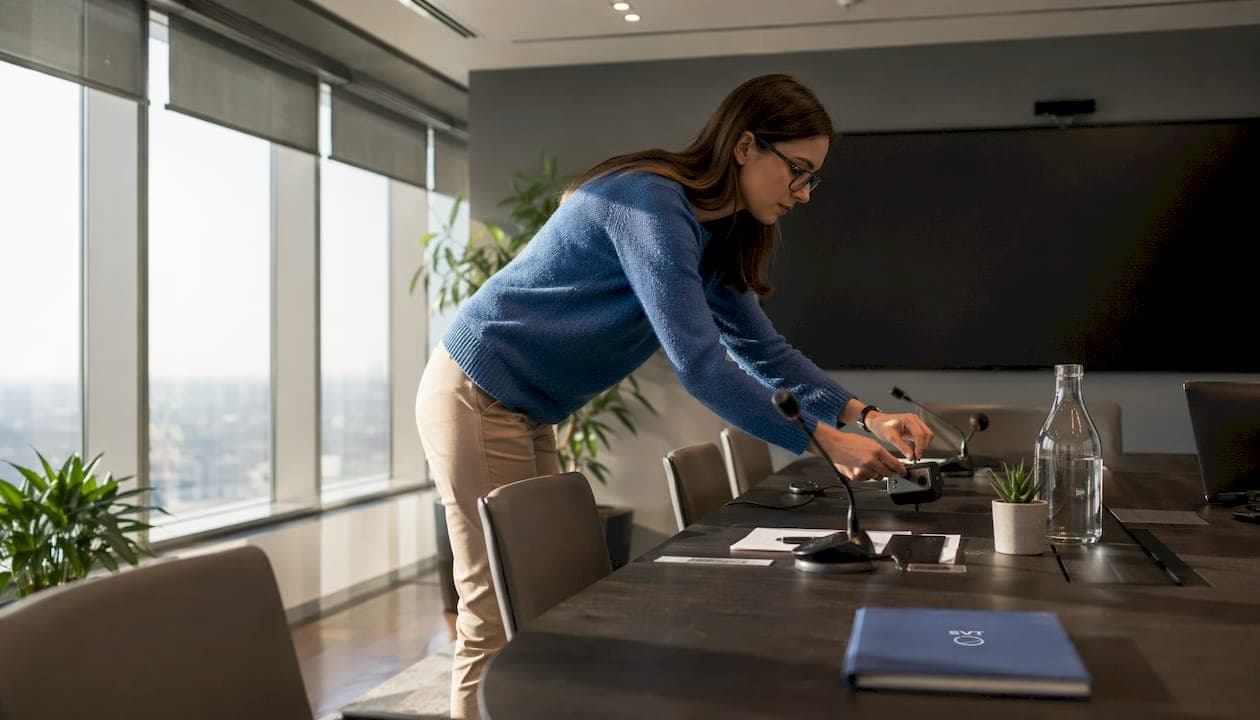
Conference room showcase features are the integrated audio, video, interactive display, and wireless technologies that transform a standard meeting space into a high-performance hybrid collaboration environment. The right combination of these features determines whether remote and in-room participants experience the same quality of communication or whether one group is left struggling to hear and see. Modern conference rooms rely on professional microphone systems, room speakers, video conferencing cameras, large displays, wireless presentation tools, and simple one-touch controls as the core technology stack. Getting these elements right is not optional. It is the difference between meetings that move work forward and meetings that waste everyone's time.
1. What are the essential conference room showcase features for audio?
Audio is the foundation of every successful hybrid meeting. Poor audio quality breaks communication faster than any other technical failure, and no amount of high-resolution video compensates for a room where remote participants cannot hear clearly.
Professional microphone setups for conference rooms fall into two main categories: tabletop boundary microphones and ceiling-mounted beamforming arrays. Ceiling microphones provide wider voice pickup, reduce table clutter, and improve audio clarity for large hybrid meetings. That wider pickup pattern means participants can speak naturally without leaning toward a device.
The critical audio processing features to require in any system include:
- Echo cancellation: Prevents the room's speakers from feeding back into the microphone signal.
- Noise suppression: Filters out HVAC hum, keyboard clicks, and ambient room noise automatically.
- Automatic gain control: Balances volume levels so a quiet speaker sounds as clear as someone projecting their voice.
- Beamforming technology: Focuses the microphone pickup on the direction of the active speaker, reducing background noise from other directions.
Speaker placement matters just as much as microphone quality. Amplified ceiling or wall-mounted speakers distribute sound evenly across the room so every seat hears remote participants at a consistent volume. For large rooms, Yealink's AV design guidance recommends integrated ceiling audio arrays rather than a single tabletop speaker unit. A conference mic system designed for professional environments will include most of these processing features as standard.
Pro Tip: Set up and test your audio system before any other technology in the room. If remote participants cannot hear clearly, every other feature in the room becomes irrelevant.
2. Which camera features improve visibility and participant engagement?
Camera technology directly affects how engaged remote participants feel during a meeting. A poorly placed or low-resolution camera makes remote attendees feel like observers rather than participants.
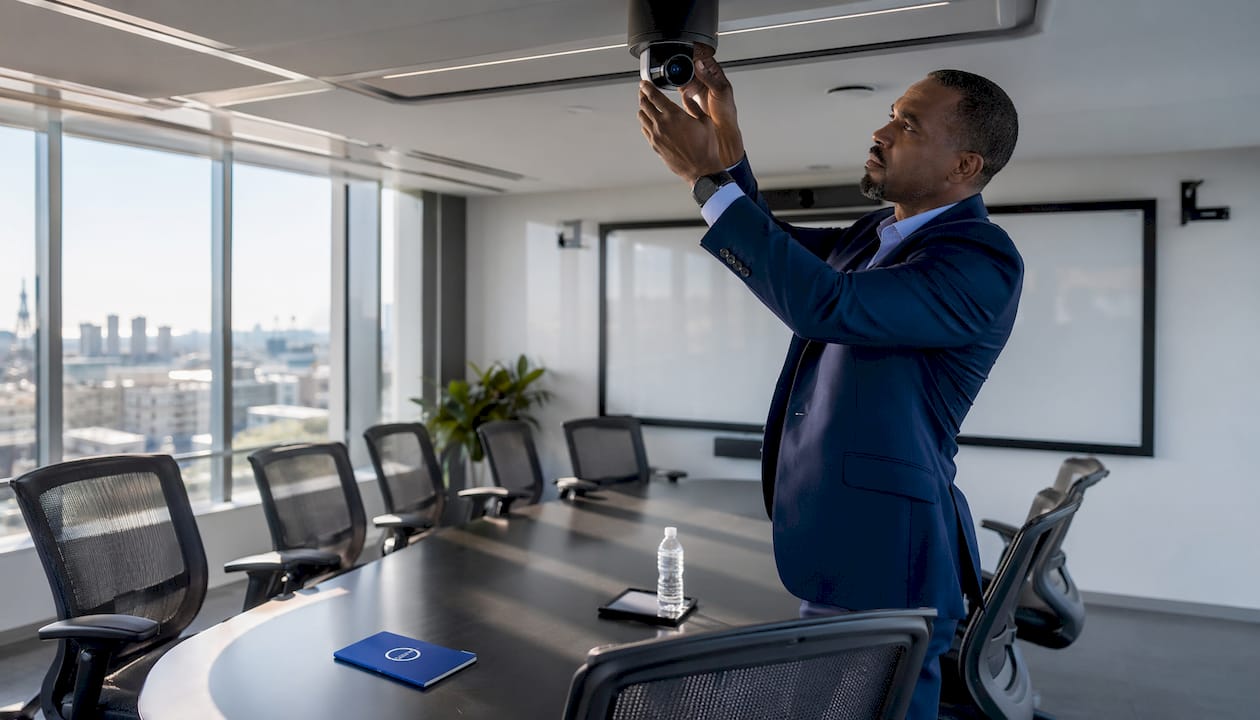
The current standard for professional conference rooms is a 4K ultra-wide-angle camera. Wide-angle coverage captures the full room without requiring participants to sit in a narrow zone. For larger rooms, multi-camera setups or pan-tilt-zoom (PTZ) cameras provide the flexibility to cover different seating configurations. The Wyrestorm APO-VX20-UC v2 integrates a 4K ultra-wide-angle camera with an 8-MEMS microphone array, combining both critical systems into a single unit.
AI-driven camera features have changed what remote participation looks like in practice:
- Auto framing: Automatically adjusts the camera field of view to keep all in-room participants visible as people join or leave the table.
- Speaker tracking: Detects the active speaker using audio cues and shifts camera focus to that person.
- Presenter tracking: Follows a presenter as they move around the room, keeping them centered in the frame.
- Content cameras: Capture physical whiteboards or printed materials and share them as a clean digital feed to remote participants.
Microsoft Teams Rooms planning guidance specifically highlights content cameras as a key feature for reducing friction in hybrid meetings. Content cameras use AI to correct perspective distortion and remove the presenter from the whiteboard image, so remote participants see the content clearly. Camera placement should avoid backlighting from windows and position the lens at eye level with seated participants.
Pro Tip: AI-enabled cameras with auto framing and speaker tracking deliver the most consistent remote viewing experience. They remove the need for a dedicated operator and keep the meeting focused.
3. How do interactive displays and wireless presentation systems amplify meeting showcases?
Interactive displays and wireless presentation tools are where a conference room shifts from passive viewing to active collaboration. These systems let participants contribute content from any device without fumbling with cables.
Touch-enabled digital whiteboards combine annotation tools, multi-app access, and screen sharing in a single panel. The Clevertouch Edge 65" from Screen Moove is a complete all-in-one UC meeting panel. It includes a 4K camera with voice and facial tracking, Google EDLA app access for running native Android applications, interactive whiteboarding, NFC login for instant session start, and embedded room booking. That level of integration removes the need for separate devices and reduces setup time to near zero.
Wireless presentation protocols give participants the ability to share their screen without a physical connection:
- AirPlay: Works natively for Apple devices.
- Miracast: Supports Windows and Android devices without additional software.
- Dedicated wireless dongles: Provide a plug-and-play option for BYOD (Bring Your Own Device) workflows.
- BYOM (Bring Your Own Meeting): Lets participants run their preferred meeting platform through the room's camera and audio hardware.
Wireless casting eliminates the cable tangle that slows down meeting starts and creates a cleaner room aesthetic. Wyrestorm's video bar supports multiple wireless casting protocols, making it compatible with the full range of participant devices. Unified all-in-one panels that combine camera, audio, and display in a single mount work especially well for small to medium rooms where simplicity is the priority.
Pro Tip: For rooms under 300 square feet, choose a single all-in-one panel rather than separate components. You get faster setup, fewer failure points, and a cleaner installation.
4. What operational features make meeting management more effective?
The best hardware in the world fails if the meeting workflow is complicated. Operational features reduce the time between walking into a room and being fully connected.
One-touch join is the single most impactful operational feature in a modern conference room. Removing setup friction through one-touch join yields the largest user experience improvements in hybrid meetings. A single tap on the room panel launches the scheduled meeting, connects audio and video, and shares the calendar invite details without any manual configuration.
Room scheduling panels display real-time availability outside the meeting room door. They connect directly to calendar systems like Microsoft 365 or Google Workspace, showing current bookings and allowing ad hoc reservations. Booking analytics from these panels give facilities teams data on actual room utilization versus scheduled time, which helps right-size the technology investment for each space.
A repeatable host workflow defines a professional meeting setup:
- Step 1: Enter the room and tap the one-touch join button.
- Step 2: Confirm camera and microphone are active and positioned correctly.
- Step 3: Share content wirelessly from your device or from the room's display.
- Step 4: Annotate, record, or capture whiteboard content as needed.
- Step 5: End the meeting and confirm the recording or shared notes are saved.
Microsoft's planning guidance warns against relying on manual device switching and BYOD cabling as part of the standard workflow. Proximity detection features, available on some room systems, automatically transfer an active meeting from a personal device to the room's hardware when the user walks in. Centralized device management and remote firmware updates keep all room systems current without requiring on-site IT visits for each update.
5. How does room design improve the overall meeting showcase experience?
Technology performs only as well as the physical environment supports it. Room layout, lighting, and cable management all affect the quality of what remote participants see and hear.
Seating arrangements shape camera coverage. A U-shaped or angled seating layout keeps all participants within the camera's field of view and ensures no one sits with their back to the display. Hybrid meeting room design achieves best performance by optimizing layout, lighting, and screen and camera placement to improve visibility and inclusion for all participants. Rectangular boardroom layouts with a single camera at one end create blind spots for participants seated along the sides.
Lighting has a direct effect on video quality. Ambient lighting should be even and free of harsh shadows. Task lighting pointed at participants from the front improves facial visibility on camera. Avoid placing participants in front of bright windows, as backlighting silhouettes faces and makes auto-exposure systems compensate incorrectly.
Key design and integration considerations include:
- Cable management: Recessed cable trays and wall-mounted conduits keep the room looking professional and reduce trip hazards.
- Screen placement: Position displays at eye level for seated participants, not mounted high on the wall where necks crane upward.
- Cross-platform compatibility: Confirm that all room hardware works with Microsoft Teams, Zoom, and Google Meet without requiring separate configurations.
- Accessibility features: Closed captioning, hearing loop compatibility, and adjustable display brightness support diverse participant needs.
Pro Tip: Coordinate your lighting plan and screen placement with the camera's field of view before finalizing any room installation. A camera that captures a bright window behind participants will underexpose every face in the room.
For teams planning hybrid event environments, the physical room setup and the digital presentation layer need to work together from the start.
Key Takeaways
The most effective conference room showcase features combine professional audio, 4K AI-enabled cameras, interactive displays, wireless casting, and a repeatable one-touch workflow to deliver consistent hybrid meeting quality.
| Point | Details |
|---|---|
| Audio comes first | Ceiling microphones with echo cancellation and noise suppression are the foundation of clear hybrid communication. |
| AI cameras reduce friction | Auto framing and speaker tracking keep remote participants engaged without requiring a dedicated operator. |
| Wireless casting beats cables | AirPlay, Miracast, and BYOD dongles eliminate setup delays and support any participant device. |
| One-touch join is non-negotiable | A single-tap meeting start removes the most common source of wasted meeting time. |
| Room design amplifies technology | Seating layout, lighting, and screen placement determine whether hardware performs at its full potential. |
What I've learned from watching teams get conference rooms wrong
Most organizations spend their budget on the display and treat audio as an afterthought. I've seen rooms with 85-inch 4K screens where remote participants still cannot hear the person three feet from the microphone. The display is the most visible line item on a purchase order, so it gets the most attention. Audio is invisible until it fails, and by then the meeting is already broken.
The second mistake is buying technology that requires a trained operator. AI auto framing and speaker tracking exist precisely because most meeting rooms do not have a dedicated AV technician standing by. If your room system requires someone to manually adjust the camera during a presentation, the technology is working against you. The best room systems disappear into the background and let the meeting happen.
The third pattern I see consistently is over-engineering small rooms. A huddle space for four people does not need a multi-camera PTZ setup and a ceiling microphone array. An all-in-one panel with integrated camera and audio handles that environment well and costs a fraction of the price. Match the technology stack to the actual use case, not to the most impressive spec sheet available.
Venue showcase digital tools have matured to the point where a well-configured room can support both live hybrid meetings and recorded virtual showcases from the same hardware. That dual use case is worth planning for from the start.
— Andrea
How Simple Virtual Tour extends your conference room showcase
Your conference room technology handles the live meeting. Simple Virtual Tour handles what happens before and after: the immersive virtual showcase that lets clients, partners, and remote teams experience your space without being physically present.

Simple Virtual Tour gives you the tools to build unlimited interactive virtual tours of your conference rooms, event spaces, and facilities. The platform supports both cloud-hosted and self-hosted deployments, so your data stays where you need it. With live session capabilities and e-commerce integration built in, you can present spaces, take bookings, and close deals from a single link. Over 1,400 organizations already use it to create professional virtual showcases without needing technical expertise. See what Simple Virtual Tour can do for your space at simplevirtualtour.com.
FAQ
What are the most important conference room showcase features?
The most critical features are professional audio with echo cancellation, a 4K AI-enabled camera with auto framing, wireless content sharing, and one-touch meeting join. These core components form the foundation of any effective hybrid meeting setup.
How do ceiling microphones improve hybrid meeting audio?
Ceiling microphones provide wider voice pickup across the full room and reduce table clutter compared to tabletop units. They work best when paired with beamforming technology and automatic noise suppression for consistent audio clarity.
What is BYOM in a conference room context?
BYOM stands for Bring Your Own Meeting. It lets participants run their preferred video conferencing platform through the room's integrated camera and audio hardware, rather than relying on a built-in room system.
How does room lighting affect video quality in meetings?
Even front-facing ambient lighting improves facial visibility on camera, while backlighting from windows silhouettes participants and degrades video quality. Optimizing lighting placement is one of the highest-impact, lowest-cost improvements available for hybrid meeting rooms.
Can virtual tours complement a physical conference room showcase?
Yes. A virtual tour created with a platform like Simple Virtual Tour lets remote stakeholders explore a conference room or event space interactively before a live meeting or site visit, extending the reach of your physical showcase to any audience with a browser.