

A showcase event space online tour is a digital, interactive experience that lets potential clients explore a venue remotely before ever setting foot inside. This format, known in the industry as a 3D virtual venue tour, goes far beyond a photo gallery. Immersive 3D tours increase event venue website engagement by 5 to 10 times and boost bookings up to 67%. That number reflects a fundamental shift in how clients make venue decisions. Planners want spatial context, not just pretty pictures. Simple Virtual Tour gives venue managers the tools to deliver exactly that, with interactive hotspots, multiple viewing modes, and live session capabilities built in.
What tools do you need to showcase event space online tours?
The right technology stack makes the difference between a tour that converts and one that gets closed after 10 seconds. You need three things: a capable 360-degree camera, a software platform, and a clear plan for how the tour will be used.
Hardware: 360-degree cameras and 3D scanners
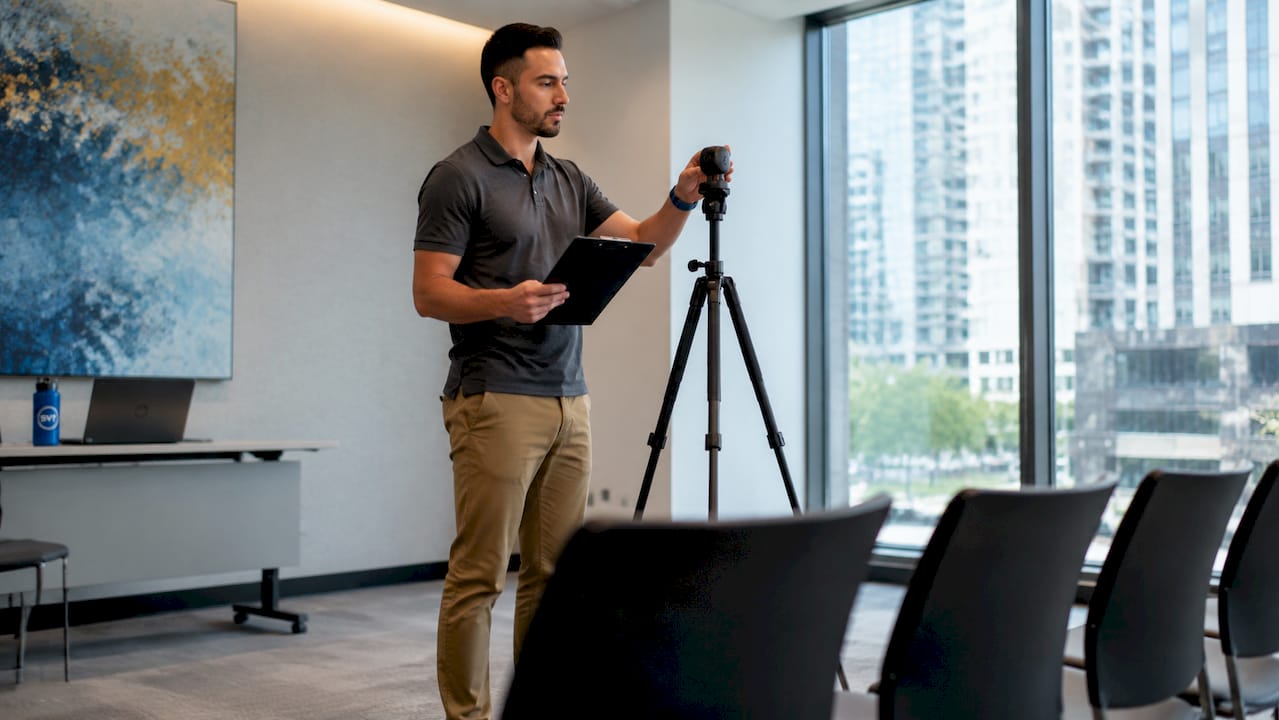
A 360-degree camera captures equirectangular images, which are spherical panoramas that software stitches into a navigable environment. Entry-level options like the Ricoh Theta series work well for smaller indoor spaces. For large convention centers or multi-room venues, a 3D scanner produces a more accurate dollhouse view and precise floor measurements. The hardware you choose directly affects the dimensional accuracy of your final tour.
Software: what your platform must do
Your software platform is where the tour comes to life. Simple Virtual Tour supports walkthrough mode, directory mode, and dollhouse view, giving planners three distinct ways to read a space. The platform also supports interactive hotspots, live session capabilities, and e-commerce integration, all within an interface that does not require technical expertise. It runs on desktop, mobile, and VR headsets, which matters because tours can be embedded and accessed across all major devices.
| Feature category | What it does for venue managers |
|---|---|
| Walkthrough mode | Lets clients move through the space at their own pace |
| Dollhouse view | Shows the full venue layout from above for spatial planning |
| Directory mode | Provides a room-by-room index for multi-space venues |
| Interactive hotspots | Overlays capacity, AV specs, and access details on the tour |
| Live session | Allows real-time guided tours with remote clients |
- 360-degree cameras: Ricoh Theta, Insta360, or dedicated 3D scanners for larger spaces
- Software: platforms with hotspot support, multiple viewing modes, and embed capability
- Compatibility: confirm the tour works on desktop, mobile, and VR before publishing
Pro Tip: Test your tour on a mid-range Android phone before launch. If it loads and navigates smoothly there, it will work for nearly every client.
How do you design an engaging virtual event space tour?
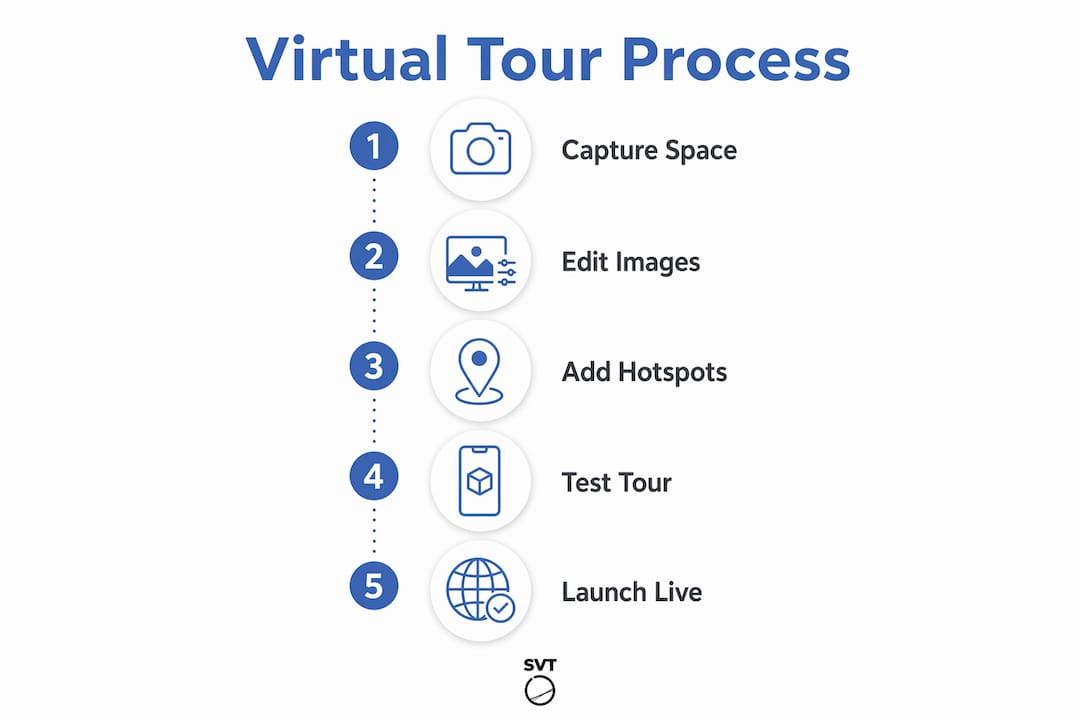
Tour design determines whether a client books a site visit or moves on to the next venue. Structure matters as much as image quality.
Use all three viewing modes
Three core viewing modes — walkthrough, directory, and dollhouse — each serve a different planning need. Walkthrough mode puts the client inside the space. Dollhouse view shows how rooms connect. Directory mode lets planners jump directly to the ballroom, the loading dock, or the bridal suite without clicking through every room. Offering all three in a single tour gives planners the full picture they need to make a decision.
Add hotspots that carry real planning data
Interactive hotspots overlay critical details directly onto the tour: sound system specs, kitchen access points, power outlet locations, and guest capacity by configuration. This transforms the tour from a marketing image into a working planning document. Prospects rarely book based on visuals alone. Operational details drive conversion, and hotspots are the delivery mechanism for those details.
Build a guided story mode
Guided story modes direct users through a planned narrative sequence, reducing the chance they miss a key selling point. Think of it as a highlight reel: the entrance, the main hall at full capacity, the outdoor terrace, the catering prep area. Clients who follow a guided path spend more time in the tour and leave with a clearer sense of the venue's flow.
- Map the client's decision journey before you build the tour sequence.
- Start with the most visually impressive space to set the tone.
- Follow with functional spaces: kitchens, restrooms, load-in access.
- End with the outdoor area or a signature feature that closes the impression.
- Add a hotspot at each stop with the one detail planners always ask about.
Pro Tip: Include a "planner's checklist" hotspot near the entrance that links to a downloadable capacity chart. Clients who download it are far more likely to follow up.
Common mistakes to avoid in tour design:
- Skipping metadata entirely, leaving clients with no operational context
- Poor navigation with no directory or guided path, causing clients to get lost
- Capturing spaces under harsh midday light, which flattens textures and colors
- Ignoring outdoor areas, which are often the deciding factor for weddings and corporate events
- Publishing a tour that does not load on mobile, cutting off a large share of your audience
Virtual tours provide complete spatial context that static photos cannot replicate. Planners use them to understand guest movement, load-in paths, and room adjacencies before the first site visit.
How do you integrate a digital event space tour into your sales workflow?
A well-built tour sitting on a forgotten page of your website does nothing. Placement and process determine whether the tour generates bookings or collects dust.
Embedding tours on venue websites and third-party directory listings increases visibility and supports remote client collaboration. Place the tour prominently on your homepage and on every event space landing page. Submit the embed link to wedding directories, corporate event platforms, and hospitality listing sites.
Virtual tours filter out unqualified leads and allow sales teams to focus on serious clients. A planner who has already walked through your space virtually, reviewed the capacity charts, and checked the AV specs is a warmer lead than one who has only seen a photo. Your sales team spends less time on exploratory calls and more time closing.
- Embed the tour on your website's main venue page and each individual room page.
- Include the tour link in every initial inquiry response email.
- Use tour analytics to see which rooms clients spend the most time in, then lead with those in follow-up conversations.
- Share the tour link in collaborative planning sessions so remote clients can reference it in real time.
- Add the tour to your Google Business Profile where the platform allows media embeds.
Pro Tip: Track which hotspots get the most clicks. If every client opens the "catering kitchen" hotspot, that room deserves a dedicated section in your sales deck.
For a broader look at venue showcase digital tools available in 2026, the Simple Virtual Tour blog covers the full software landscape for venue professionals.
How do you capture outdoor and complex event spaces effectively?
Outdoor venues and large multi-space campuses present specific technical challenges. The approach that works for a single ballroom does not scale to a five-acre garden estate.
Best lighting for outdoor scans is mid-morning or late afternoon, when the sun is low enough to avoid harsh shadows but bright enough to render color accurately. Midday light creates flat, washed-out images that make outdoor spaces look smaller than they are. Schedule your outdoor capture sessions around this window without exception.
Combining drone photogrammetry with ground-level 3D captures gives large outdoor venues the spatial context that ground-level scanning alone cannot provide. Drone footage establishes the relationship between the parking area, the ceremony lawn, the reception tent location, and the catering access road. Ground-level scans fill in the human-scale detail. Together, they give planners a complete picture of how the event will actually flow.
- Capture outdoor spaces in mid-morning or late afternoon for optimal natural light.
- Use drone photogrammetry for venues larger than one acre to show spatial relationships.
- Highlight logistical features: parking, load-in gates, generator hookup points, and restroom locations.
- Add accessibility hotspots showing ramp access, elevator locations, and ADA-compliant pathways.
- Avoid flat 360-degree images for outdoor spaces. Use 3D scanning or drone photogrammetry to preserve dimensional accuracy.
Pro Tip: Capture your outdoor space in the same season your peak booking period falls in. A garden venue photographed in full summer bloom converts far better than one captured in early spring.
| Space type | Recommended capture method | Key detail to highlight |
|---|---|---|
| Single ballroom | Ground-level 3D scanner | Capacity configurations and AV placement |
| Multi-room venue | 3D scanner plus directory mode | Room adjacencies and flow between spaces |
| Outdoor garden | Ground-level scan plus drone | Spatial layout, parking, and access routes |
| Large campus | Drone photogrammetry plus ground scans | Full site orientation and logistical flow |
Key takeaways
A well-executed virtual event space tour combines 360-degree capture technology, interactive hotspots with operational data, and strategic placement across your website and listings to convert remote viewers into booked clients.
| Point | Details |
|---|---|
| Tours outperform photos | Immersive 3D tours boost bookings up to 67% compared to static image galleries. |
| Hotspots drive conversions | Overlay capacity, AV specs, and access details directly on the tour to answer planner questions instantly. |
| Guided story modes improve engagement | A planned narrative sequence keeps clients in the tour longer and reduces missed selling points. |
| Outdoor spaces need hybrid capture | Combine drone photogrammetry with ground-level scans to show spatial relationships accurately. |
| Tours qualify leads automatically | Clients who complete a full virtual tour are warmer leads, reducing wasted sales time. |
Why most venue tours leave money on the table
I have reviewed hundreds of venue virtual tours over the years, and the pattern is consistent. Venues invest in the camera and the software, publish a walkthrough, and then wonder why bookings do not move. The problem is almost never the image quality. It is the absence of planning data.
A tour without hotspots is just a photo gallery that moves. The moment you add a hotspot that tells a planner exactly how many round tables fit in the main hall, or where the nearest power panel is for a DJ setup, the tour becomes a working document. That shift is what separates a marketing asset from a booking conversion tool.
The second mistake I see constantly is treating the tour as a one-time project. Venues renovate. Furniture changes. New AV equipment gets installed. A tour that shows outdated room configurations actively hurts credibility. The venues that get the most value from their tours treat them as living documents, updated at least once a year or after any significant space change.
The third and most overlooked opportunity is using tour analytics. Every click on a hotspot, every room a client lingers in, every section they skip tells you something about what matters to your buyers. That data should feed directly into your sales conversations. If analytics show that 80% of clients spend the most time in your rooftop terrace, your sales team should lead every call with that space. The tour is not just a marketing tool. It is a research instrument.
— Andrea
Simple Virtual Tour: built for venue managers who want results
Event venue managers who want to move from static photo galleries to fully interactive digital experiences have a direct path forward with Simple Virtual Tour.

Simple Virtual Tour supports unlimited tour creation, interactive hotspots, live session capabilities, and both cloud-hosted and self-hosted deployment. Over 1,400 venue professionals already use the platform to create interactive venue tours without needing a developer or a large production budget. The intuitive backend means you can update a tour after a renovation in minutes, not weeks. If you are ready to see how the platform works, visit Simple Virtual Tour to review plans and get started.
FAQ
What is a showcase event space online tour?
A showcase event space online tour is an interactive, 360-degree digital experience that lets clients explore a venue remotely. It typically includes walkthrough navigation, a dollhouse overview, and hotspots with planning details like capacity and AV specs.
How much do virtual event space tours increase bookings?
Immersive 3D tours boost bookings up to 67% and increase website engagement by 5 to 10 times compared to static photo galleries.
What viewing modes should a venue tour include?
A complete venue tour includes walkthrough, directory, and dollhouse modes. Each mode serves a different planning need, from room-level exploration to full-site spatial orientation.
How do virtual tours help with lead qualification?
Virtual tours filter unqualified leads by giving clients enough information to self-select before contacting your sales team. Planners who complete a full tour are significantly more likely to convert to a booking.
When is the best time to scan an outdoor event space?
Mid-morning or late afternoon produces the best results for outdoor scans. Low-angle natural light preserves color accuracy and dimensional depth better than midday shooting conditions.