
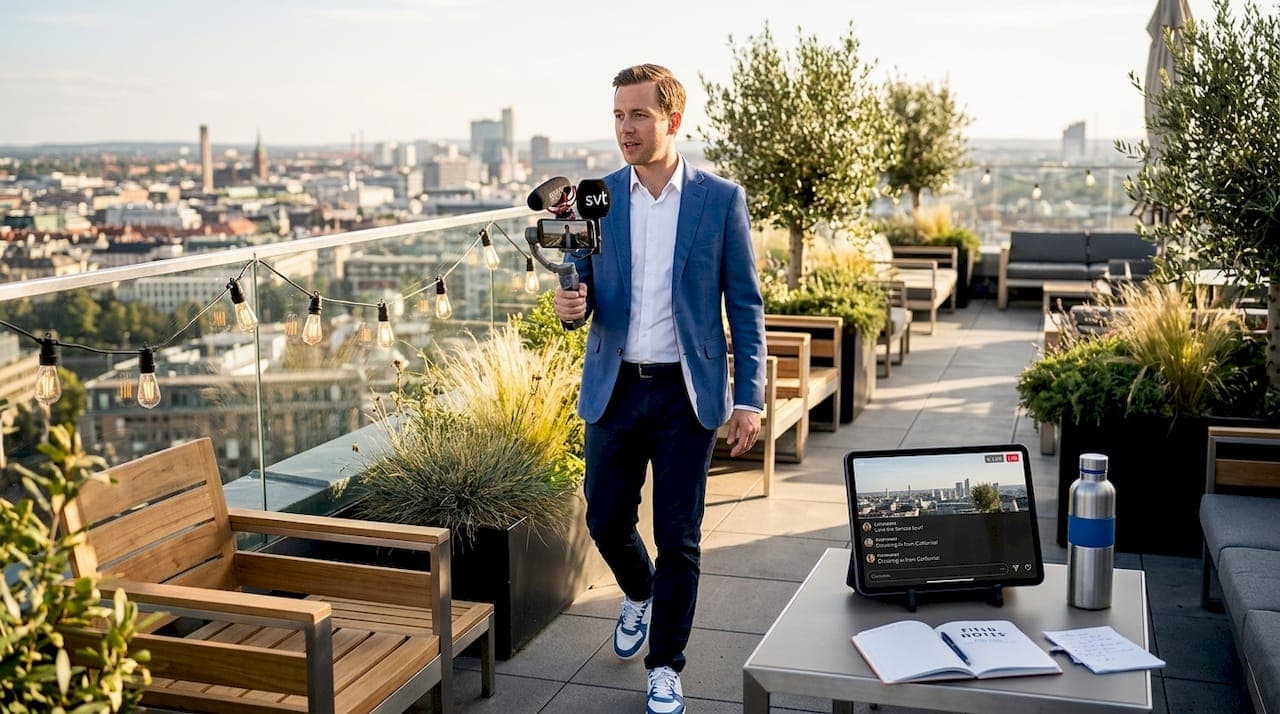
Live virtual venue tour hosting is the practice of conducting real-time, interactive walkthroughs of event spaces or properties online, giving remote audiences the same spatial understanding they would get from a physical site visit. For event organizers and venue marketers, this format combines the reach of digital broadcasting with the persuasive power of an in-person experience. Platforms like Zoom, Vimeo, and nanoStream each serve different production scales, from a single-room walkthrough to a multi-room venue virtual tour with independent navigation between spaces. This guide covers everything from hardware setup and platform selection to live production workflows, engagement tactics, and post-event follow-up.
What preparation and technology are essential for live virtual venue tour hosting?
Successful live virtual venue tour hosting starts with the right hardware and a reliable connection. A recent-model smartphone with a high-quality camera works for smaller venues, while a DSLR or a dedicated 360-degree camera produces the immersive footage that larger properties demand. For camera recommendations suited to this type of work, the best 360 cameras guide covers current options across price points.
Stable Wi-Fi or a backup mobile hotspot is non-negotiable for smooth live streaming. An unstable connection causes buffering that breaks viewer immersion and undermines the professionalism of your broadcast. Always test your connection at the venue before the event, not the morning of.
Platform choice depends on your audience size and interactivity needs. Here is a comparison of the three most common options:
| Platform | Best for | Max participants | Key feature |
|---|---|---|---|
| Zoom | Small to mid-size interactive tours | 1,000 (webinar) | Built-in Q&A and polling |
| Vimeo | Multi-space virtual venues | Scalable | Multiple spaces with encoder support |
| nanoStream | High-quality broadcast streaming | Scalable | Ultra-low-latency encoding |
For encoding settings, nanoStream recommends streaming at 720p or 1080p with a frame rate of 25 or 30 fps and a GOP size around 2 seconds. Avoid 60 fps for live venue tours. It increases file size and processing load without a visible quality benefit for this use case.
- Run a full technical rehearsal at the venue at least 48 hours before the live event.
- Prepare a loose script covering key talking points for each room or space.
- Set up external encoders like OBS or Wirecast if you are streaming to Vimeo or nanoStream.
- Confirm backup connectivity options before going live.
Pro Tip: Bring a second device as a monitor so you can see exactly what your audience sees during the broadcast. Problems that are invisible from behind the camera become obvious on a viewer screen.
How do you design a compelling virtual venue tour experience?
A well-designed virtual venue walkthrough is built around the decisions your viewers need to make. 360 virtual tours clarify guest flow, seating capacity, and staging options, which are the three factors that most directly drive booking decisions. Structure your tour path to answer those questions in order, not as an afterthought at the end.
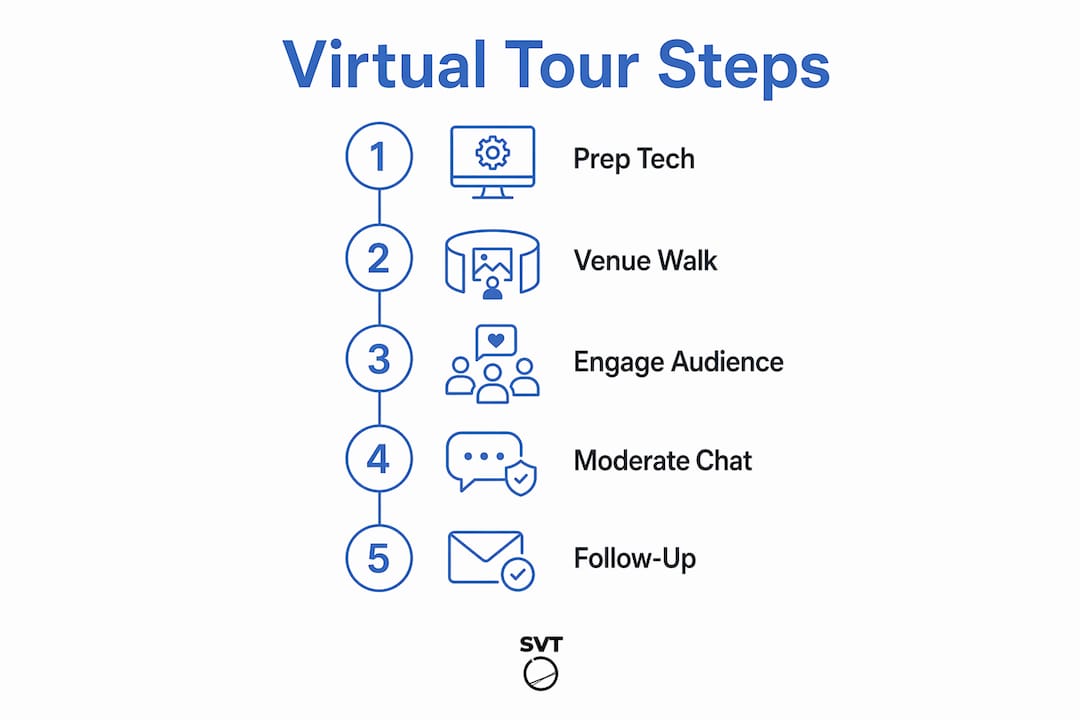
The ideal run-time for a live virtual venue tour is 10 to 20 minutes, followed by a 3 to 5 minute live Q&A session. That window is long enough to cover the space thoroughly and short enough to hold attention without fatigue.
Here is a step-by-step planning approach:
- Map the physical walkthrough path and identify the five to seven spaces that most influence booking decisions.
- Write bullet-point talking points for each space covering capacity, lighting, and setup options.
- Embed interactive hotspots at key decision points with pricing, vendor info, or floor plan overlays.
- Place CTAs like "Check Availability" or "Schedule a Live Walkthrough" directly in the tour interface at natural pause points.
- Plan room transitions with clear verbal cues so viewers always know where they are in the space.
- Reserve the final three to five minutes for moderated live Q&A.
Pro Tip: Slow your pace at transitions between rooms. Viewers need a moment to reorient spatially. A brief verbal summary of the room you just left before entering the next one reduces disorientation significantly.
Embedding CTAs in the tour UI at decision points is one of the highest-leverage moves you can make. It converts passive viewers into active leads without requiring a separate follow-up step.
What are best practices for producing a live virtual venue tour smoothly?
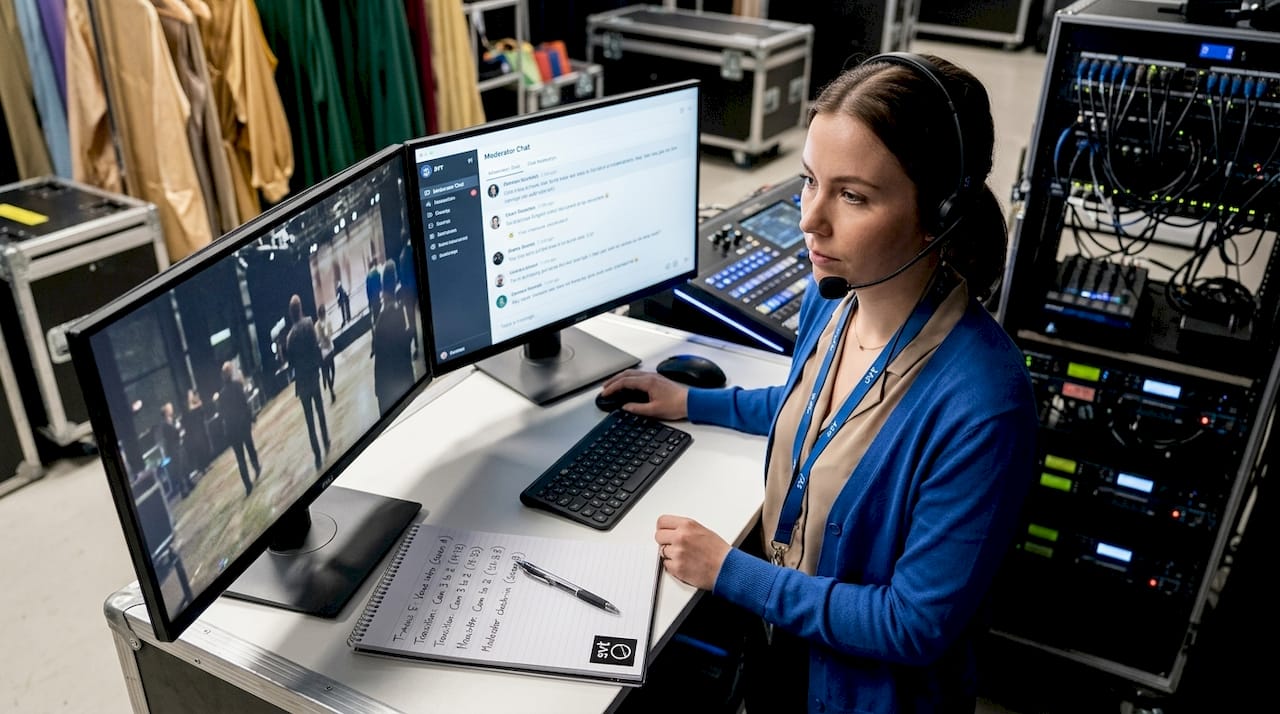
Professional live production follows a three-role model: a backstage producer controlling scene transitions, a staging coordinator managing camera movement, and an on-screen host narrating the tour. The Vbrick backstage/staging/onstage workflow formalizes this structure and reduces the chaos that comes from one person trying to manage everything simultaneously.
Scene transitions are where most amateur broadcasts fall apart. Rehearsed scene changes with a dedicated producer controlling what viewers see at each moment maintain immersion and prevent dead air. Plan every transition in advance and rehearse it at least twice.
Equipment and software checklist for live production:
- Camera: smartphone, DSLR, or 360-degree camera
- Tripod or stabilizer for smooth movement shots
- External microphone for clear audio in large spaces
- Laptop running OBS or Wirecast for scene management
- Streaming platform account (Zoom, Vimeo, or nanoStream) configured and tested
- Backup internet device (mobile hotspot)
- Moderation tool such as PollQR for live Q&A management
For ultra-low-latency streaming, set your encoder GOP size to approximately 2 seconds and match your bitrate to your resolution. Streaming at 1080p on a mobile network requires a lower bitrate than on a fixed broadband connection to avoid buffering.
Pro Tip: Assign the chat moderation role to someone who is not the tour host. The host needs to focus on narration and camera movement. A separate moderator surfaces the best questions for the Q&A segment using a tool like PollQR, which lets attendees upvote the questions they most want answered.
How to maximize attendee engagement and lead generation during live tours?
Active interaction during live tours is what separates them from recorded video. Frequent check-ins with the audience, live polling, and real-time Q&A create a two-way experience that static tours cannot replicate. Ask viewers direct questions during the walkthrough: "How many guests are you planning for?" or "Which setup style works best for your event?" These prompts generate responses that also qualify leads in real time.
Moderated question upvoting through tools like PollQR improves Q&A quality by surfacing the most relevant questions rather than answering in the order they arrive. This keeps the session focused and demonstrates that you value attendee input. For multi-venue events, the multi-venue best practices from SignStream offer additional guidance on managing audience interaction across multiple spaces.
| Engagement tool | Primary function | Lead capture feature |
|---|---|---|
| PollQR | Live Q&A with upvoting | Attendee contact data on submission |
| Zoom Polls | In-session polling | Participant report export |
| Embedded CTAs | Booking and inquiry prompts | Direct form submission |
| Hotspots | Pricing and capacity info | Click tracking and analytics |
After the live session, analytics data from hotspot clicks and engagement time tells you exactly which viewers spent the most time on pricing or capacity information. Those are your warmest leads. Prioritize them in your follow-up sequence.
Promote your live virtual venue tour across email lists and social media at least one week in advance. Offer a replay link for registrants who cannot attend live. Replay views extend your reach and generate additional leads from the same production effort.
What should you do after a live virtual venue tour to maximize ROI?
The work does not stop when the broadcast ends. Post the recorded tour on YouTube, your website, and social media within 24 hours while audience interest is still high. A recorded tour functions as an always-on sales asset that continues generating leads long after the live event.
Follow-up workflow:
- Export attendee engagement data from your streaming platform within 24 hours.
- Segment viewers by engagement level: those who clicked CTAs, those who stayed for the full tour, and those who dropped off early.
- Contact high-engagement viewers with a personalized message or phone call within 48 hours.
- Send a follow-up email to all registrants with the replay link and a clear CTA to book a site visit or check availability.
- Log all contacts and interactions in your CRM to track conversion rates from the tour.
Pro Tip: Segment your follow-up by engagement level rather than sending the same message to everyone. A viewer who clicked the pricing hotspot three times needs a different message than one who watched for two minutes and left.
Tracking conversions from embedded CTAs over the following two weeks tells you which tour elements drove the most bookings. Use that data to refine your next production. Virtual venue event hosting improves with every iteration when you treat analytics as a feedback loop rather than a reporting formality.
Key takeaways
Live virtual venue tour hosting succeeds when you combine the right technology, a structured production workflow, and active engagement tactics that convert viewers into qualified leads.
| Point | Details |
|---|---|
| Technology setup | Use stable connectivity, 360 cameras, and platforms like Zoom, Vimeo, or nanoStream matched to your event scale. |
| Tour design | Structure your walkthrough around booking decisions: capacity, guest flow, and staging options. |
| Production workflow | Assign backstage, staging, and on-screen roles to maintain control and professionalism during the broadcast. |
| Engagement tactics | Use live polling, moderated Q&A with PollQR, and embedded CTAs to convert viewers into leads in real time. |
| Post-event follow-up | Segment leads by engagement level and contact high-intent viewers within 48 hours for best conversion rates. |
What I have learned from producing live virtual venue tours
The biggest mistake I see event professionals make is treating a live virtual tour like a recorded video with a chat box attached. The interactivity is the product. When you pause to ask viewers a question, invite them to guess the room's capacity, or let them navigate between spaces independently, you create an experience that a recorded walkthrough simply cannot deliver.
The role of live virtual guided tours in 2026 has expanded well beyond real estate. Event venues that invest in this format are seeing shorter sales cycles because remote clients arrive at site visits already confident in the space. That confidence comes from the interactive elements, not the video quality.
Rehearsal is the single most underinvested step in most productions I have observed. Teams spend hours on camera selection and platform setup, then run the actual tour once before going live. Two full rehearsals at the venue, with all three production roles present, will do more for your broadcast quality than any equipment upgrade.
My honest recommendation: start with a simpler setup than you think you need, run it twice in rehearsal, and iterate based on analytics. Complexity added before you understand your audience's behavior is just noise.
— Andrea
How Simple Virtual Tour makes live virtual venue tour hosting easier
Simple Virtual Tour gives event organizers the tools to build unlimited interactive virtual venue tours without needing a development team. The platform supports embedded hotspots for pricing and capacity information, multi-space navigation for complex venues, and live session capabilities that integrate with your existing streaming workflow. Analytics tracking shows you exactly which spaces and CTAs generate the most engagement, so your follow-up is always data-driven.
With over 1,400 active users and both cloud-hosted and self-hosted deployment options, Simple Virtual Tour gives you full control over your data and your costs. If you are ready to build a virtual venue tour that works as a sales tool, explore what the platform can do for your next event.
FAQ
What is a live virtual venue tour?
A live virtual venue tour is a real-time, interactive online walkthrough of an event space or property, hosted via platforms like Zoom or Vimeo. It allows remote audiences to explore the venue, ask questions, and interact with embedded content during the broadcast.
How long should a live virtual venue tour be?
The recommended run-time is 10 to 20 minutes for the walkthrough, followed by a 3 to 5 minute live Q&A segment. This keeps viewer attention while covering the space thoroughly.
What equipment do I need to host a virtual tour?
You need a quality camera (smartphone, DSLR, or 360-degree camera), a stable internet connection, an external microphone, and a streaming platform account. External encoders like OBS or Wirecast are recommended for multi-scene productions.
How do live virtual tours generate leads?
Embedding CTAs like "Check Availability" directly in the tour interface captures intent at the moment of highest interest. Analytics from hotspot clicks and engagement time then identify the warmest leads for targeted follow-up.
What is a multi-room venue virtual tour?
A multi-room venue virtual tour is a browser-based virtual venue with multiple distinct spaces that attendees can navigate independently. Platforms like Vimeo support this format with centralized production and compatibility with external streaming encoders.