
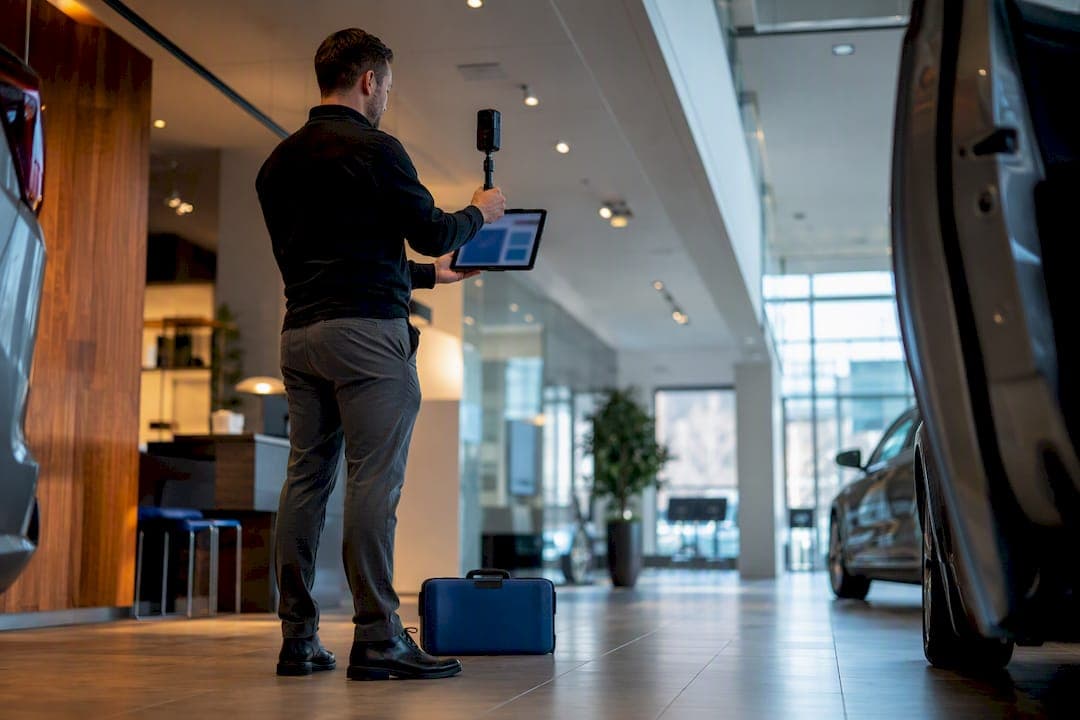
A car dealership virtual tour gives online shoppers an interactive, 360° view of your showroom, lot, and vehicle interiors so they can inspect cars remotely before they ever call or walk in. The immediate next step is simple: build a short capture-planning checklist and pilot one vehicle or your showroom floor, ideally through a trial with Simple Virtual Tour, before committing to a full-lot rollout.
TL;DR:
- A dealership virtual tour can be created efficiently by focusing on a small pilot involving one showroom or vehicle set before expanding lot-wide.
- Proper planning includes decluttering, scheduling off-peak hours, mapping routes, choosing suitable equipment, and shooting with overlap and HDR bracketing for quality results.
- Hosting options vary between cloud platforms with analytics or self-hosting for control, and tours should be embedded on product and featured pages for maximum engagement.
- Placement on vehicle pages, homepage, Google profile, or social ads boosts visibility and interaction, with continuous tracking of engagement and lead conversions.
- Costs depend on the number of vehicles, scene complexity, and post-production needs, with short pilot projects offering low-risk testing before full deployment.
Table of Contents
- What a Dealership Virtual Tour Includes and Why It Matters for Sales
- How Do You Plan and Capture a Dealership Tour?
- Post-Production, Hosting, and Publishing Your Tour
- Where to Place Tours and What to Measure
- How Much Does a Dealership Virtual Tour Cost and Take?
- Why Simple Virtual Tour Fits a Dealership Pilot
- What Actually Matters When You Build Your First Tour
- Start a Pilot Tour With Simple Virtual Tour
- Sources
What a Dealership Virtual Tour Includes and Why It Matters for Sales
A virtual car showroom isn't one fixed format. Dealers typically mix several capture styles depending on what they're showing and how much detail a shopper needs.
- Stitched 360° panoramas: static, high-resolution scenes of the showroom, service bays, or lounge.
- 360° video: continuous motion walkthroughs that feel more like a guided visit.
- Vehicle interior spins: seat-level views inside the cabin, letting shoppers check dashboard layout and materials.
- Interactive hotspots: clickable points that reveal specs, pricing, or trim details as the viewer moves through the scene.
Most dealership tours cover the showroom floor, the inventory lot, service bays, the customer lounge, and individual vehicle interiors and exteriors. A well-built tour like the dealership walkthrough Berman Nissan of Chicago publishes lets customers navigate between these areas the same way they would walking the lot in person. That kind of online car tour keeps out-of-town or after-hours shoppers engaged longer and gives them enough confidence to book a test drive instead of moving to the next dealer's website.
How Do You Plan and Capture a Dealership Tour?
A capture plan is what separates a tour that looks professional from one that looks like a phone video someone shot while walking backward. Work through it in order.
- Declutter and stage first. Move cones, trash bins, and stray paperwork out of frame. Park vehicles at consistent angles.
- Schedule off-peak hours. Early morning or after close avoids customers, moving staff, and shifting shadows that ruin stitching.
- Map your capture route. Plan a logical path through the showroom, lot rows, service area, and lounge before you start shooting.
- Choose your camera setup. Consumer 360 cameras handle quick showroom spins well; DSLR spherical rigs deliver the resolution serious showroom photography needs; turntable rigs work best for detailed vehicle exteriors and interiors.
- Shoot with overlap. Google's own guidance on capturing and publishing Street View imagery stresses that overlapping frames, correct exposure, and consistent timing directly affect stitch quality, and the same rule applies to any 360 pano you shoot for your own site.
- Bracket exposures where light is uneven. Showroom windows and overhead fluorescents rarely agree with each other, so HDR bracketing keeps chrome and paint from blowing out.
- Secure your equipment. A tripod or dedicated mount beats handheld shooting every time, even with stabilized cameras.
- Assign staff roles. One person moves vehicles and manages keys, another handles the camera, and a third keeps customers out of frame during business hours.
Pro Tip: Shoot a handful of reference stills alongside your 360 captures. When a stitch seam looks off later, a straight reference photo tells you instantly whether it's a lighting problem or a camera-positioning problem.
Post-Production, Hosting, and Publishing Your Tour
Stitching software handles most overlap and blending automatically, using the same underlying logic Google describes in how Street View imagery gets stitched and positioned: overlapping source images combined with sensor data to build a seamless spherical image. Automated stitching handles the bulk of the work; manual seam fixes are worth the extra time only on your highest-traffic showroom scenes or hero vehicles.
Hosting is where most dealers hit their first real decision point.
- Cloud-hosted platforms get you live faster and include built-in analytics, at the cost of an ongoing subscription.
- Self-hosted deployments cost more upfront in setup time but hand you full control over your data and can lower expenses over the long run if you already have IT support in-house.
- Embedding matters as much as hosting. Place tours directly on vehicle detail pages and featured inventory listings, not just a standalone "virtual tour" page buried in your site navigation.
- Google integration extends reach. Linking or publishing tours to your Google Business Profile puts your interactive dealership experience in front of local searchers who never visit your website directly, a tactic Google Business Profile optimization guidance covers in more depth.
- Test on mobile before launch. Most dealership website traffic arrives on a phone, and a tour that lags or fails to load on mobile data is worse than no tour at all.
Where to Place Tours and What to Measure
A virtual test drive experience only pays off if it sits where shoppers are already looking, and if you're tracking whether it changes their behavior.
Common placements include:
- Individual vehicle detail pages, right next to the price and specs
- Featured or high-margin inventory on your homepage
- Your Google Business Profile listing
- Paid social ads targeting in-market shoppers
- Live, guided walkthroughs scheduled for serious remote buyers
Track time on page, how many scenes a visitor actually explores, lead form completions, appointment bookings, and conversion rate lift on tour-enabled pages versus pages without one. Industry reporting consistently links immersive vehicle visuals to longer page visits and stronger lead capture, though the exact lift varies by dealership and inventory mix, so treat any vendor's promised percentage with healthy skepticism until you've run your own numbers.
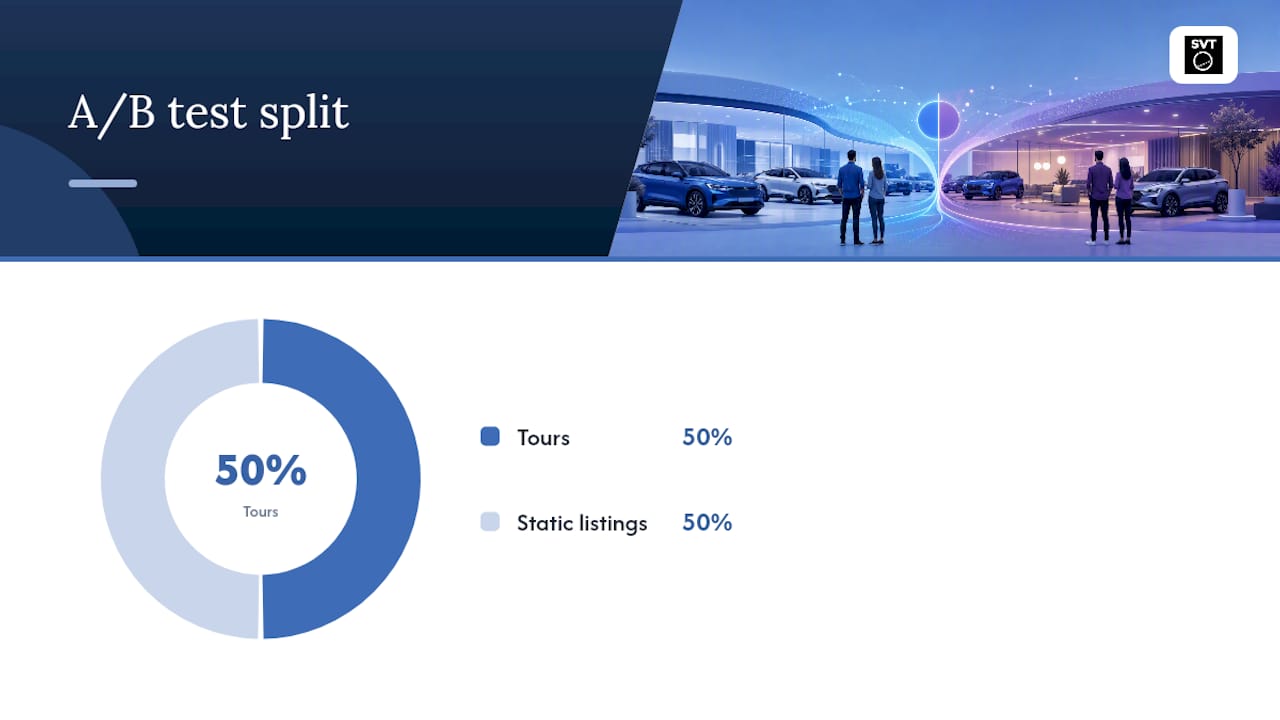
Pro Tip: Run a simple A/B test: publish tours on half your featured inventory and leave the rest static for two to four weeks. Compare lead form completions between the two groups before rolling tours out lot-wide.
How Much Does a Dealership Virtual Tour Cost and Take?
Timeline and budget both scale with how much of your lot you're covering, not just how fancy the equipment is.
- Single-showroom capture and publish: roughly one to three days from shoot to live tour.
- Full-lot inventory workflow: several days to several weeks, depending on how many vehicles you're capturing and whether each gets individual spins.
- Cost shapes to expect: one-time capture and editing fees, an ongoing hosting or subscription fee, and optional add-ons for Google publishing or advanced interactive hotspots.
What actually drives the price up is the number of vehicles, how much retouching or HDR blending each scene needs, whether you're doing full vehicle spins versus simpler static panoramas, and whether you want live-guided sessions available for remote shoppers. A single showroom pilot is the cheapest way to test the format before deciding whether a full-lot rollout is worth the spend.
Why Simple Virtual Tour Fits a Dealership Pilot
Simple Virtual Tour was built to let one team run unlimited interactive tours without hiring a developer for every new vehicle or showroom update. That matters for a dealership adding new inventory every week.
- Choose cloud hosting for a fast launch or self-hosted for full data control.
- Run live guided sessions for shoppers who want a real-time walkthrough with a salesperson.
- Add e-commerce integration if you want to connect tours directly to financing or reservation tools.
- Use the intuitive backend to add or swap vehicle scenes without touching code.
| Evaluation factor | What to check in a pilot |
|---|---|
| Scope | One showroom or a handful of vehicles, not the full lot |
| Success metric | Engagement depth and lead form completions |
| Rollout readiness | Mobile performance and staff comfort updating scenes |
Platform resources on the Simple Virtual Tour blog walk through setup details if you want to see the backend before committing to a pilot.
What Actually Matters When You Build Your First Tour
The dealers who get real results from a car dealership virtual tour aren't the ones with the fanciest camera rig. They're the ones who treat lighting and staging as seriously as they'd treat a showroom remodel, because inconsistent light between vehicle scenes makes an entire inventory page look amateurish, even when each individual shot is technically fine.
Test every tour on a phone before it goes live. Most of your mistakes will surface there first. Start with one vehicle or one showroom loop, not the whole lot. The most common failure isn't a bad camera. It's cluttered backgrounds, mismatched lighting across inventory, and skipping the mobile check until after launch.
— Andrea
Start a Pilot Tour With Simple Virtual Tour
Simple Virtual Tour is the practical alternative to hiring a production agency for a one-off dealership shoot: you get the software to capture, edit, and publish unlimited tours yourself, on a monthly subscription or a one-time self-hosted purchase, instead of paying per-project agency fees every time your inventory turns over.
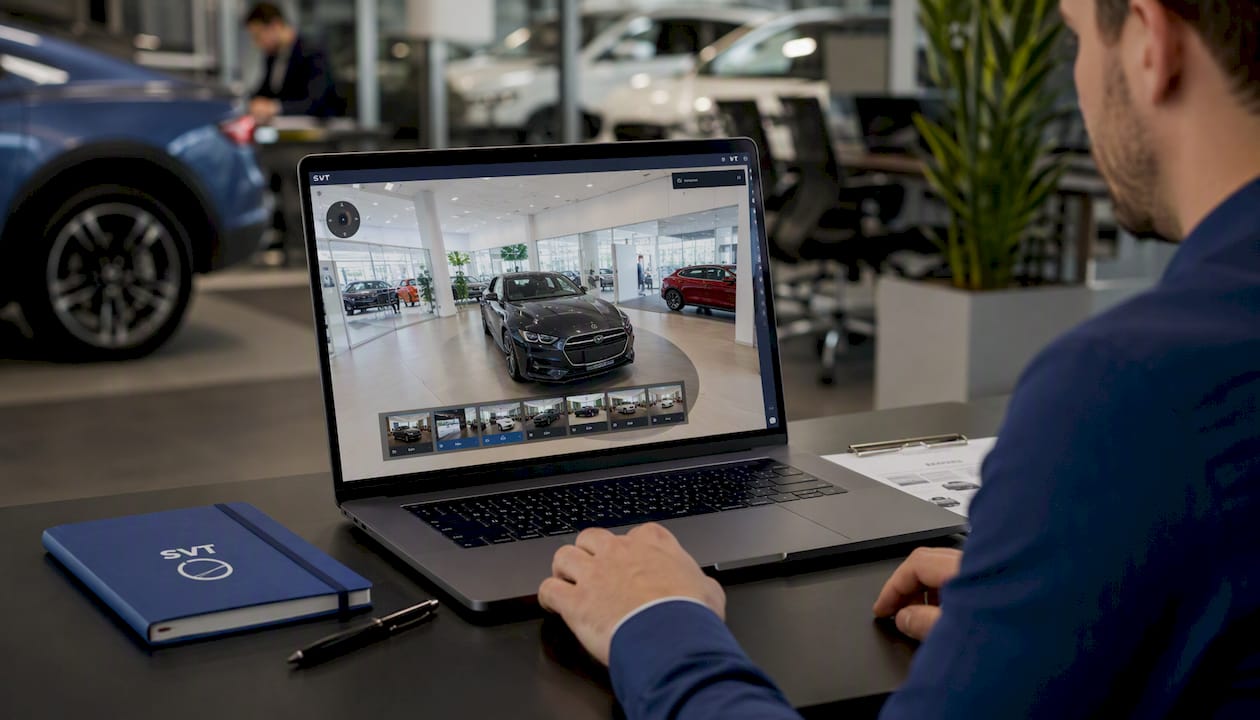
A pilot typically covers one showroom loop or a small set of featured vehicles, giving you a real deliverable and real engagement numbers within days rather than committing to a full-lot workflow up front. You get live session hosting for guided walkthroughs, e-commerce integration options, and deployment choices depending on how much control you want over your data. If you're weighing feature sets against other platforms, the breakdown of virtual tour software features is worth a look before you commit. When you're ready, start your Simple Virtual Tour pilot and scope your first showroom loop this week.
Sources
- Dealership Tour - Virtual Tour | Berman Nissan of Chicago
- How Street View works and where we will collect images next
- Street View - Capture and publish imagery (Google Support)