
Virtual tour mistakes agents make are the single fastest way to lose a buyer before they ever schedule a showing. A poorly executed interactive virtual tour does more than look unprofessional. It can trigger MLS removal, reduce listing visibility, and, under the NAR Code of Ethics and real estate law, expose you to negligent misrepresentation claims. The good news is that every pitfall covered here is preventable with the right knowledge, workflow, and tools.
1. Common virtual tour mistakes agents make with camera placement
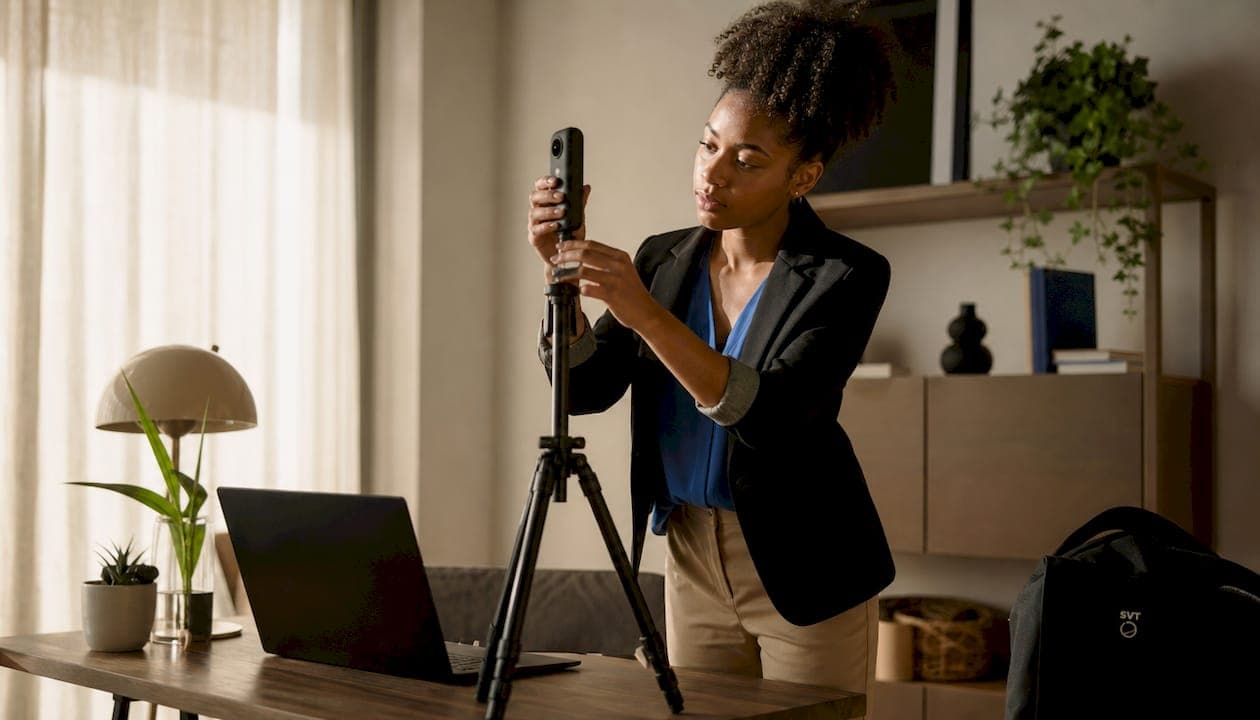
Camera placement is the foundation of every successful 360-degree tour. Inconsistent height between rooms destroys the sense of spatial continuity buyers rely on to mentally walk through a home. Consistent camera height at about 5 feet reduces stitching errors and creates a natural, eye-level perspective that mirrors how a person actually moves through a space.
Tight spaces like bathrooms and closets are where most stitching errors appear. Placing the camera too close to walls or reflective surfaces causes the stitching algorithm to produce visible seams and distorted edges. Mirrors are a particular trap. A camera reflection in a bathroom mirror looks amateurish and breaks buyer immersion immediately.
- Set your tripod at a consistent 5-foot height in every room
- Move the camera to the center of each space, not against walls
- Cover or angle mirrors before capturing to avoid reflection artifacts
- In tight hallways, shoot from one end rather than the middle
Pro Tip: Walk the full property before you shoot a single frame. Identify every mirror, glass surface, and tight corner so you can plan your camera positions in advance.
2. Lighting errors that degrade image quality
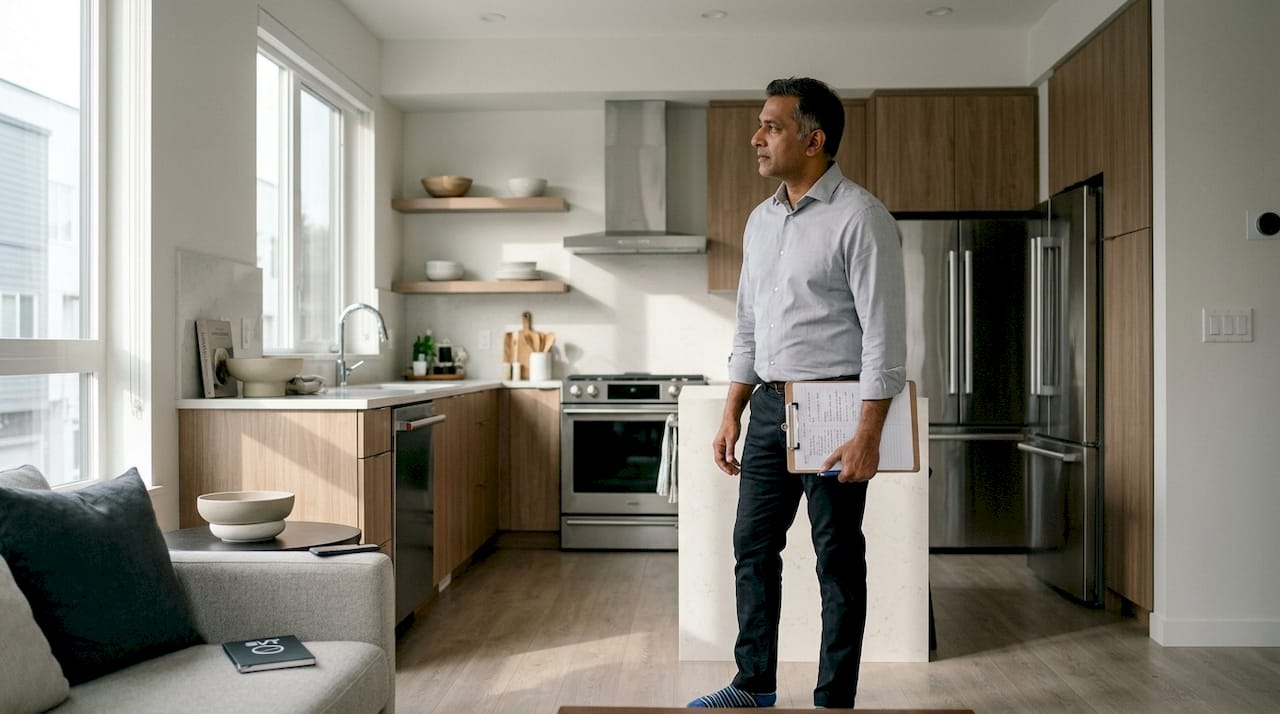
Mixed lighting is one of the most common technical errors in virtual tours. Combining incandescent bulbs, fluorescent tubes, and natural daylight in the same room creates color casts that make walls look yellow, green, or blue depending on the angle. Buyers notice this immediately, even if they cannot name the cause.
The fix is not expensive. Replace all bulbs with daylight-balanced LEDs before the shoot. Open blinds to a consistent level in every room so natural light is uniform rather than patchy. Shoot on an overcast day when possible. Direct sunlight through windows creates blown-out highlights that no post-processing can fully recover.
Uneven brightness between rooms is equally damaging. A dark hallway between two bright rooms signals neglect to buyers, even when the property is in excellent condition. Carry a portable LED panel to fill shadows in windowless spaces like laundry rooms and walk-in closets.
3. Staging and content mistakes that reduce engagement
Improper staging such as empty rooms or hidden clutter reduces tour effectiveness by making spaces feel cold or disorganized. An empty living room gives buyers no sense of scale. They cannot judge whether their sectional sofa fits or whether the dining area accommodates six people. Furniture provides the reference points buyers need.
Hiding clutter in a secondary bedroom or garage before a shoot is a mistake that backfires. Those spaces appear in the tour, and a room stuffed with boxes signals that the home lacks storage. The better approach is to remove clutter entirely or rent a storage unit for the shoot day.
- Arrange furniture in conversational clusters, not pushed against walls
- Add simple props: a bowl of fruit in the kitchen, folded towels in bathrooms
- Include every room, including utility spaces and storage areas, to build buyer trust
- Maintain consistent brightness across all spaces by using the same blind position in every room
Pro Tip: Stage each room to answer one buyer question. The living room should say "this fits your family." The primary bedroom should say "this is your retreat." Every space needs a clear purpose.
4. Branding and MLS compliance errors that hurt listing visibility
MLS compliance is where many agents lose tour visibility without realizing it. Failing to separate branded from unbranded tour versions often causes MLS systems to strip tours that contain agent headshots or personal URLs. The result is a listing that appears on the MLS without a virtual tour link, even though you created one.
The technical side of this mistake is equally common. Using backend or editor links that require login breaks the MLS listing's virtual tour view entirely. Buyers who click the link see an error page or a login prompt. That friction ends their engagement immediately.
Agents who fail to provide MLS-safe versions lose tour visibility because many MLS portals strip tours with agent branding or aggressive popups. This is not a minor inconvenience. It means your listing appears less complete than competing listings, which affects how buyers prioritize their showings.
- Generate a clean, direct public URL for every tour before submitting to the MLS
- Maintain two versions of every tour: a branded version for your website and an unbranded version for MLS submission
- Remove agent headshots, phone numbers, and personal URLs from the MLS version
- Place the tour link in the designated virtual tour field, not in the remarks section
Removing agent headshots and phone numbers from the MLS version improves compliance and listing exposure dramatically. This single step prevents automatic tour removal on most major MLS platforms. You can learn more about creating compliant hotspot navigation to build tours that meet MLS requirements from the start.
5. Legal and ethical errors that increase agent liability
Virtual tours are legally considered property representations, and excluding known defects can lead to negligent misrepresentation claims against agents. This is not a theoretical risk. Courts have begun examining tour metadata, staging choices, and the scope of what was included or excluded as evidence in property condition disputes.
The NAR Code of Ethics requires honest representation in all marketing materials. A virtual tour is a marketing material. Staging a room to obscure a water stain, or simply omitting a basement with known moisture issues, creates the same legal exposure as a false written statement.
Virtual tours are marketing representations subject to legal standards equivalent to all advertising. Transparency is not optional. When a buyer relies on a tour to form their understanding of a property's condition, the agent who created that tour carries responsibility for what it shows and what it omits.
Virtual tours must include all areas with known conditions. Staging to hide defects is risky and can be legally actionable. The practical solution is disclosure. If a space has a known issue, include it in the tour and note the condition in the listing remarks. Buyers respect transparency. It also protects you if a dispute arises after closing.
- Never stage furniture or decor to block known defects from the camera
- Include all areas of the property, even those with visible wear or damage
- Verify your knowledge of property conditions before finalizing the tour
- Consult your broker if you are uncertain whether a condition requires disclosure
6. SEO and marketing mistakes that limit tour reach
SEO efforts begin when saving image files. Descriptive, keyword-rich filenames are vital for search engines to index virtual tours properly. A file named "IMG_4823.jpg" tells Google nothing. A file named "123-main-street-living-room.jpg" tells Google exactly what it is and where it is. This distinction affects whether your tour appears in local property searches.
Tour flow is a marketing decision, not just a technical one. A structured tour flow starting from the curb through key spaces keeps buyers oriented and engaged, while random or confusing navigation causes drop-off. Think of the tour as a story with a beginning, middle, and end. Start at the front door, move through the main living areas, then progress to bedrooms and outdoor spaces.
- Rename every image file with the property address and room type before uploading
- Use a public URL without login requirements for all tour links
- Plan your tour path to mirror how a buyer would walk through the property
- Use SEO tools like SemDash to research location-based keywords for your tour metadata and listing descriptions
Pro Tip: Treat your tour's opening scene the way you treat a listing photo's hero shot. The first panorama a buyer sees sets their entire impression of the property. Make it the most compelling space in the home.
7. Overlooking tour length and engagement limits
Creating a DIY virtual tour requires 1–2 hours shooting plus 1–3 hours post-processing, with optimal tours under 20 rooms to maintain engagement. That upper limit matters. Buyers who click through 30 or 40 scenes lose their sense of the property's layout and begin to disengage. More rooms do not mean more value. They mean more cognitive load.
The solution is curation. Include every significant space, but combine small areas like a powder room and adjacent hallway into a single well-positioned scene. Utility spaces like the laundry room and mechanical room can each be a single scene rather than multiple angles. This keeps the tour complete without padding it unnecessarily.
The role of virtual tours in listing conversion depends heavily on keeping buyers engaged from the first scene to the last. A tour that ends with a compelling outdoor space or a well-staged primary suite leaves buyers with a strong final impression that motivates them to schedule a showing.
Key Takeaways
The most preventable virtual tour errors agents make fall into four categories: technical execution, staging quality, MLS compliance, and legal transparency. Address all four and your tours will consistently outperform the competition.
| Point | Details |
|---|---|
| Camera height consistency | Set your tripod at 5 feet in every room to prevent stitching errors and spatial distortion. |
| MLS compliance requires two versions | Maintain a branded tour for your website and a clean, unbranded version for MLS submission. |
| Legal exposure is real | Omitting known defects from a tour can constitute negligent misrepresentation under real estate law. |
| SEO starts with filenames | Rename every image with the property address and room type before uploading to improve search indexing. |
| Tour length affects engagement | Keep tours under 20 rooms and plan the flow from curb to key living spaces to hold buyer attention. |
What I've learned from watching agents get this wrong
The agents I see struggle most with virtual tours are not the ones who lack technical skill. They are the ones who treat the tour as a checkbox rather than a marketing asset. They shoot quickly, upload the editor link, and move on. Then they wonder why their listing gets fewer inquiries than a comparable property down the street.
The single fix that produces the most immediate improvement is compliance. Getting the MLS link right, using a clean public URL, and stripping agent branding from the submission version takes about ten minutes. That ten minutes determines whether buyers on Zillow, Realtor.com, and Redfin ever see your tour at all. Skipping it is not a time-saver. It is a visibility killer.
Staging for spatial storytelling is the second area where I see consistent underinvestment. Agents clean the property and call it ready. But a clean empty room and a thoughtfully staged room produce completely different buyer responses. The staged room answers questions. The empty room raises them. Buyers who have questions they cannot answer from the tour move on to the next listing.
The legal dimension is the one that surprises agents most. Virtual tours are treated as factual representations, not just marketing images. Courts look at what was shown and what was omitted. Building buyer trust through transparent, complete tours is not just good ethics. It is your best legal protection.
— Andrea
How Simple Virtual Tour supports agents in getting tours right
Avoiding the most costly virtual tour errors agents face starts with having the right platform. Simple Virtual Tour gives agents an intuitive backend that makes it straightforward to create MLS-compliant tours without technical expertise.
The platform supports both cloud-hosted and self-hosted deployments, giving you full control over your tour URLs and data. You can generate clean public links for MLS submission and maintain separate branded versions for your own website, all from the same workflow. With live session capabilities and e-commerce integration built in, Simple Virtual Tour goes beyond basic tour creation. Over 1,400 agents and real estate professionals already use it to present listings with confidence. Start building compliant tours and see the difference quality execution makes on your next listing.
FAQ
What are the most common virtual tour mistakes agents make?
The most frequent errors include inconsistent camera height, mixed lighting, missing unbranded MLS versions, and omitting known property defects. Each of these reduces buyer engagement or creates legal and compliance risk.
Why do MLS systems remove virtual tours with agent branding?
Most MLS platforms require unbranded tours in their virtual tour fields to comply with fair display rules. Tours containing agent headshots, phone numbers, or personal URLs are automatically stripped or rejected.
Can a virtual tour create legal liability for an agent?
Yes. Virtual tours are legally treated as property representations, and omitting known material defects can support a negligent misrepresentation claim. Full disclosure within the tour is the safest practice.
How many rooms should a real estate virtual tour include?
Optimal tours stay under 20 rooms to maintain buyer engagement. Include all significant spaces, but combine small adjacent areas into single scenes to keep the tour focused and easy to navigate.
How does poor file naming affect virtual tour SEO?
Search engines cannot interpret images without descriptive filenames. Naming files with the property address and room type, such as "456-oak-avenue-kitchen.jpg," helps search engines index the tour and improves its visibility in local property searches.