
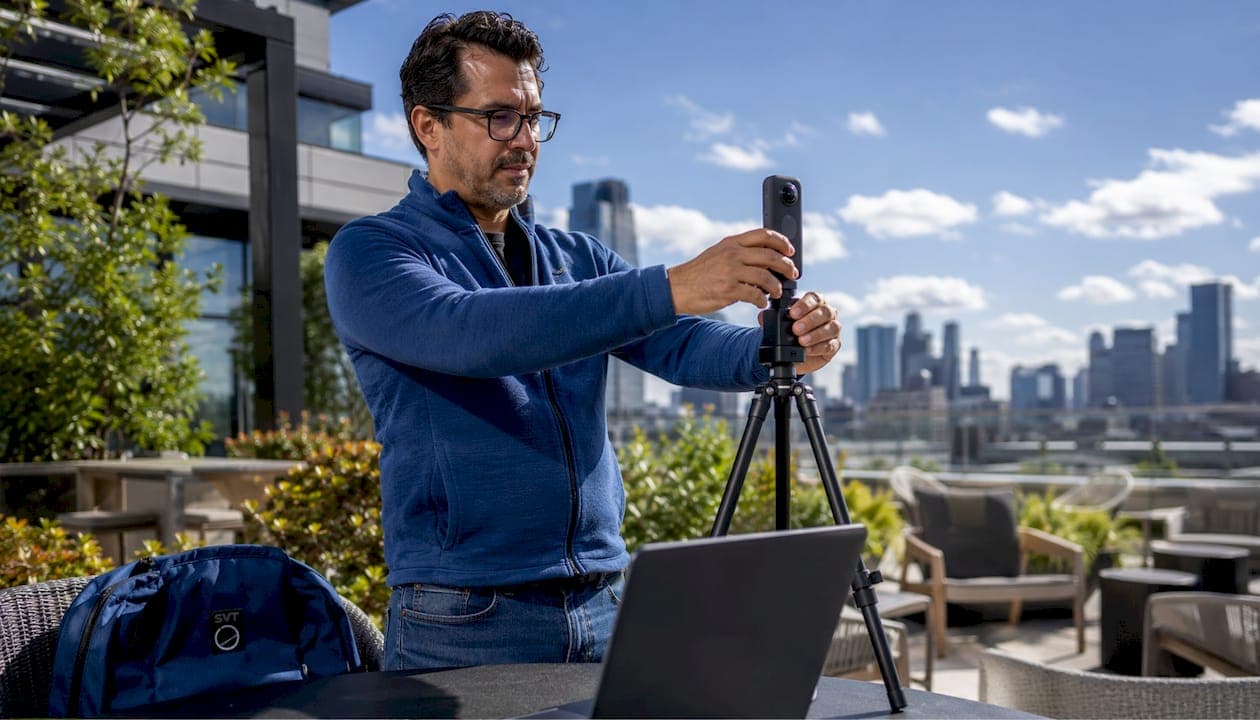
Live session venue previews are interactive, real-time digital walkthroughs that let audiences explore event spaces remotely, using immersive 360-degree technology and structured navigation tools. Whether you're showcasing a hotel ballroom to a corporate planner or walking a real estate buyer through a property, these previews replace the first site visit with something far more efficient.
The three primary viewing modes you'll encounter in well-built virtual venue walkthroughs are:
- Walkthrough view: First-person navigation that moves the viewer through the space as if they're physically on site, stepping room to room at their own pace.
- Directory view: A jump-to-room interface that lets viewers skip directly to specific areas, ideal for large venues with multiple zones or floors.
- Dollhouse view: A 3D overhead layout that reveals how spaces connect, showing adjacencies and guest flow at a glance.
Beyond navigation, interactive hotspots are what separate a polished preview from a basic photo gallery. These clickable pins surface room dimensions, AV infrastructure specs, access point locations, and capacity figures, all embedded directly in the tour. A convention center preview, for example, might tag each breakout room with its square footage, ceiling height, and dedicated WiFi bandwidth. A tourism property might hotspot its terrace with seasonal availability and catering options. These three viewing modes give planners the spatial context they need before committing to an in-person visit.
Best practices for effective live session venue preview examples
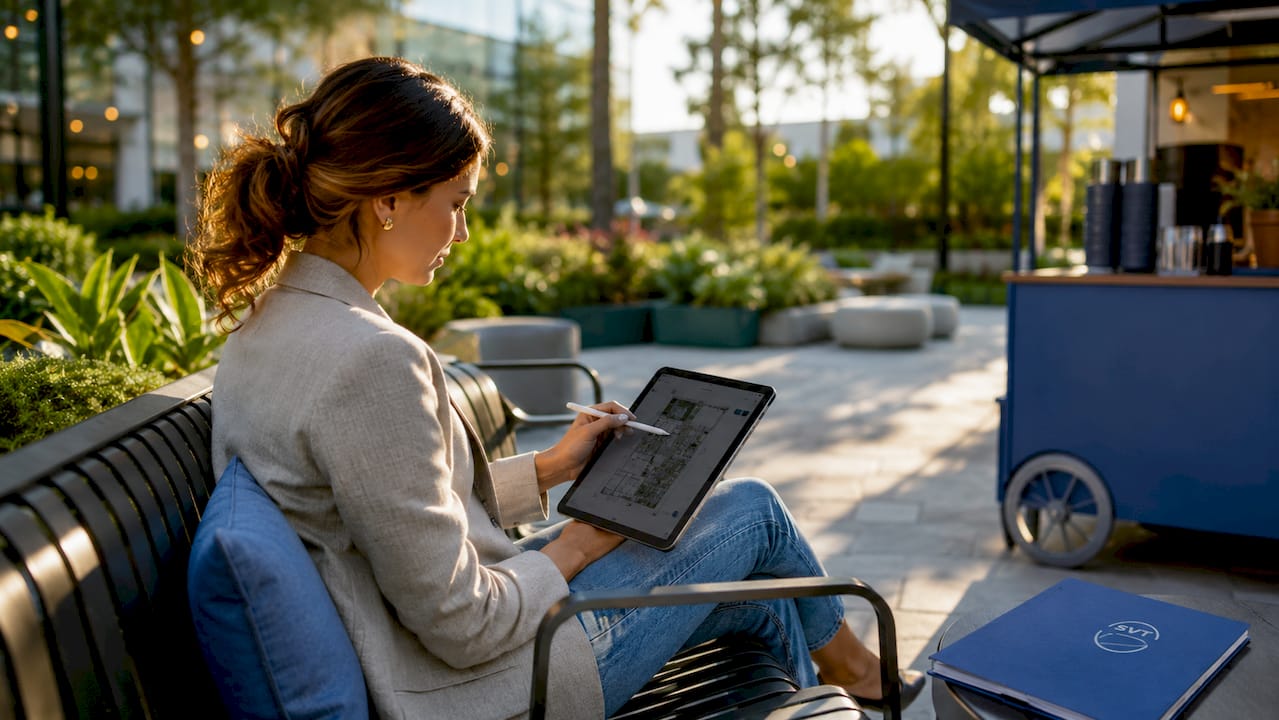
Getting a venue preview right takes more than pointing a 360-degree camera at a room. The strongest live event location examples share a clear structure, deliberate pacing, and technical depth that builds audience confidence.
1. Map your navigation path before you go live. Decide the order of rooms in advance and rehearse it. Jumping between spaces without logic confuses viewers and wastes time. A logical flow, entrance to main hall to breakout rooms to service areas, mirrors how a guest actually experiences the venue.
2. Prioritize flow and sightlines over raw square footage. Venue flow and sightlines often matter more than capacity numbers for event success. A 5,000-square-foot ballroom with poor sightlines can feel cramped during a keynote, while a 3,000-square-foot loft with open sightlines can feel expansive. Show this in your preview by moving the camera to where attendees will actually stand.
3. Embed technical data in hotspots, not just narration. Spoken details disappear. Hotspots persist. Tag every room with its AV infrastructure, power drop locations, and load-in access. This is especially critical for live sessions where streaming capabilities and clean audio environments determine whether a session succeeds technically.
4. Use a weighted scorecard during evaluation. Assigning weighted scores across budget, logistics, aesthetics, and vendor flexibility helps you choose venues objectively rather than based on first impressions alone. This method keeps your preview content grounded in functional criteria, not just visual appeal.
5. Account for hidden costs in your preview narrative. Lower rental fees can be deceptive. A venue that looks affordable may carry mandatory AV rentals, vendor restrictions, or overtime charges that push total costs above a full-service alternative. Your preview should surface these realities, not hide them.
6. Tour at the actual event time. Lighting, noise, and temperature shift dramatically throughout the day. Experienced planners recommend touring venues at the scheduled event time to capture realistic conditions. If your live preview happens at 10 AM but the event runs at 7 PM, your audience is seeing a different venue.
Pro Tip: Record your live session preview and timestamp each room segment. Clients who miss the live session can jump directly to the spaces most relevant to their event format.
How to plan and execute a live venue preview session
Preparation separates a professional session setup showcase from an improvised walkthrough that loses the audience halfway through.
-
Conduct a technical pre-check 48 hours before. Confirm internet bandwidth at the venue, test your streaming platform, and verify that your 360-degree camera connects reliably to your laptop or mobile device. For a 200-person event audience, you want dedicated WiFi with at least 100 Mbps of bandwidth available.
-
Collect venue data in advance. Request floor plans, AV specs, load-in window times, and vendor restriction lists from the coordinator before your preview day. Missing this data mid-session breaks momentum.
-
Structure your session like a 90-minute site visit. Allocate the first 10 minutes to a hosted overview, then give your audience 60–70 minutes of guided exploration, and close with 10 minutes for questions. This pacing mirrors what professional event planners use for in-person inspections.
-
Use a printed checklist on site. Walking through a venue with a structured checklist improves consistency and ensures nothing gets skipped. Cover load-in paths, dock dimensions, HVAC controls, restroom ratios, and natural light conditions in every session.
-
Treat the walkthrough as a technical audit. Check freight paths, dock sizes, and ceiling heights, not just aesthetics. A beautiful venue with a difficult load-in can cost hours of labor and significant overtime fees during actual event setup.
-
Send a written summary within 24 hours. After the session, email the venue coordinator confirming what was verified: load-in windows, AV vendor assignments, HVAC cycles, and any open questions. This summary becomes your baseline for contract review.
-
Avoid the most common mistake: ignoring logistics for aesthetics. Event experts consistently warn that aesthetic appeal without logistical feasibility leads to cost overruns. Your preview should spend as much time on the service entrance as the main hall.
How Simple Virtual Tour supports live venue previews
Simple Virtual Tour gives real estate professionals and tourism operators the tools to build, host, and present interactive venue walkthroughs without needing a technical background. The platform's live session capability lets you guide an audience through a tour in real time, controlling the navigation while viewers follow along from any device.
Key features that directly support live session venue previews include:
- Customizable tour creation: Build tours with your own branding, room labels, and navigation structure, so every preview reflects the venue's identity accurately.
- Interactive hotspots: Embed room-specific data, AV specs, capacity figures, and access point details directly into the tour, replacing verbal explanations with persistent, clickable information.
- Live hosting mode: Present to clients or stakeholders in real time, guiding them through the space while they interact with hotspots independently.
- Cloud-hosted and self-hosted deployment: Choose where your tour data lives. Self-hosting reduces ongoing costs and keeps your data under your control, a meaningful advantage for agencies managing multiple properties.
- E-commerce integration: For tourism operators, attach booking links or inquiry forms directly to tour hotspots, turning a preview into a conversion tool.
Simple Virtual Tour currently serves over 1,400 users across real estate and tourism, and its event space showcase tools are built specifically for the kind of structured, data-rich previews this guide covers.
How to promote live venue previews to attract attendees
A well-built preview only works if the right people show up. Promotion strategy matters as much as production quality.
Share a short teaser clip from a previous tour on LinkedIn or Instagram 5–7 days before the session. Pair it with a direct registration link and a clear description of what viewers will see, specific rooms, key features, and any live Q&A time. Email your existing client list with a calendar invite rather than a generic newsletter. People respond to a scheduled event with a clear time and purpose. For tourism venues, partner with travel planners or DMOs to co-promote the session to their networks. For real estate, target buyer's agents directly with a personalized outreach noting the property's most relevant features for their current clients.
Equipment and software recommendations for high-quality live previews
The right gear makes the difference between a preview that builds confidence and one that raises doubts. For 360-degree capture, cameras like the Ricoh Theta Z1 or Insta360 X4 produce the equirectangular images that virtual tour platforms require. A stable tripod is non-negotiable. For AV infrastructure at the venue itself, confirm that the space has dedicated streaming-grade connectivity before your session date, not shared hotel WiFi. A wired ethernet connection for your streaming device eliminates the single most common cause of live session failures. For software, Simple Virtual Tour handles tour creation, hotspot embedding, and live hosting in one platform, removing the need to stitch together multiple tools.
Lighting and audio best practices for live venue previews
Lighting and audio are the two elements viewers notice immediately when something is wrong. Schedule your capture and your live session at the same time of day your event would actually run. Natural light at noon looks nothing like the same room at 6 PM, and your audience needs to see the realistic version. For artificial lighting, avoid mixing color temperatures in a single shot. Warm tungsten and cool LED in the same frame create an unflattering cast that misrepresents the space. On the audio side, venues with hard floors and high ceilings create echo that makes narration difficult to follow. A directional lapel microphone worn close to the speaker cuts room reverb significantly. For commercial AV installation in dedicated session spaces, integrated ceiling microphones and acoustic panels solve this problem at the infrastructure level.
Key Takeaways
The most effective live session venue previews combine structured navigation modes, embedded technical data, and disciplined pre-session planning to give audiences the spatial and logistical clarity they need to make confident decisions.
| Point | Details |
|---|---|
| Use all three viewing modes | Walkthrough, directory, and dollhouse views together give audiences complete spatial understanding. |
| Embed data in hotspots | Room specs, AV details, and access points should live in the tour, not just in narration. |
| Plan like a 90-minute site visit | Structure your session with a hosted overview, guided exploration, and a Q&A close. |
| Audit logistics, not just aesthetics | Load-in paths, dock dimensions, and hidden costs shape real event outcomes more than visual appeal. |
| Simple Virtual Tour for live hosting | Simple Virtual Tour's live session mode and hotspot tools support professional, data-rich venue previews for real estate and tourism. |
Simple Virtual Tour makes live venue previews accessible
Real estate agents and tourism operators who want to run professional live venue previews no longer need a production team or a separate streaming platform. Simple Virtual Tour puts tour creation, hotspot embedding, and live session hosting in one place, with both cloud and self-hosted options that keep costs predictable. Over 1,400 users already rely on it to showcase properties and event spaces to remote audiences, turning what used to require an in-person visit into an on-demand, interactive experience.

The platform's intuitive backend means you can build a fully branded, hotspot-rich tour without writing a line of code. Whether you're previewing a boutique hotel for travel planners or walking a corporate buyer through a conference center, Simple Virtual Tour gives you the tools to do it professionally. Start building your first tour and see how quickly a live session preview can replace the back-and-forth of traditional site visits.