
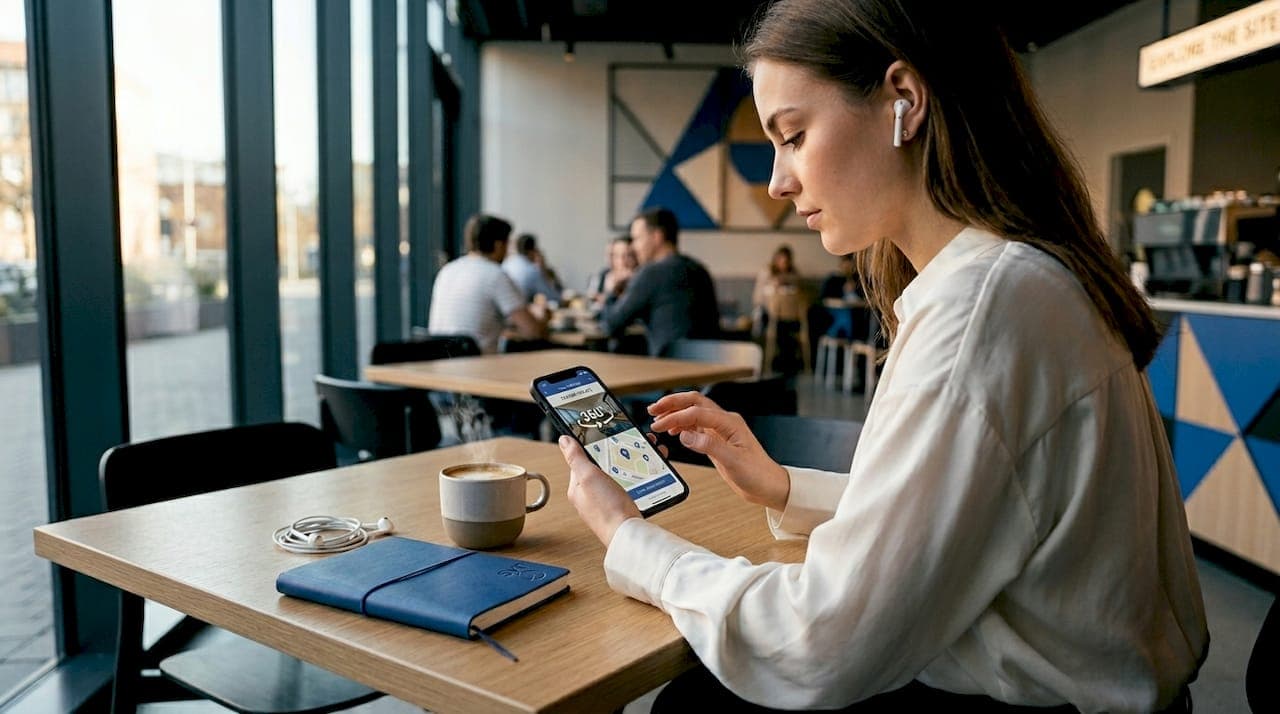
Mobile-optimized tours are defined as interactive virtual experiences engineered specifically for smartphone and tablet delivery, where layout, load speed, and navigation are built for touch-first interaction rather than adapted from desktop. The role of mobile-optimized tours in customer experience is direct: they determine whether a potential buyer, traveler, or event attendee stays engaged or abandons the experience entirely. Mobile devices now generate the majority of travel and real estate discovery traffic, yet mobile converts at lower rates than desktop, which means the gap between traffic and revenue is a mobile experience problem. Platforms like Simple Virtual Tour address this gap by enabling professionals to build tours that perform on any device, without requiring technical expertise. Getting mobile optimization right is no longer optional. It is the primary lever for improving customer satisfaction, reducing drop-off, and closing more bookings.
How mobile-optimized tours reduce friction and boost engagement
Mobile-first design for virtual tours is not about shrinking a desktop layout. It is about rebuilding the experience around how people actually use their phones: with one thumb, on a slow network, with limited patience.
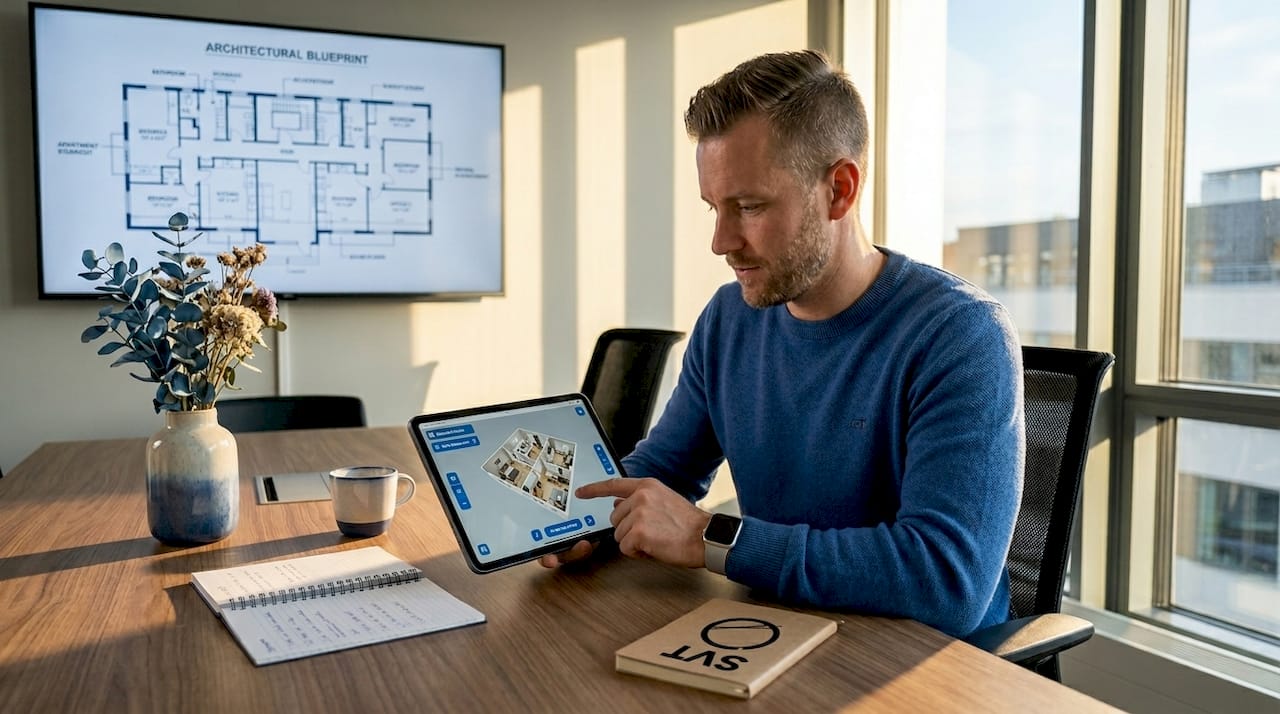
The friction points are well documented. 62% of leading ecommerce sites have mediocre or worse mobile product page UX compared to 52% on desktop, and 40% of online visits show measurable user frustration. That frustration translates directly into abandoned tours and lost bookings for real estate agents, tour operators, and event planners.
Fixing these friction points requires a specific set of decisions:
- Hero images and key details above the fold. Users spend 57% of their time above the fold and 74% within the first two screenfuls. Tour name, price, availability, and a booking call-to-action must appear before any scroll.
- Tap targets sized for thumbs. Small buttons and pinch-to-zoom calendars cause immediate frustration on mobile. Minimum tap target size of 44x44 pixels is the standard, and booking widgets must use responsive calendar components.
- Performance-first rendering. Code splitting and adaptive rendering ensure the first usable step of a tour loads quickly even on weak networks, preventing early churn before the experience begins.
- Simplified inquiry forms. Reducing form fields to the minimum useful amount removes a major conversion barrier. The fewer decisions a user must make on a small screen, the more likely they are to complete the action.
Pro Tip: Use click-tracking tools to identify exactly where mobile users drop off in your tour flow. A single misplaced button or a slow-loading panorama at step two can account for a significant share of your abandonment rate.
Tour operators who invest in systematic A/B testing and redesign of mobile pages see double-digit conversion increases. Djoser achieved a 33% booking increase and Bizztravel saw a 21% conversion boost through targeted mobile page redesigns. These are not marginal gains. They represent the direct financial impact of treating mobile experience as a core product feature.
What is the impact of VR and AR on mobile tour engagement?
Immersive technologies delivered through mobile-optimized tours produce measurable improvements in customer loyalty, retention, and purchase confidence. The mechanism is not novelty. It is the reduction of uncertainty during high-stakes decisions.
A mobile-accessible VR tourism application delivered as a cross-platform Progressive Web Application (PWA) recorded a 66.36% increase in brand loyalty, a 65.48% increase in customer retention, and 78.15% of users reporting high satisfaction. These figures matter because they demonstrate that immersive mobile experiences build lasting relationships, not just one-time visits. A PWA removes the hardware barrier entirely, making VR accessible through a standard mobile browser without requiring a headset or app download.
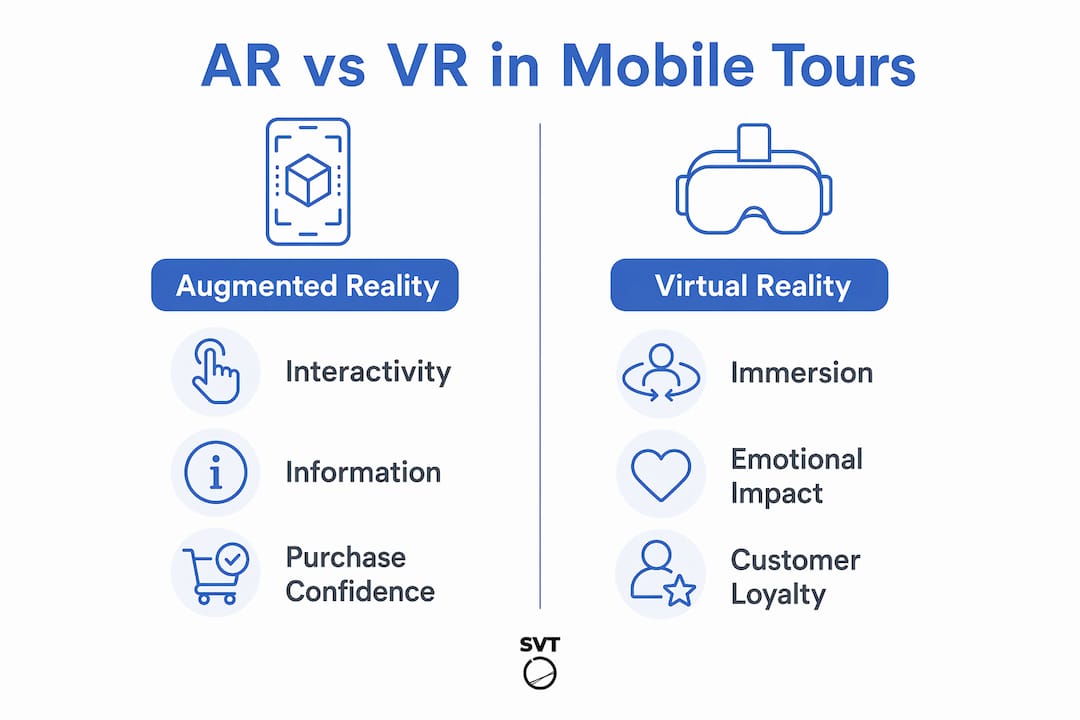
AR and VR serve different functions in the customer decision process, and understanding the distinction helps you deploy each technology more effectively.
| Technology | Primary strength | Customer impact |
|---|---|---|
| Augmented Reality (AR) | Informativeness and interactivity | Reduces purchase risk by overlaying real-world context |
| Virtual Reality (VR) | Immersive presence and virtual quality | Builds emotional connection and supports high-involvement decisions |
| PWA-delivered VR | Cross-platform accessibility | Removes hardware barriers and maximizes audience reach |
A Springer Nature study on AR/VR value co-creation confirmed that AR drives continuous-use intention through its informational utility, while VR drives purchase intention through the quality of its immersive presence. For a real estate professional, this means AR overlays showing room dimensions or renovation options serve a different purpose than a full VR walkthrough of a property. Both have a place in the mobile tour workflow, but they answer different customer questions.
Design quality determines whether immersive technology helps or hurts. Poorly tuned sensory elements add cognitive load and reduce decision confidence. Clear layout, intuitive navigation, and comfortable pacing are what convert an impressive demo into a booking.
Pro Tip: When building a VR or AR component into your mobile tour, test it on a mid-range Android device on a 4G connection, not just on the latest iPhone on Wi-Fi. That is the real-world condition most of your audience will experience.
Best practices for mobile tour landing pages that convert
Converting mobile tour traffic into bookings requires a specific page architecture. The following sequence reflects what the research and conversion data support for tour operators, real estate professionals, and event planners in 2026.
-
Lead with load speed. A page that takes more than three seconds to display the hero image has already lost a measurable share of its audience. Use adaptive rendering and minimize the initial tour bundle size so the first frame appears immediately, even on a 3G connection.
-
Place click-to-call above the fold. Mobile searchers in call-ready mode convert at higher rates when a phone number or call button is visible without scrolling. For high-value bookings in real estate and luxury travel, a direct call is often the fastest path to a closed deal.
-
Use sticky CTAs. A booking button that follows the user as they scroll through a tour removes the friction of having to scroll back up to act. Place the primary CTA at the top, then repeat it at logical decision points: after the photo gallery, after the pricing section, and at the bottom of the page.
-
Embed booking widgets natively. Redirect flows that send users to a third-party booking page on mobile cause significant drop-off. Embedding a responsive booking calendar directly in the tour page keeps the user in context and reduces the number of steps between interest and confirmation.
-
Write mobile-specific ad copy. Device-specific messaging and call-only campaigns improve mobile conversion rates by matching the intent of users who are already in action mode on their phones. Generic desktop copy repurposed for mobile underperforms consistently.
-
Minimize form fields. Ask only for what you need to confirm the booking. Name, date, and contact method. Every additional field reduces completion rates on a small screen.
How do mobile tours fit into omni-channel customer experience?
Mobile tours do not operate in isolation. In 2026, BCG defines an agentic CX layer where brands must serve customers across mobile, web, physical locations, and AI-driven interactions without breaking context. A customer who explores a property tour on their phone, then calls your office, then visits in person should never have to repeat themselves or restart their decision process.
Building this continuity requires deliberate choices at the design level:
- Maintain session context across devices. A user who starts a tour on mobile and continues on desktop should pick up where they left off. Saved favorites, viewed rooms, and inquiry history should persist.
- Build destination-worthy owned experiences. Rich, exclusive content on your mobile tour, such as neighborhood guides, floor plan comparisons, or event layout previews, gives customers a reason to return to your platform rather than relying on third-party aggregators or AI summaries.
- Map the full customer journey. Identify every point where a user transitions from the tour to a phone call, a form submission, or an in-person visit. Each transition is a potential break in context. Eliminating those breaks is what separates a good mobile experience from a great one.
- Communicate data use clearly. Trust is built when customers understand how their interaction data is used. A clear, plain-language privacy note on your mobile tour page reduces hesitation and supports customer trust building at the first point of contact.
The professionals who win on mobile in 2026 are not just those with the fastest pages or the most immersive tours. They are the ones who treat the mobile tour as one connected chapter in a longer customer relationship, not a standalone product demo.
Key takeaways
Mobile-optimized tours directly increase customer satisfaction, booking conversion, and brand loyalty when built around performance, clarity, and continuity across every touchpoint.
| Point | Details |
|---|---|
| Performance is a CX feature | Tours must render the first usable step quickly on weak networks to prevent early abandonment. |
| VR via PWA drives loyalty | A mobile VR PWA increased brand loyalty by 66.36% and customer retention by 65.48%. |
| Above-the-fold placement converts | Hero images, pricing, and CTAs must appear before the first scroll to capture mobile decisions. |
| AR and VR serve different roles | AR reduces purchase risk through information; VR builds emotional commitment through immersion. |
| Omni-channel continuity matters | Context must persist across mobile, web, and in-person touchpoints to maintain customer trust. |
What I've learned from watching mobile tours succeed and fail
I have reviewed enough mobile tour implementations to know that the most common mistake is not technical. It is a prioritization problem. Teams spend months perfecting the 360-degree photography and the hotspot interactions, then deploy the tour on a page that takes six seconds to load on a mid-range phone. The immersive experience never gets seen because the infrastructure around it was treated as an afterthought.
The second pattern I see repeatedly is the novelty trap. A VR or AR feature gets added because it looks impressive in a demo, not because it answers a specific customer question. The research is clear on this: design focused on clarity and navigation ease improves decision confidence more reliably than sensory complexity. A clean, fast tour that shows a property's layout and answers the three questions every buyer has will outperform a technically impressive experience that leaves users disoriented.
The professionals I see getting the best results treat their mobile tour as a decision support tool, not a marketing spectacle. They ask: what does this customer need to know to feel confident enough to book? Then they build the tour around that answer. Continuity across devices is the third differentiator I would highlight. The teams who have connected their mobile tour data to their CRM and their phone inquiry system are the ones who close deals faster, because they never make a customer repeat themselves. That kind of live virtual tour integration is where the real competitive advantage lives in 2026.
— Andrea
Build mobile-optimized tours that actually convert
If you are a real estate agent, tour operator, or event planner looking to put these principles into practice, Simple Virtual Tour gives you the tools to do it without a development team.
Simple Virtual Tour is built for professionals who need to create mobile-first, immersive virtual tours quickly and without technical overhead. The platform supports VR and AR experiences accessible via standard mobile browsers, includes e-commerce and booking integrations optimized for mobile conversion, and offers both cloud-hosted and self-hosted deployment so you control your data and costs. With over 1,400 active users across real estate, tourism, and event planning, it is designed to deliver the performance and clarity that mobile customers expect. Start creating tours that work on every device your customers use.
FAQ
What is the role of mobile-optimized tours in customer experience?
Mobile-optimized tours deliver accessible, fast, and interactive virtual experiences on smartphones and tablets, directly improving engagement, reducing booking friction, and increasing customer satisfaction. They are the primary channel through which modern buyers and travelers first evaluate a property, destination, or venue.
How much do mobile tours improve booking conversions?
Tour operators who redesign mobile landing pages with faster load times, simplified forms, and above-the-fold CTAs achieve measurable conversion gains. Documented examples include a 33% booking increase by Djoser and a 21% boost by Bizztravel following targeted mobile page redesigns.
What is a PWA and why does it matter for mobile tours?
A Progressive Web Application (PWA) is a web-based experience that functions like a native app without requiring a download. Delivering VR tours as PWAs removes the hardware and installation barrier, which is why one mobile VR PWA study recorded 66.36% higher brand loyalty and 78.15% user satisfaction.
How do AR and VR differ in mobile tour applications?
AR uses informativeness and interactivity to reduce purchase risk by overlaying contextual information on real environments, while VR uses immersive presence and virtual quality to build emotional engagement and support high-involvement decisions like property purchases or destination bookings.
What are the most important elements on a mobile tour landing page?
The tour name, hero image, pricing, availability, and a booking call-to-action must all appear above the fold, since users spend 57% of their page-viewing time in that zone. Load speed, thumb-friendly tap targets, and embedded booking widgets are the next highest-impact elements.