
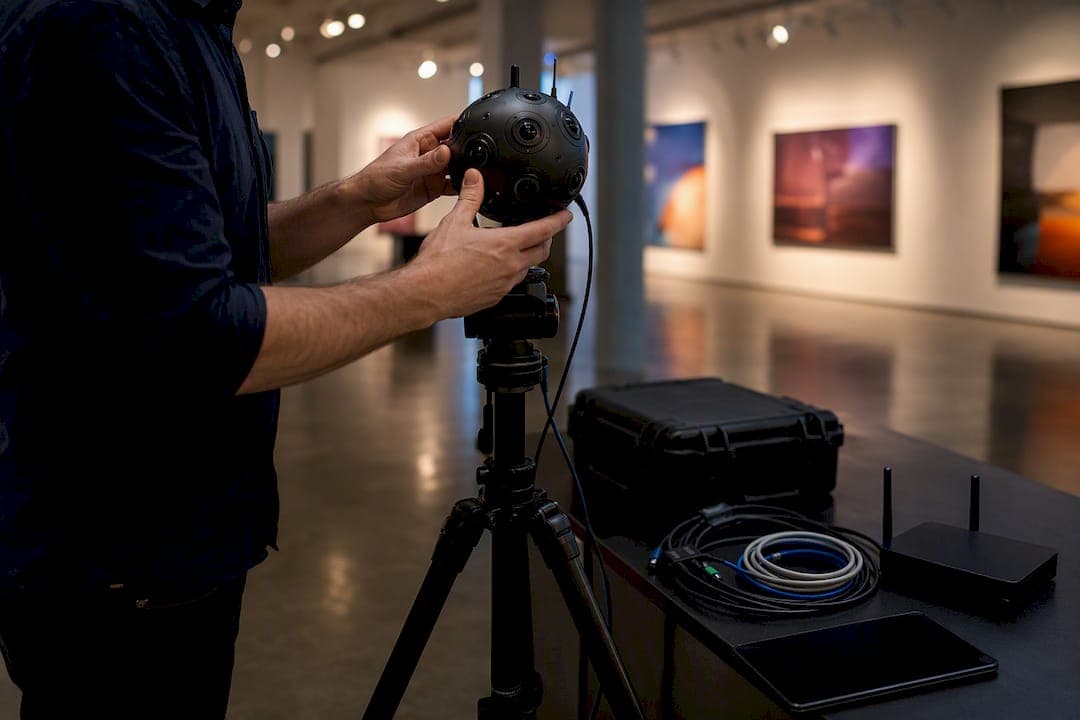
A multi user virtual tour lets more than one person move through a 360° space at the same time, either in a live guided session where everyone sees what the host sees, or as an independent tour where each viewer explores at their own pace. The primary decision you face is picking one of those two models: live-synchronized (a host drives the experience for the group) or on-demand independent (each participant navigates freely, together or apart). Before you commit to a platform, check three things.
- Join method: does it use a shared link, a meeting code, or a manual invite?
- Device reach: will your audience join from a browser, a phone, or a VR headset?
- Collaboration tools: do you need live voice, annotations, or session recording, or just a shared viewpoint?
Get those three answers first. Everything else, features, pricing, hosting model, follows from them.
Key Takeaways
Live multi-user virtual tours succeed when host-controlled synchronization, clear join methods, and network-aware performance work together, not when feature count alone drives the platform choice.
| Point | Details |
|---|---|
| Pick your session model first | Decide between live-synchronized hosting and independent viewing before comparing platforms. |
| Prioritize control handoff | A clean host-to-participant handover matters more than a long feature list. |
| Match devices to your audience | Browser access maximizes reach; VR headsets add immersion but require compatible hardware. |
| Plan for network limits | Confirm how a platform performs for low-bandwidth participants before the live event. |
| Simple Virtual Tour as a ready option | Offers live session hosting, multi-user plugins, and cloud or self-hosted deployment for groups. |
Table of Contents
- What Is a Multi User Virtual Tour, Technically?
- What Features Actually Matter for Group Collaboration?
- Which Devices and Hosting Setups Fit Your Group?
- Where Multi User Tours Deliver the Most Value
- How to Run Your First Live Multi User Tour
- How Simple Virtual Tour Supports Live Group Sessions
- Why Host Control Matters More Than Feature Count
- Try a Guided Group Session With Simple Virtual Tour
- Frequently Asked Questions
- Sources
What Is a Multi User Virtual Tour, Technically?
A synchronized guided session runs on server-driven state. When the host changes scenes, drops a pin, or rotates the view, that action broadcasts to every connected participant, so the group experiences the tour as a single shared performance rather than parallel individual visits. A peer-reviewed system design for web-based multi-user VR documents exactly this challenge: keeping simultaneous users synchronized against 360° image data without lag breaking the illusion of shared presence.
Independent viewing works differently. Each participant controls their own viewport inside the same tour, useful when people consume content asynchronously or when a group wants to explore separately, then reconvene. Some platforms blend both. Avatour streams live 360° video to remote viewers who join through a browser link, and each person keeps an independent viewpoint even while participating in a shared, recordable session.
Access almost always runs through some form of code system, a host or admin credential that starts the session, paired with a short-lived meeting code or link that participants use to join.
What Features Actually Matter for Group Collaboration?
Not every feature on a spec sheet earns its place. Here's what actually determines whether a group session feels connected or chaotic.
- Real-time voice and video, ideally with spatial audio so a comment from someone "standing" near a hotspot feels proximate rather than disembodied.
- Visible presence, avatars, name labels, or a participant list, so nobody wonders who else is in the room.
- Host-driven navigation with control handoff, letting the host steer the group, then pass the controller to a participant when needed. C3D Live builds this handover directly into its synced viewing model.
- Annotation tools, drawing, sticky notes, and screenshot export for capturing decisions mid-tour.
- Recording and replay, plus role-based permissions tied to meeting codes so only the host can grant recording rights.
- Graceful scaling, because a platform that handles 8 people smoothly can choke at 40 without server-side adjustments.
SENTIO VR's documentation shows this pattern clearly: an admin-generated access code starts the meeting, participants join with a temporary code, and everyone appears as an avatar with built-in voice chat and drawing tools.
Pro Tip: If your group includes attendees on spotty hotel Wi-Fi or mobile data, ask any platform how it degrades under low bandwidth before you ask about its top-end feature list. A tour that gracefully drops video but keeps voice and navigation intact beats one that just freezes.
Which Devices and Hosting Setups Fit Your Group?
Browser-based joining removes the biggest friction point in any group session: nobody wants to install an app five minutes before a scheduled walkthrough. The tradeoff is immersion. A browser tour on a laptop is convenient but flat compared to a VR headset, which delivers full stereoscopic depth at the cost of requiring a headset app or compatible WebXR support.
Hosting model matters just as much as device choice. Cloud-hosted SaaS gets you running fast, with updates handled automatically. Self-hosted deployment trades that convenience for control: your data stays on infrastructure you manage, and costs become predictable rather than usage-based. Neither is universally right; it depends on whether your organization values speed of setup or control over long-term expense.
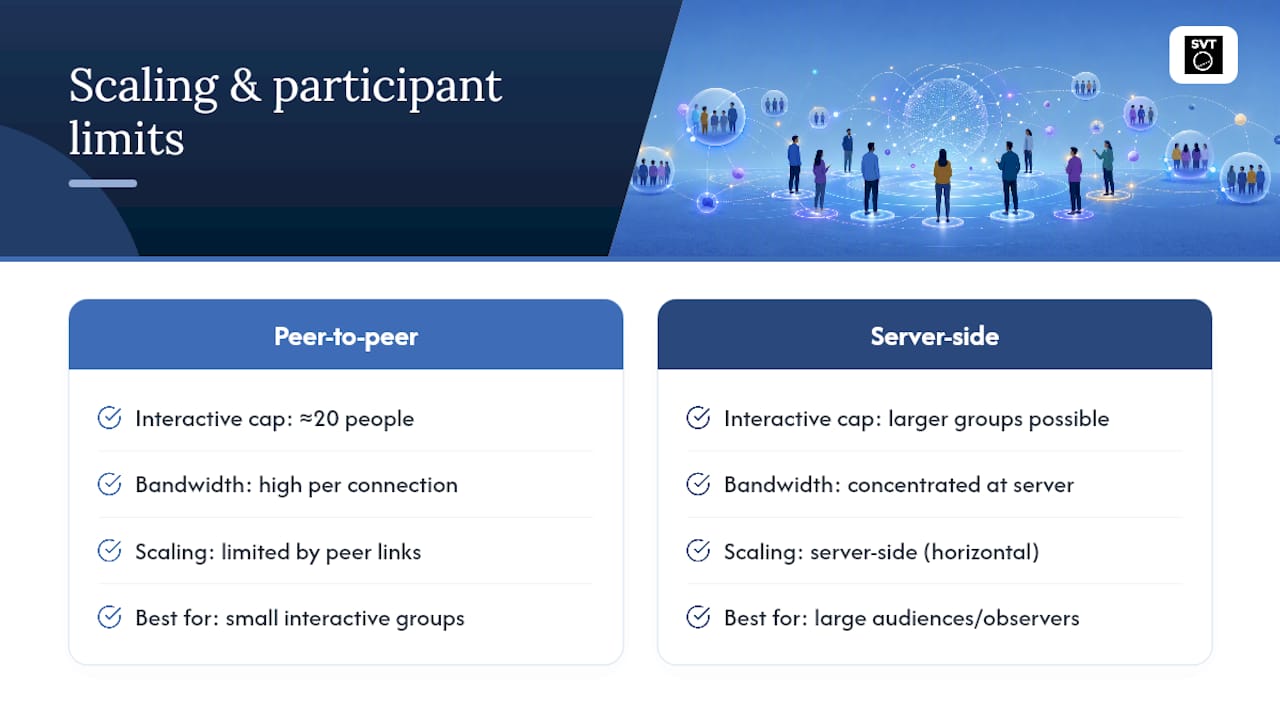
Network capacity deserves a real answer, not a guess. Platform documentation from live tour vendors commonly caps interactive participants around 20 people, with additional attendees joining as observers, a sensible ceiling given how much bandwidth synchronized video and voice consume per connection. For larger groups, look for platforms that explicitly mention server-side scaling rather than peer-to-peer connections.
Where Multi User Tours Deliver the Most Value
Certain use cases justify the extra complexity of live, synchronized sessions far more than others.
- Real estate walkthroughs. An agent leads a group of buyers through a property in real time, fielding questions as they arise. This beats a scheduled in-person open house for out-of-town buyers by a wide margin.
- Education and virtual field trips. A teacher guides a class through a historical site or museum, annotating points of interest live, then makes the recording available for students who missed the session.
- Museum and attraction tours. Curated, narrated group experiences with accessible replay extend a physical visit's reach well past the building's walls. Public sites like Mount Vernon already demonstrate this pattern with layered points of interest across web and VR entry points.
- Training and remote inspections. A synchronized walkthrough with recording turns a one-time site visit into reusable evidence for compliance or onboarding.
How to Run Your First Live Multi User Tour
Running a first session smoothly comes down to sequencing, not luck.
- Prepare your media. Optimize panoramas or 3D models for load speed, then label hotspots and points of interest so the host can navigate confidently. Tools built for interactive navigation and hotspot placement make this step far less tedious.
- Assign roles and generate access. Decide who holds the host or admin credential, then generate the join method, a meeting code for a scheduled group or a single-use link for a one-off session.
- Brief participants beforehand. Send device requirements and a short pre-session checklist. A five-minute warning about browser compatibility saves ten minutes of troubleshooting live.
- Manage the live session. Control scene changes deliberately, use annotation tools to mark decisions, hand off control when appropriate, and record throughout.
- Follow up afterward. Export recordings and screenshots, then send them to attendees along with a short feedback request.
Pro Tip: Run a five-minute dry session with just one other person before the real one. Most connection and permission issues surface in that first test, not during the live event when it actually matters.
How Simple Virtual Tour Supports Live Group Sessions
Simple Virtual Tour builds its platform around the same principles this article covers: live session hosting, cloud or self-hosted deployment, multilingual interfaces, and plugins built specifically for multi-user management. It combines those with e-commerce integration and an intuitive backend, so setting up a guided group session doesn't require a technical team.
- Dual deployment model: cloud-hosted for speed, self-hosted for data control and predictable costs.
- Live session capabilities built for guided, host-driven walkthroughs.
- Plugins for SaaS multi-user management, covering roles and access without custom development.
- Over 1,400 active users across real estate, tourism, and events.
A short pilot session, ten minutes, one host, a handful of participants, tells you more than any spec sheet. Watch how the group handles scene changes, whether annotations get used naturally, and how the connection holds up if someone joins from a mobile network instead of office Wi-Fi.
If you're testing photogrammetry-based 3D models for group tours, the Vista 3D feature set is worth reviewing before your pilot.
Why Host Control Matters More Than Feature Count
Most guidance on this topic obsesses over feature checklists, voice chat, avatars, annotation tools, as if collecting enough boxes checked guarantees a good group experience. It doesn't. The research on synchronized multi-user systems points to something less flashy but more decisive: how well the platform manages who controls the shared state at any given moment.
A session with five features and clean host-to-participant handoff beats one with fifteen features and a confusing free-for-all where nobody's sure who's driving. That's the overlooked variable. SENTIO VR's separation of admin access codes from temporary participant codes isn't a minor technical detail. It's the mechanism that keeps a twelve-person tour from turning into chaos the moment someone accidentally grabs the navigation controls.
If you're evaluating platforms, ask fewer questions about feature counts and more about control handoff, permission structure, and what happens on a bad connection. Those three answers predict a smooth session far better than a long feature list ever will. Prioritize clarity of control before you prioritize polish.
Try a Guided Group Session With Simple Virtual Tour
Simple Virtual Tour gives you a faster path to your first group walkthrough than building a custom solution or piecing together separate video and tour software. You get live session hosting, multi-user management plugins, and your choice of cloud or self-hosted deployment in one package, without needing a developer to wire it together.
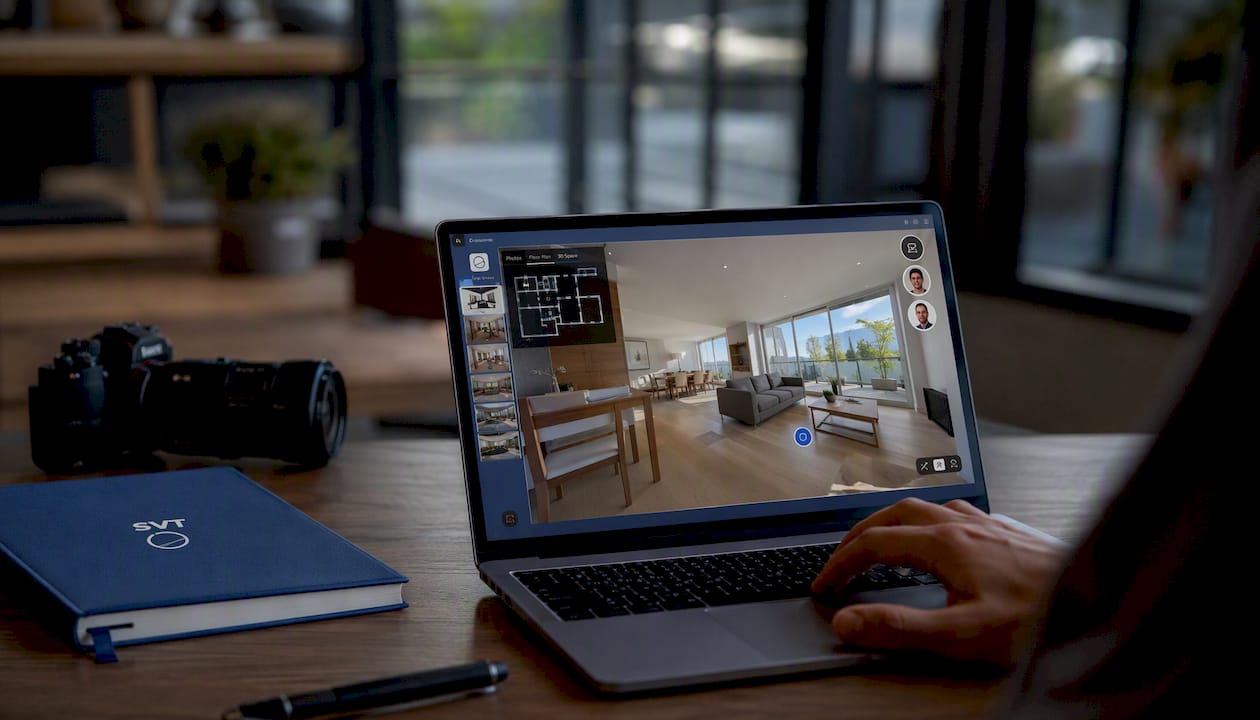
That flexibility matters most for real estate teams and tourism operators who need control over long-term costs, not just a monthly bill that grows with usage. Whether you're running a buyer walkthrough, a classroom field trip, or a museum tour with live narration, the setup process stays the same: prepare your media, assign host access, and generate a join code for your group.
If real estate is your focus, the feature breakdown for real estate tour software walks through pilot scenarios in more depth. Ready to see it running with your own content? Start with Simple Virtual Tour and set up your first live session this week.

Frequently Asked Questions
How many people can join a multi user virtual tour at once? It varies by platform, but many live tour vendors cap interactive participants around 20, with additional attendees joining as observers, a limit tied to how much bandwidth synchronized voice and video demand per connection.
Do participants need special equipment to join? No. Browser-based sessions work on standard laptops or phones without any download. VR headsets add immersion but require a compatible headset app or WebXR support.
What's the difference between a meeting code and a host code? A host or admin code starts and controls the session, while a temporary meeting code lets participants join without giving them control over scene changes or recording.
Can multi user tours be recorded for people who miss the live session? Yes. Most platforms built for group sessions include recording and replay, so attendees who couldn't join live can review the walkthrough afterward.
Is a self-hosted or cloud-hosted platform better for group tours? Cloud-hosted setups get you running faster with automatic updates; self-hosted deployment gives you more control over data and more predictable long-term costs. The right choice depends on your priorities, not a universal answer.
Sources
- Design and Implementation of a Web-based Multi-user Virtual Reality system (ACM)
- Live Virtual Tour Software | 360 Virtual Tours - Avatour
- Multi-User meetings for 360° Tours (SENTIO VR help)
- C3D Live | Immersive Virtual Tours with live Video Chat
- Mount Vernon virtual tour (Mount Vernon)