

Finding virtual tour software that balances easy tour creation, branding controls, and data ownership is a challenge for real estate and visual marketing teams. Many platforms limit deployment choices to only cloud hosting or restrict self-hosted versions behind complex sales or high one-time fees. This comparison highlights pricing, branding features, and hosting options so you can pick the virtual tour software that aligns with your team's workflow and budget.
Table of Contents
Simple Virtual Tour
At a Glance
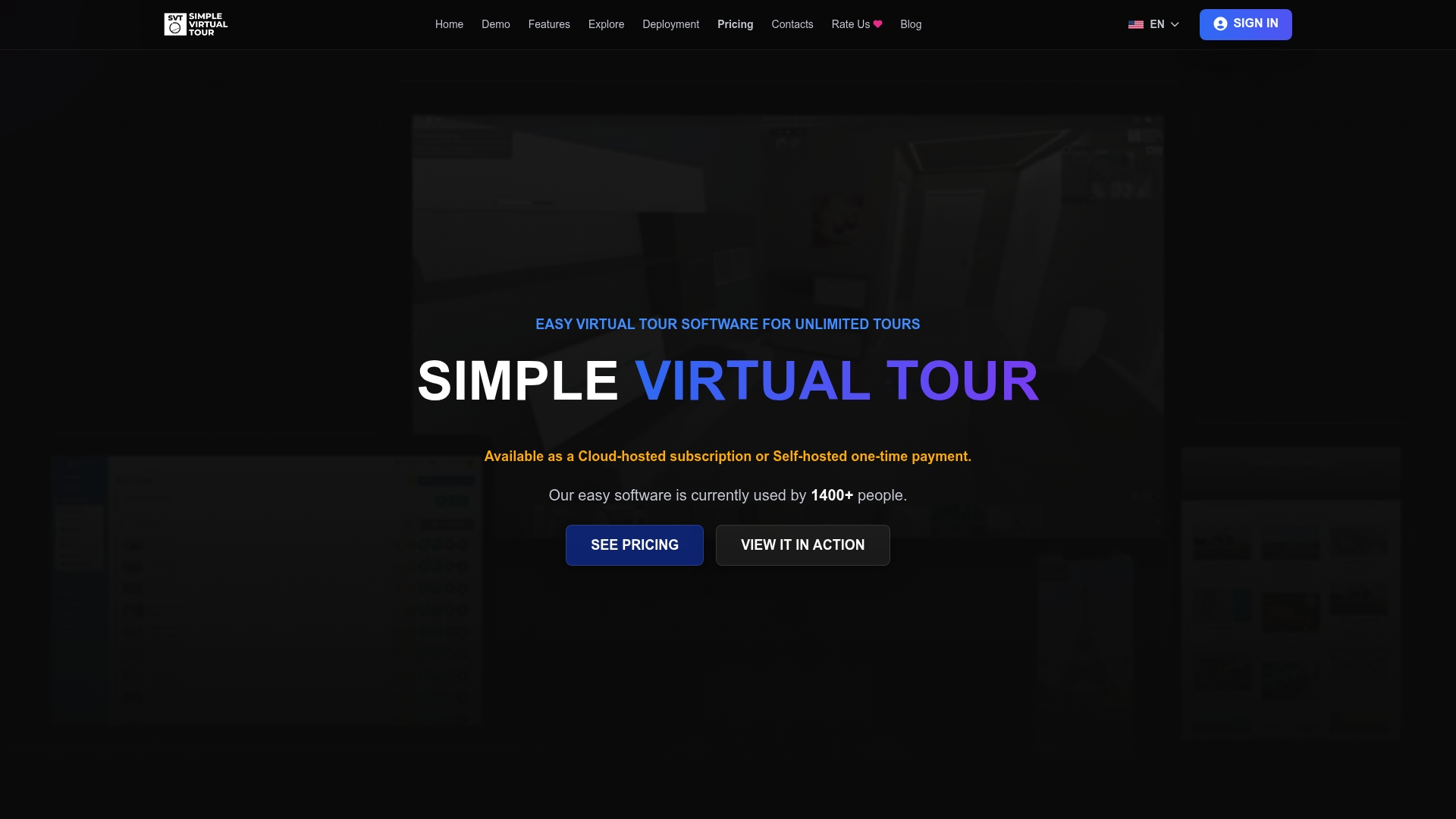
Simple Virtual Tour reports over 1,400 current users. That figure reflects adoption by real estate agents and small businesses. The platform supports both cloud-hosted and self-hosted deployment while letting you publish unlimited immersive tours.
Core Features
Upload high-resolution panoramic images or 360° video and store them in a secure media library. Link rooms, add interactive hotspots, and share tours via direct links, embed codes, QR codes, or social networks. The platform includes multilanguage support, map and globe views, VR compatibility, virtual staging, e-commerce integration, live-streaming, and AI tools for image and video creation.
Key Differentiator
The single biggest differentiator is the dual deployment model that offers both cloud-hosted and self-hosted options. That choice gives you direct control over data and a path to lower ongoing hosting costs. The product also offers a one-time source code purchase to run the software on your own servers.
Pros
The interface stays approachable for nontechnical teams while the backend exposes customization when needed. Unlimited tours, multilanguage support, VR compatibility, live-session capabilities, and e-commerce connections let you deploy tours for many client needs. The vendor advertises positive reviews for support and robustness, and that figure shows real adoption.
Cons
- Self-hosted option requires technical skills for installation and ongoing maintenance.
Notable Integrations
- Stripe for payments
- Google API for Street View publishing
Who It's For
Small to medium businesses and real estate agents will find the product useful. Tour operators and educational institutions can use it for destination and campus tours. Teams that want full control over hosting will value the self-hosted option or the source code purchase.
Unique Value Proposition
A one-time source code purchase option lets you eliminate recurring hosting fees. That option changes the economics for firms building a private tour portal or a white-label service. If you prefer lower operational overhead, choose cloud-hosted. If you need data control, pick self-hosted and host the code yourself.
Real World Use Case
A real estate agent uploads high-resolution panoramas, links rooms, and adds hotspots to highlight renovations. They embed the tour on listings, share direct links with buyers, and run live-streaming walkthroughs for remote clients. For larger brokerages, the one-time source code buy lets IT host tours on private infrastructure.
Pricing
There is a free forever tier with limited features. Paid plans start at €2.99/month for starter, €5.99/month for creator, and go up to €49.99/month for enterprise. One-time purchase options exist for source code and advanced deployments, and some advanced plugins require extra fees.
Website: https://simplevirtualtour.com
CloudPano
At a Glance
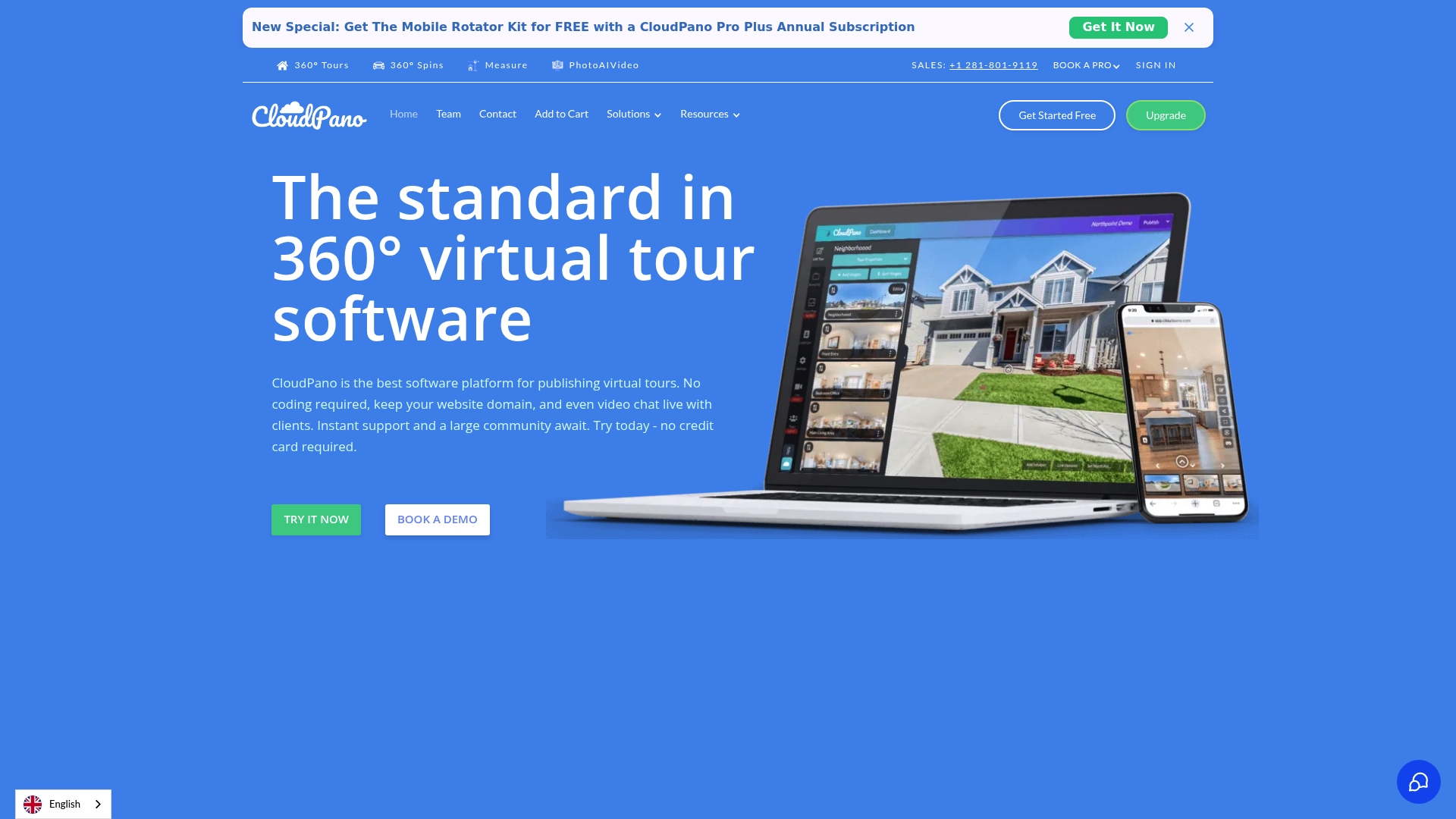
Supports easy 3-step tour creation with white-label branding and VR compatibility. The platform advertises bulk project handling and Google Street View publishing for larger portfolios. That mix targets agents and agencies who need fast tour production and branded delivery.
Core Features
CloudPano lets you build and publish 360° virtual tours without coding, and it supports VR and mobile viewing for immersive presentations. You can embed tours on listing pages, add hotspots with video or HTML content, and use 3D dollhouse floor plans for spatial context. The backend offers private tours, team collaboration tools, and domain-level white-labeling for branded deployments.
Key Differentiator
The standout claim is the 3-step tour creation flow combined with broad white-label options and VR support. That approach shortens on-boarding for photographers while keeping branding control for agencies. For teams that publish to Google Street View and third-party listing sites, that workflow lowers manual steps.
Pros
CloudPano provides a user-friendly interface that suits beginners and experienced photographers alike, and its output runs across desktop, mobile, and VR headsets. The platform supports high-definition tours and white-label hosting, which helps agencies keep branding consistent. Pricing scales from solo plans to enterprise, and the vendor lists options for bulk projects and private tour delivery.
Cons
- Some third-party integrations require technical setup and developer time.
- Advanced team collaboration is limited on lower-tier plans.
- Pricing tiers are numerous and can feel complex when picking features.
- Reviews show limited detail on specific camera compatibility for certain workflows.
When It May Not Fit
Buyers who need deep turnkey integrations may find CloudPano requires technical resources for custom work. Organizations that need advanced multiuser editing and permission controls should plan to upgrade to higher plans. If your operation relies on a tightly integrated API ecosystem, CloudPano may not match that need without development support.
Who It's For
Entrepreneurs, real estate agents, photographers, and small agencies seeking a fast path to branded virtual tours will find this platform useful. It matches teams that publish listings and want domain-level white-labeling plus VR playback. Large enterprises with internal dev teams can use the platform but should budget for integration work.
Real World Use Case
A real estate agent creates immersive listings using the three-step flow, embeds the tour on MLS pages, and shares a white-label link with buyers. The agent adds video hotspots for neighborhood tours and publishes to Google Street View for local visibility. That reduces unnecessary showings and gives remote buyers a fuller sense of each property.
Pricing
Plans start at $19/month billed annually for Pro, with Pro Plus at $33/month and Teams from $199/month and up. The vendor also advertises custom enterprise solutions for larger deployments and white-label hosting.
Website: https://cloudpano.com
Shapespark
At a Glance
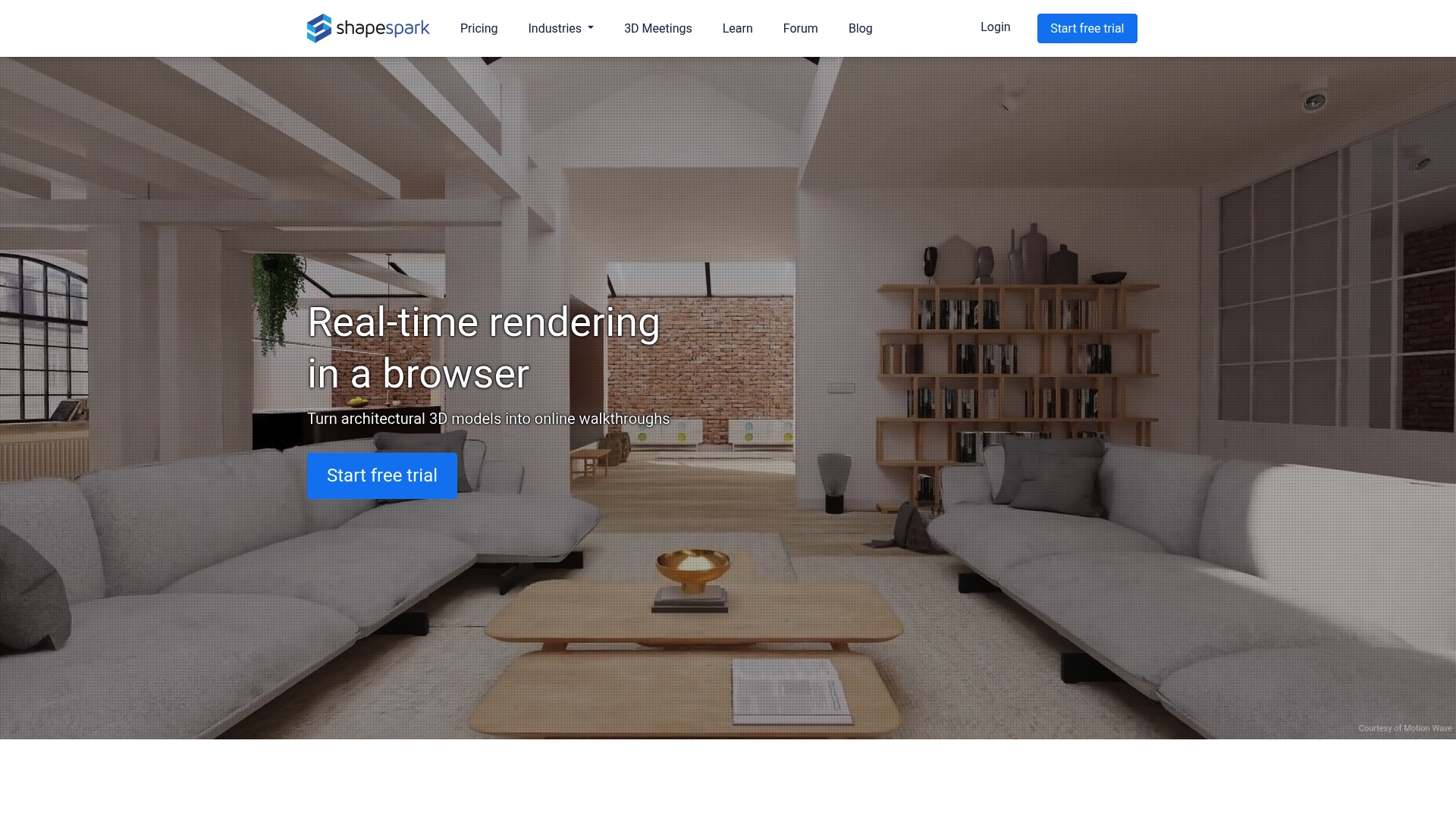
Shapespark renders path-traced global illumination inside browser walkthroughs for photoreal lighting and realistic reflections. It supports VR viewing and sharing via links or embeds so clients can open tours on phones, tablets, or desktop browsers. The product targets architects and visualization artists who need accurate light simulation before construction.
Core Features
Shapespark converts 3D models into interactive walkthroughs with real-time navigation and high-fidelity lighting. It allows embedding tours on websites and sharing direct links, and it supports VR headsets for immersive review sessions. The tool accepts models from SketchUp, Revit, and 3ds Max and adds interactive hotspots, annotations, and material swaps for client review.
Key Differentiator
The standout technical feature is path-traced global illumination rendered in the browser, which delivers more natural light behavior than standard real-time engines. That level of lighting makes material finishes and daylight studies easier to evaluate on-screen. Compared with Simple Virtual Tour, Shapespark narrows its focus to architectural visualization and light-accurate walkthroughs rather than broad tour hosting.
Pros
Shapespark offers an approachable workflow that designers pick up quickly, even without scripting experience. The rendering quality supports realistic lighting and global illumination, which improves client feedback on finishes and daylighting. Access via standard web browsers removes app installs, and the platform includes branding and embedding options plus in-tour collaboration for remote review sessions.
Cons
- Subscription costs increase for higher plans, which may strain small studios or solo practitioners.
- Some advanced capabilities such as hosting on your own servers and API access appear only on upper tiers.
- Performance depends on network and local hardware, so complex scenes may load slowly for some clients.
- Continuous internet access is required for sharing and remote collaboration features.
Who It's For
Shapespark fits architects, interior designers, and visualization artists who prioritize accurate lighting and material presentation in online walkthroughs. Real estate developers who need photoreal renderings of unbuilt spaces will also find it useful. Marketing teams that require embedded showrooms can adopt it if they accept a model-first workflow.
Real World Use Case
A real estate agency converts a developer’s 3D models into browser tours that show realistic daylight through future windows. Prospective buyers explore layouts from home using a phone or a VR headset, and agents collect annotated feedback directly inside the tour. The approach reduces physical site visits while preserving detailed visual information about finishes and light.
Pricing
Shapespark starts at USD 29 per month for the Starter plan, with higher tiers that add more scene slots, hosting options, and customization controls. The vendor lists tiered subscriptions that scale by features and hosting choices, and larger studios will likely select plans that include advanced hosting or API access.
Website: https://shapespark.com
Comparison of alternatives
Simple Virtual Tour, CloudPano, and Shapespark represent diverse offerings in the virtual tour platform market. Here's how they compare based on functionality and suitability for various needs.
Deployment and hosting flexibility
Simple Virtual Tour edges ahead with its dual hosting options, allowing users to choose between cloud-hosted or self-hosted deployments. This feature could significantly reduce operational costs and provide better data control. In contrast, CloudPano focuses exclusively on simplifying workflows, which benefits non-technical users. Shapespark does not cater to hosting customization, centering instead on providing high-fidelity visualization, a different user need.
Fidelity and advanced capabilities
Shapespark is in rendering photorealistic visuals through its path-traced global illumination process. Such fidelity empowers architects and visualization artists in conveying realistic spatial concepts. However, Simple Virtual Tour and CloudPano lack this advanced rendering focus, which suits different applications, like real estate or agency branding, rather than architectural blueprint presentations.
Best fit
- Large teams or enterprises aiming for flexible hosting and toolsets will find Simple Virtual Tour most effective for versatile deployment.
- Individuals prioritizing efficient and user-friendly creation processes without technical complexities may opt for CloudPano.
- Architects and designers valuing high-fidelity rendered walkthroughs should choose Shapespark for accurate material and lighting visualization.
Our pick
Simple Virtual Tour is the most versatile choice for users seeking a platform accommodating both flexible hosting and design features when publishing virtual tours. However, if your focus lies in highly specialized outputs, such as photorealistic renderings, or user-centric automations, the competition provides strong alternatives tailored to those requirements.
For those exploring platforms for creating 360° virtual tours, the following comparison table highlights key features to facilitate an informed decision.
| Product | Target Audience | Notable Features | Pricing | Limitations |
|---|---|---|---|---|
| Simple Virtual Tour | SMBs, real estate agents, educators | Cloud-hosted or self-hosted, multilanguage | Free tier, €2.99+/mo | Self-hosted option needs technical skills |
| CloudPano | Photographers, agencies, real estate agents | 3-step creation flow, Google Street View | From $19/mo billed annually | High-tier plans needed for advanced collaboration |
| Shapespark | Architects, interior designers, developers | Path-traced lighting, 3D model visualization | From $29/mo | High cost for advanced features |
Explore Why Simple Virtual Tour Is a Leading Alternative to RealTourMarketing.com
If you face challenges finding realtourmarketing.com alternatives that balance ease of use with full control, Simple Virtual Tour offers a tailored solution. Its dual deployment allows you to host tours on the cloud or your own servers, reducing ongoing costs while keeping your data secure. The platform supports unlimited interactive tours with features like live session streaming and e-commerce integration. This flexibility helps real estate agents and small businesses quickly deliver immersive virtual tours without technical complexity.
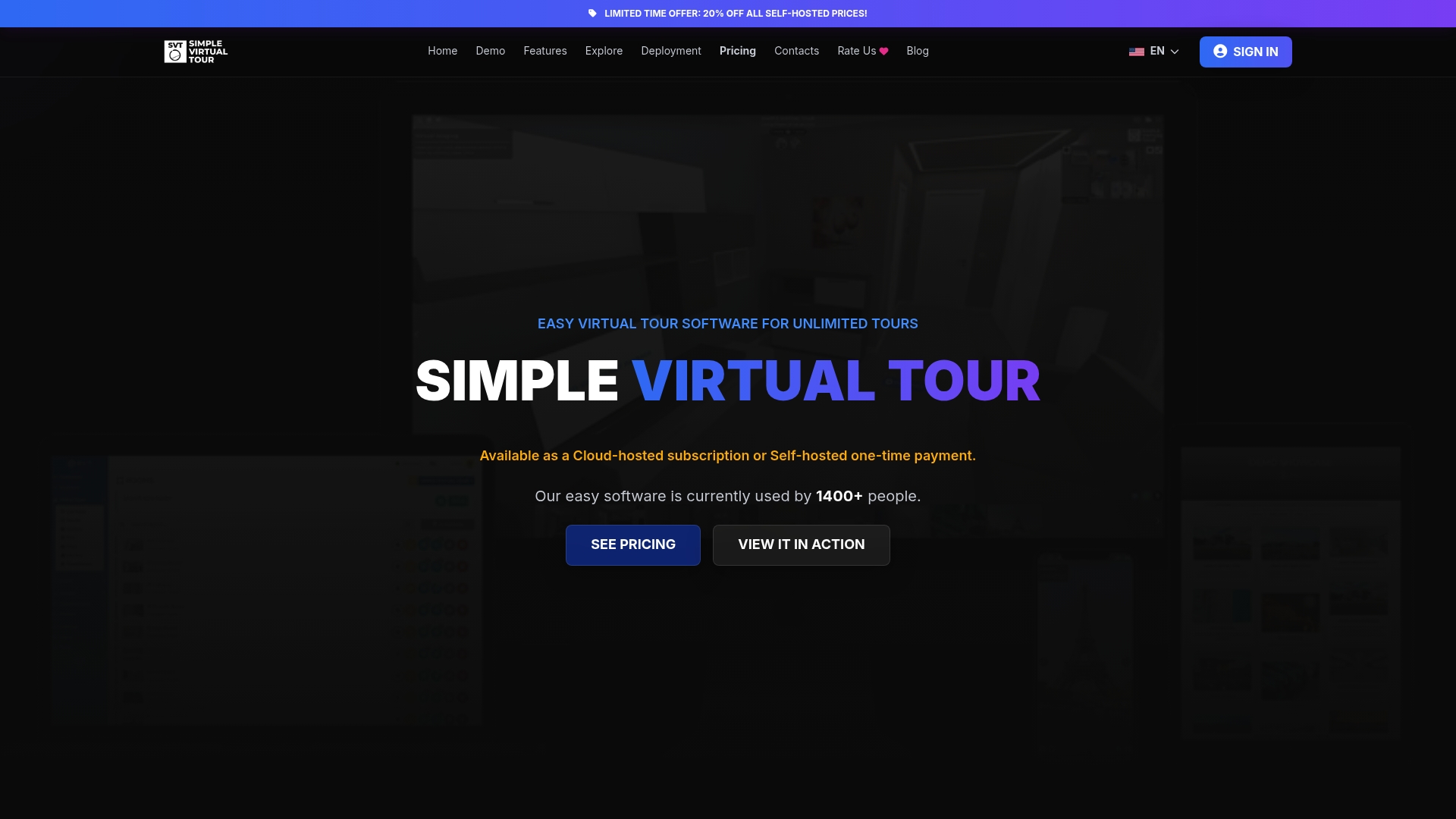
Discover how Simple Virtual Tour meets your needs by visiting Simple Virtual Tour. Take immediate control of your virtual tours with customizable software designed for easy publishing and rich features. Start creating engaging, interactive tours that attract clients and showcase properties effectively.
FAQ
What unique features does Simple Virtual Tour offer compared to other virtual tour software?
Simple Virtual Tour includes unlimited immersive tours and both cloud-hosted and self-hosted deployment options. This versatility allows users to choose between direct control over their data or the convenience of cloud storage. Businesses can easily get started with virtual tours that fit their specific needs.
How does CloudPano compare to Simple Virtual Tour in terms of user experience?
CloudPano provides a user-friendly interface that suits beginners and experienced photographers alike. In contrast, Simple Virtual Tour emphasizes in-depth customization while remaining approachable for nontechnical teams. Consider your team's comfort level with technology when choosing between these platforms.
What is the pricing structure for Simple Virtual Tour, and how does it compare to its competitors?
Simple Virtual Tour starts with a free tier and paid plans starting at €2.99 per month, which gives users access to essential features. Comparatively, CloudPano plans start at $19 per month, which may be a consideration for users focused on budget constraints without sacrificing necessary features.
Can I host my tours on my own servers using Simple Virtual Tour?
Yes, Simple Virtual Tour offers a one-time source code purchase option that allows users to host the software on their own servers. This feature provides flexibility for businesses seeking control over data and potential cost savings on ongoing hosting fees.
Which audience is best suited for Simple Virtual Tour?
Simple Virtual Tour caters to small to medium businesses and real estate agents. Its ability to handle immersive tours effectively makes it a strong choice for marketers, educational institutions, and teams needing virtual engagement solutions.