

Tourist attraction online presentation tools are software platforms that help tourism professionals create interactive, immersive, and shareable digital experiences to promote destinations, events, and venues. Leading platforms in this space include Mapme, SetMaker, Roomagen, PanoCool, and Lucid Partnership, each serving a distinct presentation need. The right combination of these tools determines whether a potential visitor books a trip or clicks away. This guide breaks down the top options, their standout features, and how to choose the best fit for your project and budget.
1. best tourist attraction online presentation tools overview
The category of tourist attraction online presentation tools covers a wide spectrum: from 360° virtual tour builders and interactive destination maps to audiovisual signage systems and location-based storytelling platforms. Each tool type serves a different stage of the visitor journey, from discovery to on-site orientation. Understanding which tool solves which problem is the first step toward building a presentation strategy that actually converts.

2. roomagen: ai-powered 360° virtual tours
Roomagen is an AI-driven platform that generates interactive 360-degree virtual tours from panoramic photos, with plans starting at $8 per month. That price point makes professional-grade virtual tours accessible to small tourism operators who previously could not afford traditional vendors. Tours embed directly into websites and social media, extending reach to global audiences without per-tour fees.
The AI-driven approach reduces cost and time dramatically compared to hiring a traditional virtual tour production company. For a regional museum or heritage site working with a limited marketing budget, this is a meaningful shift. You get a polished, interactive walkthrough without the overhead of a full production crew.
Pros of Roomagen:
- Fast creation from existing panoramic photos
- Budget-friendly monthly pricing with no per-tour charges
- Multi-platform embedding for websites and social media
Cons:
- AI-generated tours may lack the fine-tuned customization of manual builds
- Advanced branding options require higher-tier plans
Pro Tip: Shoot your panoramic photos on an overcast day to avoid harsh shadows, which AI processing handles more cleanly and consistently.
3. PanoCool: floor plans and deep linking for better orientation
PanoCool addresses one of the most overlooked problems in virtual tour design: visitor disorientation. Floor plans with radar direction let users see exactly where they are within a space at all times, which significantly reduces dropout rates in complex environments like museums or theme parks. When visitors know where they are, they stay longer and explore more.
Deep linking is the other standout feature. PanoCool allows you to share specific scenes and hotspots via direct URLs, which means your marketing team can link a social media post directly to the most compelling room in your attraction. That precision is something static photo galleries simply cannot replicate. For tourism marketers running targeted campaigns, deep linking turns a virtual tour into a precision tool.
| Feature | PanoCool | Standard Virtual Tour Tools |
|---|---|---|
| Floor plan with radar | Yes | Rarely included |
| Deep linking to scenes | Yes | Limited |
| Hotspot bookmarking | Yes | Varies |
| Orientation aids | Built-in | Usually absent |
4. how 360° virtual tours drive visitor engagement
360° virtual tours increase engagement by requiring active exploration rather than passive viewing, which results in longer interactions and higher intent to visit. This micro-interaction effect is the core reason virtual tours outperform static photo galleries in attraction marketing. When a user clicks, drags, and navigates a space, they are mentally committing to the experience in a way that scrolling through photos does not produce.
For tourism professionals, this translates directly to conversion potential. A visitor who spends four minutes exploring a virtual museum tour is far more likely to purchase a ticket than one who viewed a slideshow for thirty seconds. Active exploration builds familiarity and reduces the uncertainty that often prevents first-time visitors from booking.
5. mapme: interactive destination maps for tourism marketing
Mapme is a presentation platform for tourism that consolidates attractions, hotels, routes, and multimedia into a single branded, shareable map. The platform combines points of interest with rich media, filtering, and sharing options, all managed from one dashboard. That consolidation matters because visitors increasingly expect a single source of truth when planning a trip, not five separate PDFs and a static image.
Use cases for Mapme in tourism marketing include:
- Multi-stop itineraries that guide visitors through a city or region with embedded photos and descriptions at each point
- Walking tour guides for heritage districts, art trails, or food tours
- Thematic maps that filter by category, such as family-friendly spots or accessible venues
- Event maps that update in real time as schedules change
Interactive maps bring multiple tourism elements into one visual, branded platform, supporting better user discovery and marketing consistency. You can embed a Mapme map directly into your website, share it via email campaigns, or post it to social media as a standalone link. That flexibility makes it one of the most versatile online tools for travel presentations available today.
6. lucid partnership: audiovisual signage for on-site presentations
Lucid Partnership provides a unified platform to control big-screen displays, digital signage, and live audiovisual feeds across visitor attractions. The system is used at museums, theme parks, and heritage sites to deliver consistent orientation information, ticketing updates, and event schedules from a centralized management interface. That centralization eliminates the problem of outdated signage in one zone while another zone shows current information.
Scheduling content across zones is where Lucid's platform earns its place in a broader presentation strategy. A theme park can display queue times in one area, event start times in another, and wayfinding maps at entry points, all updated from a single dashboard. Digital signage and kiosks in visitor attractions must also meet ADA accessibility standards, including contrast ratios, text size, and reachable touch targets. Lucid's platform supports these requirements, which broadens the audience you serve.
Pro Tip: Schedule your signage content in advance for peak visitor days. Pre-loaded content reduces the risk of display errors during high-traffic periods when staff attention is stretched.
On-site audiovisual tools complement your online presentation strategy rather than replace it. A visitor who explored your attraction through a virtual tour before arriving will recognize the spaces and signage they encounter in person. That continuity between online and on-site presentation builds confidence and improves the overall visitor experience.
7. SetMaker: location-based storytelling for attractions
SetMaker enables the creation of interactive, location-based stories without any coding knowledge. You add audio, video, and rich text at each stop, then publish as a shareable browser link that works on any device without requiring an app download. That last point is critical for tourism applications: visitors will not install a dedicated app for a single attraction, but they will follow a browser link from a QR code or email.
SetMaker works particularly well for these use cases:
- Museum audio guides that trigger narration and images at each exhibit
- Heritage trail walks through historic neighborhoods with archival photos and stories at each stop
- Neighborhood food and culture tours that combine video clips, maps, and written context
- Educational school trip guides with age-appropriate content at each location
Location-based storytelling platforms provide narrative depth and multi-sensory engagement without coding, making immersive experiences accessible to marketers who are not developers. The browser-based delivery model also means your content is immediately updatable. You can swap out an audio clip or update a description without reprinting materials or pushing an app update.
8. how to choose the right presentation tool for your attraction
Choosing among virtual tour tools, interactive maps, audiovisual signage, and storytelling platforms depends on three factors: your primary goal, your technical capacity, and your budget.
| Tool Type | Best For | Starting Cost | Technical Skill Needed |
|---|---|---|---|
| Roomagen (360° tours) | Immersive walkthroughs | $8/month | Low |
| PanoCool | Complex multi-room tours | Varies | Medium |
| Mapme | Multi-stop itineraries | Free tier available | Low |
| SetMaker | Narrative guided tours | Contact for pricing | Low |
| Lucid Partnership | On-site AV management | Enterprise pricing | Medium to High |
If your primary goal is pre-visit engagement and ticket conversion, start with a 360° virtual tour tool like Roomagen or a platform like Simple Virtual Tour. If you need to aggregate multiple attractions into one shareable experience, Mapme is the stronger choice. For on-site visitor management and real-time content delivery, Lucid Partnership fills a gap that online tools cannot.
Pro Tip: You do not need to choose just one tool. Many successful tourism marketing campaigns combine a 360° virtual tour for the attraction website with a Mapme itinerary for trip planning and SetMaker for the on-site guided experience.
Budget-conscious teams should prioritize tools with free tiers or low monthly costs for initial testing. Roomagen's $8 per month entry point and Mapme's free tier both allow you to validate your approach before committing to a premium plan. Invest in enterprise solutions like Lucid only when your on-site visitor volume justifies the infrastructure.
Key takeaways
The most effective approach to tourist attraction online presentation combines 360° virtual tours, interactive maps, and location-based storytelling tools to engage visitors at every stage of their journey.
| Point | Details |
|---|---|
| Start with 360° virtual tours | Tools like Roomagen and Simple Virtual Tour convert passive browsers into engaged, high-intent visitors. |
| Add orientation features | Floor plans and deep linking in tools like PanoCool reduce dropout and improve marketing precision. |
| Use interactive maps for discovery | Mapme consolidates attractions and routes into one shareable, branded experience. |
| Layer in storytelling | SetMaker adds narrative depth to on-site and guided experiences without requiring an app download. |
| Match tools to your goal | Choose based on primary objective: pre-visit engagement, trip planning, or on-site orientation. |
What i've learned after years of watching tourism marketers choose the wrong tool
Most tourism professionals I've worked with make the same mistake: they invest in one impressive tool and expect it to carry the entire visitor journey. A stunning 360° virtual tour on your homepage does not help a visitor plan their route once they arrive. An interactive map does not replace the emotional pull of actually walking through a space virtually before booking.
The teams that see real results treat these tools as a system, not a single solution. They use a virtual tour to create desire, an interactive map to support planning, and a storytelling platform to deepen engagement on arrival. That layered approach mirrors how visitors actually make decisions: they discover, they research, they plan, and then they experience.
The other insight that rarely gets discussed is orientation. I have watched visitors abandon beautifully produced virtual tours within ninety seconds because they had no idea where they were in the space. PanoCool's floor plan with radar direction solves a real problem that most tour builders ignore entirely. If you are building a virtual tour for a complex attraction like a museum or a multi-building campus, spatial orientation is not optional. It is the difference between a tour that gets completed and one that gets closed.
Looking ahead, the tools that will define this space are those that connect the online and on-site experience without friction. Platforms that let you build visitor trust before arrival and then reinforce that familiarity on-site will outperform those that treat digital and physical as separate channels.
— Andrea
Create unlimited virtual tours with simple virtual tour
Simple Virtual Tour is built for tourism professionals who need to create and publish interactive virtual tours without a steep learning curve or ongoing per-tour costs.
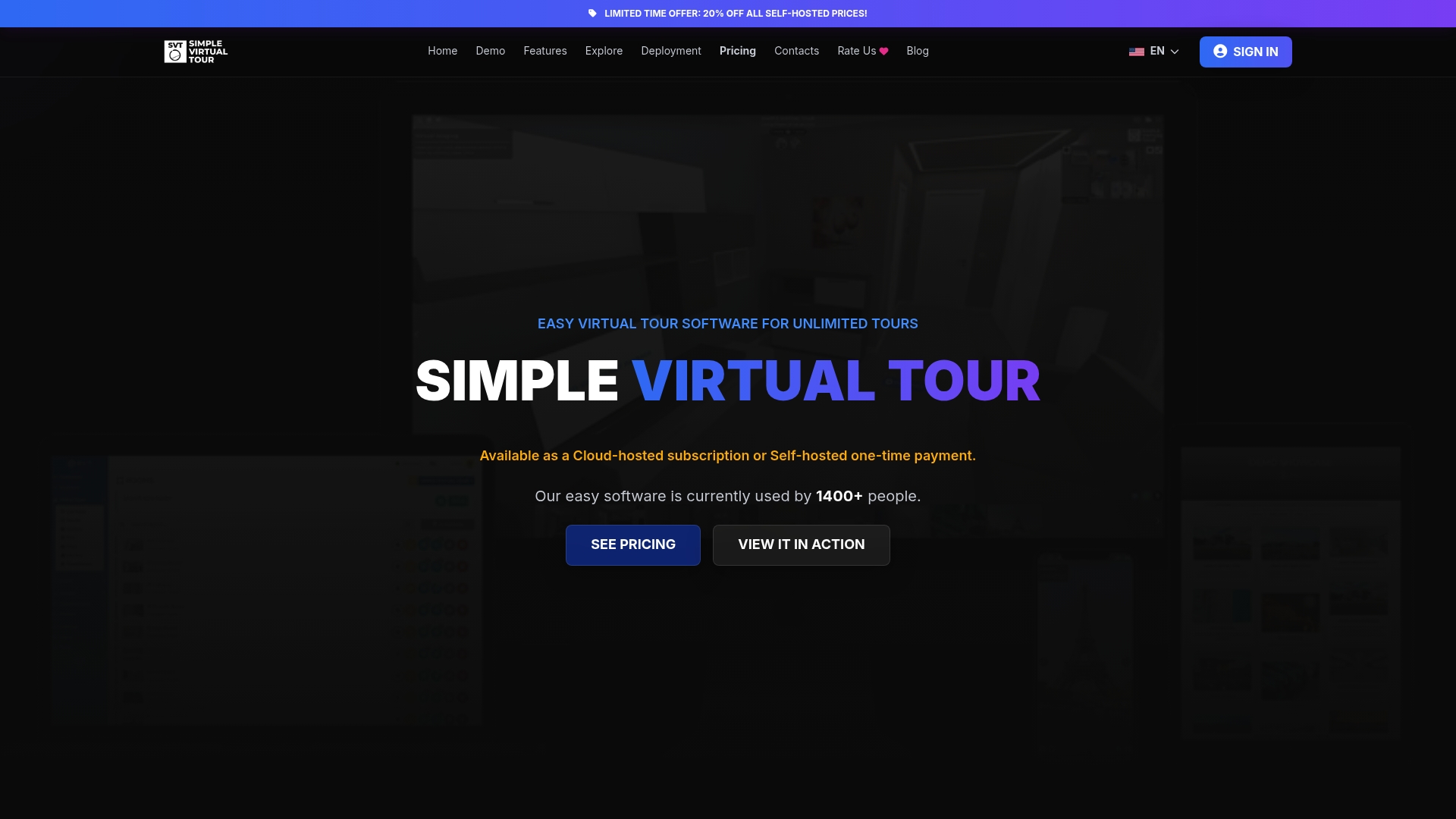
The platform supports unlimited tour creation, live session capabilities, e-commerce integration, and both cloud-hosted and self-hosted deployment. Over 1,400 users rely on it to showcase spaces and engage visitors across real estate, tourism, and events. Whether you are presenting a single attraction or an entire destination portfolio, Simple Virtual Tour gives you the tools to build professional, embeddable experiences that work across websites and social media. You can explore all features and get started without needing a developer on your team.
FAQ
What are tourist attraction online presentation tools?
Tourist attraction online presentation tools are software platforms that help tourism professionals create interactive digital experiences, including virtual tours, interactive maps, and location-based guides, to promote and showcase attractions to potential visitors.
Do virtual tours actually increase visitor intent to book?
Yes. 360° virtual tours increase engagement by requiring active exploration, which produces longer interactions and measurably higher intent to visit compared to static photo galleries.
What is the most affordable virtual tour tool for small attractions?
Roomagen offers AI-powered 360° virtual tour creation starting at $8 per month with no per-tour fees, making it one of the most accessible entry points for small tourism operators.
Can i use multiple presentation tools together?
Yes, and most successful tourism marketing campaigns do. Combining a 360° virtual tour for pre-visit engagement with an interactive map like Mapme for trip planning and a storytelling tool like SetMaker for on-site guidance covers the full visitor journey.
Do on-site digital signage tools need to meet accessibility standards?
Yes. Digital signage and kiosks in visitor attractions must meet ADA accessibility standards, including proper contrast ratios, text size, and reachable touch targets, to serve all visitors effectively.