

Finding a virtual tour creation platform with both flexible deployment and unbranded publishing is a challenge for real estate agents and photographers. Many leading options either require ongoing cloud subscriptions or impose vendor branding that limits creative control. This comparison covers pricing, deployment models, and branding controls across five platforms so you can match one to your workflow and client needs.
Table of Contents
- CloudPano
- 3DVista Virtual Tour PRO
- VPiX Virtual Tour Software
- TeliportMe
- Panoee
- Comparison of alternatives
At a Glance
Simple Virtual Tour reports over 1,400 current users. The platform supports both cloud subscription and a self-hosted one-time license, giving you a choice between ongoing hosting and local control. It also includes plugins for AI tools and Google Street View publishing.
CloudPano
At a Glance
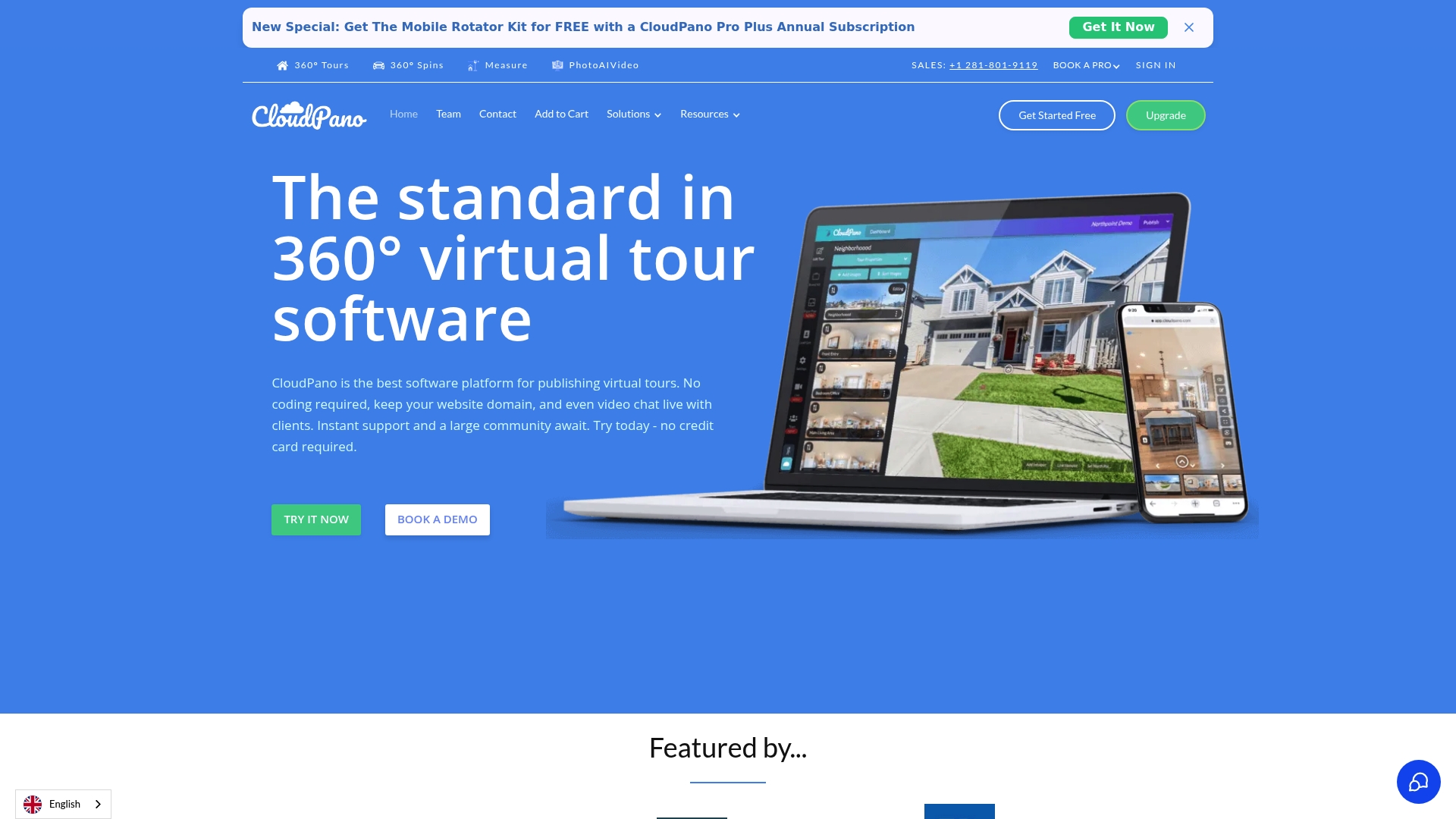
CloudPano advertises a live 360° video chat feature that lets agents host guided tours inside a tour, and the platform supports direct publishing to Google Street View and Google My Business. That mix of live client interaction and direct map publishing shortens distribution steps for listings. It appeals to sales teams and photographers who need quick sharing.
Core Features
CloudPano lets you create and publish 360° virtual tours without coding, embed tours on websites, and share links for easy access. The platform supports VR and mobile viewing with motion sensing and lets you add hotspots, media embeds, and branding elements. You can whitelist a domain, publish to Google Maps, add password protection, and view basic analytics.
Key Differentiator
CloudPano centers on branding customization with white-label options and custom domains so businesses keep their visual identity on public tours. The platform also bundles direct publishing to major listing and map services, which reduces manual distribution work. That focus suits agencies that need customer-facing tours under their own brand.
Pros
CloudPano is approachable for photographers and agents because it requires no coding, and the interface supports both beginners and experienced creators. It covers multiple verticals such as real estate, automotive, and education, so an agency can reuse one tool across client types. The platform includes white-labeling, domain controls, VR support, and live 360° video chat to keep prospects engaged during remote walkthroughs.
Cons
- Pricing may be a consideration for small or individual users, especially at higher tiers.
- Some third-party integrations or advanced features require Pro Plus or commercial plans.
- Public documentation offers limited detail on certain advanced capabilities and restrictions.
When It May Not Fit
If you need a free tool for occasional single-property shoots, CloudPano’s paid tiers may cost more than basic alternatives. If your workflow requires every integration at the lowest price tier, you will likely need to move to Pro Plus or a commercial plan. Teams that need exhaustive API access or custom backend controls should confirm feature availability with sales.
Notable Integrations
- Google Street View
- realtor.com
- Zillow
- Apartments.com
- Zumper
- Hotpads
- Trulia
- realestate.com.au
- Dealer.com
Who It's For
CloudPano fits entrepreneurs, real estate agents, property managers, and photographers who want branded, embeddable virtual tours. Agencies that list on major marketplaces and need direct map publishing will get the most value. Small hobbyists who want only occasional, free tours may find the paid plans excessive.
Real World Use Case
A real estate agent creates a full property tour, adds hotspots for room details, and embeds the tour on a listing page. The agent enables live video chat during open houses to guide remote buyers and publishes the tour to Google My Business for broader visibility. Analytics show which scenes receive the most views, helping the agent refine staging.
Pricing
CloudPano offers a free starter plan and paid tiers for more features. The vendor lists Pro at $22.50/month billed annually and Pro Plus at $33/month billed annually. Commercial and Enterprise plans are available with custom pricing for larger teams.
Website: https://cloudpano.com
3DVista Virtual Tour PRO
At a Glance
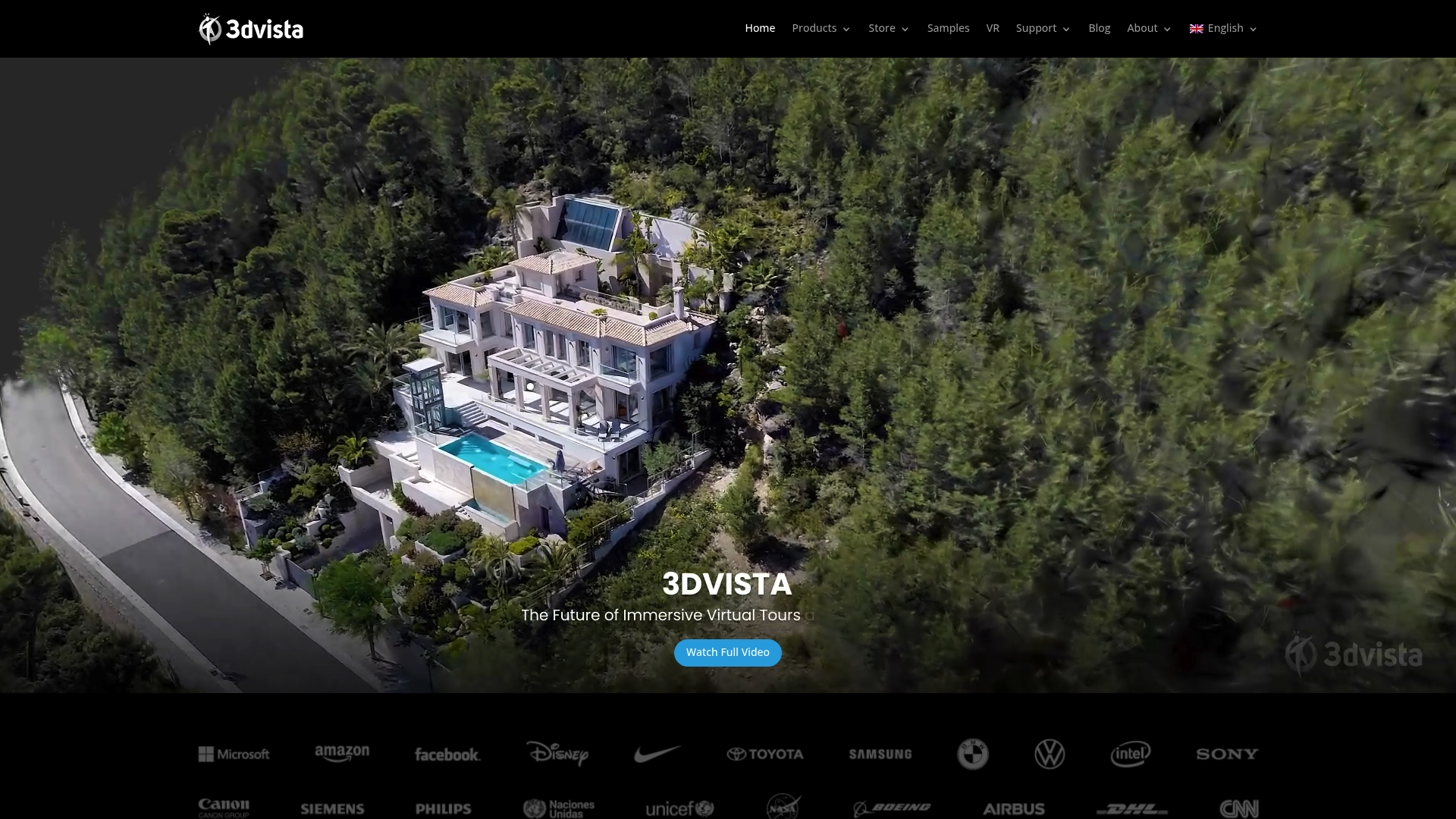
Gaussian Splatting support for photorealistic scenes is built into 3DVista Virtual Tour PRO. The software also advertises full data ownership with no dependence on cloud hosting. That combination targets creators who need high visual fidelity and control over their source files.
Core Features
The editor handles 3D models, online learning modules, and gamified tours while offering multiple export formats. It provides VR compatible output for Quest, Pico, and HTC headsets, plus an authoring path for VR presentations. Live guided tours, live avatars, and contextual notes let teams collaborate during sessions.
Key Differentiator
The standout technical feature is the package ability to integrate advanced scene rendering with Gaussian Splatting while keeping projects off the vendor cloud. That design gives you local control of files and export artifacts. Professionals who require that level of ownership will notice the difference immediately.
Pros
Complete creative control is possible because projects do not require cloud storage, which helps with data governance and internal review workflows. The feature set includes high fidelity 3D scene support, VR compatible exports for major headsets, and authoring tools for online learning and gamified tours. Collaboration tools such as contextual notes and live group sessions make remote review and guided client walk throughs practical.
Cons
-
Pricing details are not publicly listed. Contacting the vendor is required to get licensing or subscription rates.
-
The interface and broad feature set have a steep learning curve for beginners. New users will likely need time to adopt advanced workflows.
-
Buyers must verify hardware and format compatibility for headsets and 3D assets. Extra conversion work may be required for some pipelines.
When It May Not Fit
If your team lacks technical staff to manage local hosting and complex exports, this product may add overhead. Organizations with strict budget windows may find the undisclosed pricing a barrier to procurement. If you prefer a fully managed cloud service with turnkey hosting, this local ownership model is not the best match.
Who It's For
Professional virtual tour creators, real estate developers, educators, and digital content producers who need advanced customization and interactive features will benefit most. Teams that require local control of assets and exports will find the licensing model and tooling relevant. Content producers focused on VR presentations and digital twins will get the most from its feature set.
Real World Use Case
A real estate agency can use 3DVista Virtual Tour PRO to assemble high fidelity property walk throughs with integrated 3D models and staged learning spots. The agent can host live guided tours for remote clients and annotate spaces with contextual notes during the session. Local file ownership lets the agency keep master assets on its own servers for reuse.
Pricing
Not specified — contact vendor for details. The vendor asks prospective buyers to request a quote for licensing or subscription options. That sales process means you should budget time for vendor discussions before procurement.
Website: https://3dvista.com
VPiX Virtual Tour Software
At a Glance
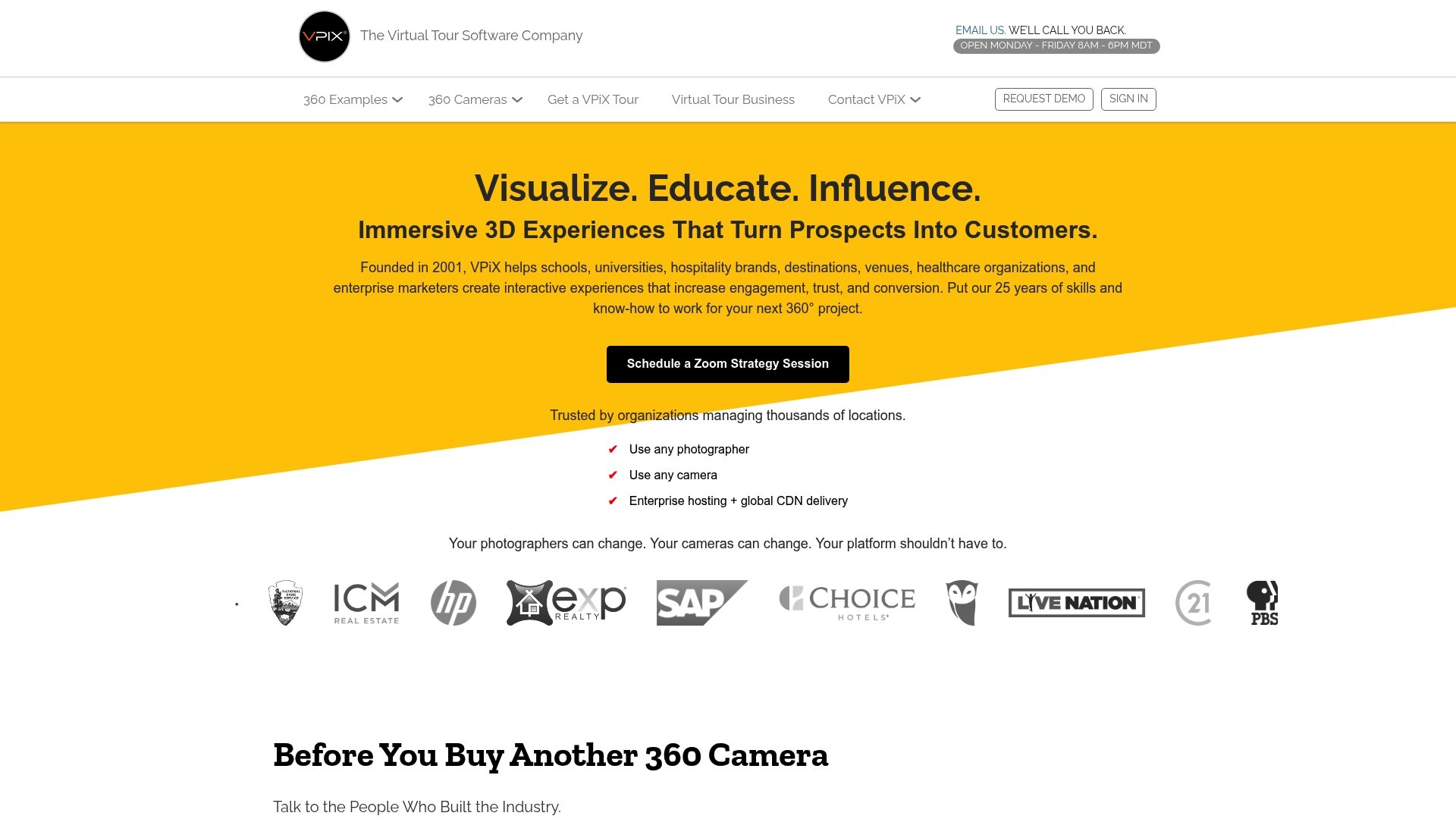
Supports professional DSLR and mirrorless cameras as well as Ricoh Theta and Insta360. The platform publishes tours without vendor branding, giving creators full control over presentation. It also offers enterprise hosting with a global CDN to speed delivery to remote viewers.
Core Features
VPiX lets photographers create and edit interactive virtual tours with a visual builder that requires no coding. It supports VR and AR experiences and accepts input from a wide range of 360 cameras and DSLR or mirrorless rigs. The platform offers enterprise hosting with global CDN delivery and preserves content ownership so tours remain unbranded.
Key Differentiator
The standout feature is support for nearly any camera workflow while removing vendor branding from published tours. That combination suits photographers who want full creative control and deliver client work without platform marks.
Pros
VPiX supports multiple camera models and formats, which lets independent photographers reuse existing gear. The lack of vendor branding gives agencies and brokers clean, client ready tours. Enterprise hosting with CDN helps deliver large tours to geographically dispersed audiences, and the platform lists tailored examples for real estate, hospitality, education, and automotive.
Cons
- Limited public documentation on advanced features and integrations. This makes it hard to verify specific workflows before committing.
- The learning curve for advanced editing tools may be steeper than basic DIY builders. New users may need time to master pro features.
- Feature detail is sparse on the public site, so estimating total cost and fit requires direct vendor contact.
When It May Not Fit
Small sellers or casual users who want a very simple, template driven builder will likely find VPiX more complex than needed. Teams needing a clear list of third party integrations should expect to contact sales for specifics. Organizations with minimal IT support may prefer a product with more public documentation.
Who It's For
Business owners, real estate professionals, educational institutions, and marketing agencies that require customizable, high quality virtual tours. This product matches teams that manage camera hardware or work with professional photographers. It also suits buyers who insist on unbranded deliverables and control of copyrights.
Real World Use Case
A real estate agent captures a home with a mirrorless camera and a 360 rig, then builds an interactive tour for remote buyers. The agent publishes the tour with their own logo and hosting, so the listing appears on the agency domain. Remote clients explore the property and schedule viewings after virtual walkthroughs.
Pricing
Pricing is not publicly specified. The vendor appears to offer custom or enterprise pricing, so expect quotes based on hosting, feature set, or volume.
Website: https://vpix360.com
TeliportMe
At a Glance
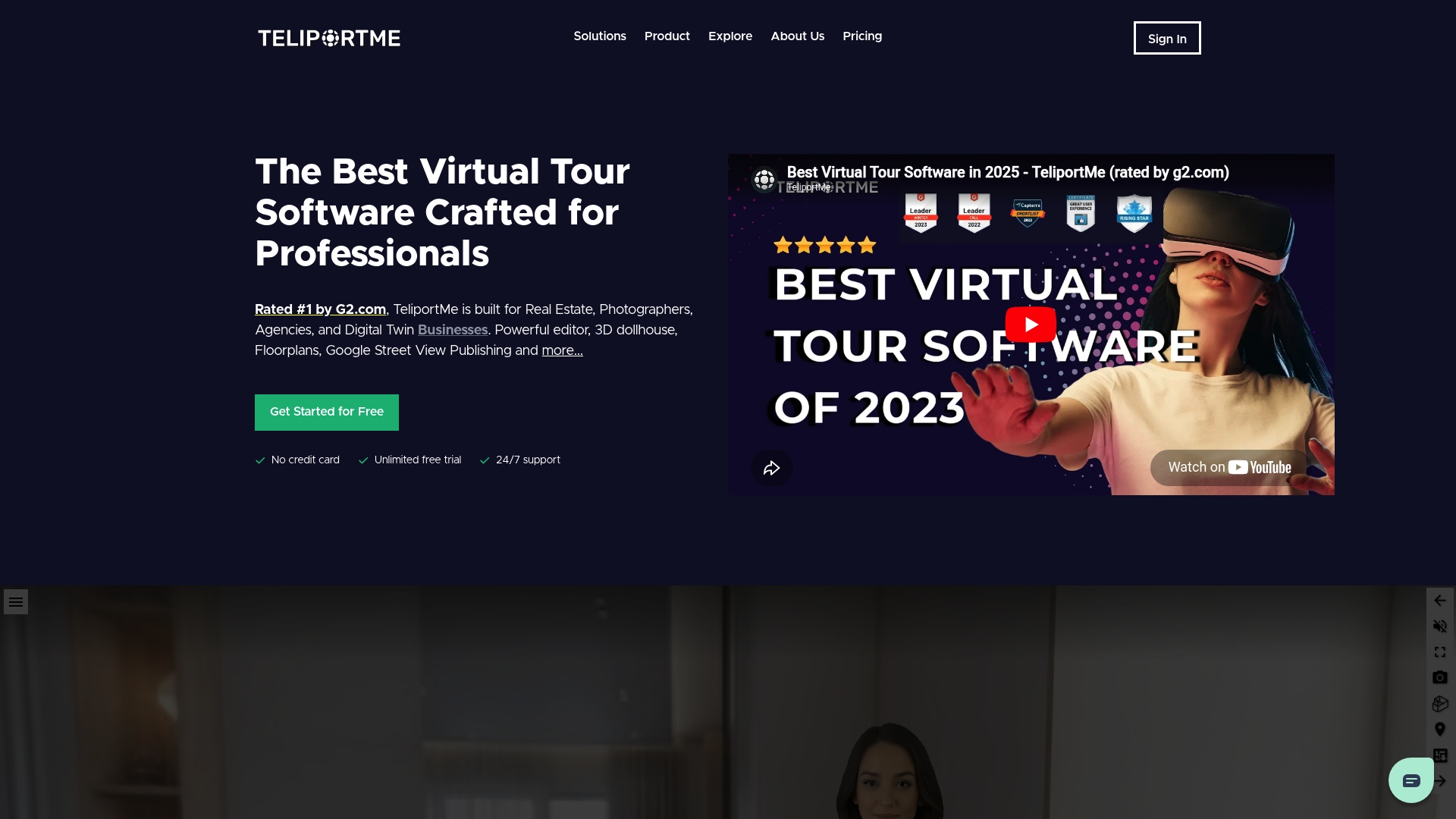
Supports high-resolution images up to 32MP, making large-format virtual tours feasible for detailed property walkthroughs. The platform accepts capture from smartphones, DSLR cameras, and dedicated 360 cameras. It also includes 3D dollhouse views and floor plans to help viewers understand spatial layouts.
Core Features
TeliportMe combines a web-based editor with interactive hotspots, multimedia embeds, and distribution tools for embedding tours on websites and social channels. The editor lets you arrange scenes, attach video or image overlays, and present floor plan or 3D dollhouse views. The platform also tracks basic analytics to show which scenes attract the most engagement.
Key Differentiator
The standout factor is the emphasis on image fidelity and broad device support, which helps teams that rely on detailed visuals. TeliportMe prioritizes capture versatility and rich interactive options over deployment model choices. Compared with Simple Virtual Tour, this offering focuses more on high-resolution capture and distribution rather than on dual deployment control.
Pros
TeliportMe has a clear drag-and-drop editor that speeds assembly of tours and reduces training time. It supports high-resolution images up to 32MP and a wide range of capture devices, so you can reuse existing photography gear. Interactive hotspots, floor plans, and shareable embed codes make tours easy to distribute to prospects and clients.
Cons
- Higher cost for advanced plans: The top tiers can be expensive for small teams or solo photographers.
- Users report occasional technical glitches and intermittent bugs during editing or publishing.
- Mobile editing is limited; the full editor and most customization are only available on PC.
When It May Not Fit
If you need full mobile editing on site, TeliportMe will feel restrictive because editing is PC only. Small businesses with tight monthly budgets may find the advanced plans unaffordable. Teams that need self-hosting or a formal dual deployment model should evaluate alternatives such as Simple Virtual Tour.
Who It's For
This product suits real estate agents, property managers, and construction teams that require high-resolution imagery and polished interactive features. It also fits online educators and digital marketers who want shareable tours with multimedia hotspots. Buyers who prioritize capture quality over mobile editing will get the most value.
Real World Use Case
A real estate agency photographs listings with a DSLR and a 360 camera, then uploads the files to TeliportMe. The team adds hotspots for room details, attaches a floor plan, and publishes an embed for the listing page. Prospective buyers can explore properties remotely with a clear sense of layout and finish.
Pricing
TeliportMe uses subscription tiers. Plans start at $19/month for the Essential plan and scale up to $99/month for unlimited storage and expanded features. The model is monthly billing with higher tiers unlocking advanced capabilities and storage.
Website: https://teliportme.com
Panoee
At a Glance
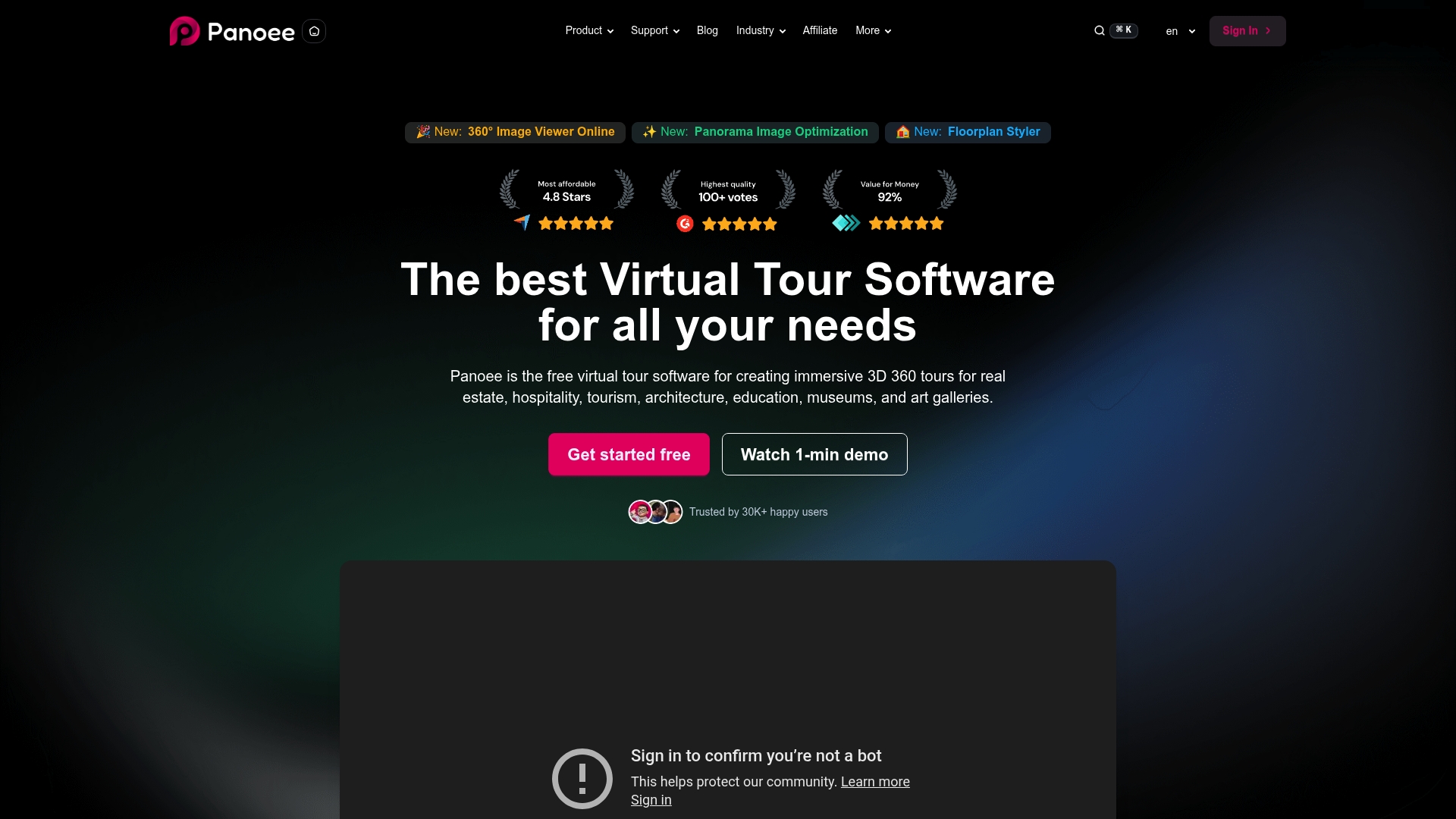
Panoee reports more than 30,000 users worldwide. The platform offers a free forever plan that supports unlimited projects and scenes. It also permits publishing to Google Street View and self-hosting options for offline control.
Core Features
Panoee uses a browser-based drag-and-drop editor so you do not need to install software. It supports ultra-high resolution panoramas up to 32K and uses multi-resolution technology for faster loading and detailed zooming. Interactive hotspots include navigation, media embeds, product links, lead capture forms, plus floorplan and map markers for clickable scenes.
Key Differentiator
Panoee's standout claim is a free, unlimited virtual tour workflow with no watermarks and no licensing fees. That approach pairs with support for very large panoramas and a broad set of hotspot types. For teams that want low-cost publishing and flexible hosting, that combination reduces recurring licensing overhead.
Pros
The free forever plan supports unlimited projects and scenes while removing export watermarks, which makes rapid prototyping inexpensive. Panoee supports Google Street View and self-hosting, which lets you publish tours to public maps or keep them on your own servers. The browser interface and toolkit, including green screen and eCommerce hotspots, simplify tour creation without desktop software.
Cons
- Some advanced features, such as lead capture forms and custom branding, are gated behind paid plans.
- Free plan storage is limited to 3GB, which can force upgrades for large portfolios or high-resolution tours.
- The free tier does not include native VR headset support, so immersive headset previews require paid plans.
When It May Not Fit
If you manage a large property portfolio that stores many 32K panoramas, the free storage cap will become a bottleneck. Teams that require headset delivery from the free tier will find VR support missing. Enterprise buyers who need bundled white-labeling and full feature access without upgrade steps will likely prefer a paid-focused vendor.
Who It's For
Panoee fits real estate agents, museum curators, event organizers, and small business owners who need low-cost, browser-based tools to publish tours quickly. It works well for educators and cultural institutions that want self-hosting or Google Street View publishing. The platform is a practical choice for people who prioritize low upfront cost over enterprise features.
Real World Use Case
A real estate agent uses Panoee to assemble listing tours from client panoramas within a single afternoon. The agent places navigation hotspots, a floorplan marker, and an eCommerce hotspot for staging services. The result publishes to the listing page and to Google Street View, increasing online engagement for the listing.
Pricing
Panoee offers a free plan for basic use and unlimited projects. Paid tiers begin at $22/month for premium features such as increased storage, branding controls, and advanced hotspots. The vendor advertises tiered plans that unlock professional options and customizations.
Website: https://panoee.com
Comparison of alternatives
Choosing a suitable platform for virtual tour creation often means balancing deployment options and interactive features. While Simple Virtual Tour provides notable flexibility through dual licensing, competitors offer unique strengths catering to specific needs.
Deployment Flexibility
Simple Virtual Tour stands out with its dual licensing options. Users can opt for a cloud-based subscription or a self-hosted solution, accommodating varying IT preferences and privacy concerns. Conversely, Panoee offers a free forever plan, albeit with limitations such as storage caps, favoring small projects over expansive property portfolios. Teams requiring local control excel with 3DVista Virtual Tour PRO’s approach to fully offline hosting.
Branding and Communication Features
CloudPano provides branding options with white-label customization and interactive live 360° video chat features. These tools empower agencies to conduct remote walkthroughs while reinforcing their brand identity. VPiX complements this by excluding vendor branding, ensuring tours retain the creator's visual signatures. Both platforms emphasize audience engagement and identity.
Best fit
- Flexible publishing needs benefit from Simple Virtual Tour’s dual licensing model for integration and deployment.
- Teams preferring local file ownership are best accommodated by 3DVista Virtual Tour PRO’s offline-hosting capabilities.
- High fidelity visual content workflows thrive with TeliportMe’s options supporting high-resolution imagery and detailed distribution tools.
- Expedited distribution requirements align with CloudPano’s direct publishing integrations into major mapping platforms.
- Beginners seeking cost-effective tools find Panoee’s free tier appealing for getting started.
Our pick
Simple Virtual Tour delivers deployment flexibility alongside powerful integrations, making it the recommended choice for diverse workflows. Its combination of cloud and self-hosted options allows users to tailor hosting to their operational needs, supporting flexibility and control. However, those emphasizing interactive branding or immersive experiences may find CloudPano or 3DVista Virtual Tour PRO more suitable for their requirements.
For decision-makers evaluating virtual tour creation software, comparing features and distinctions across prominent options can help identify the best fit for your needs.
| Product | Core Offering | Key Feature | Pricing | Limitation |
|---|---|---|---|---|
| Simple Virtual Tour | Dual modes: cloud subscription and self-hosting | AI plugins, Google Street View | Price not published | Advanced features for niche scenarios not covered |
| CloudPano | Online 360° virtual tours with branding options | Live 360° video chat, white-label | Free starter to $33/mo | Higher-tier plans required for full features |
| 3DVista Virtual Tour PRO | Advanced 3D scene integration and control | Gaussian Splatting, VR exports | Price not published | Steep learning curve for beginners |
| VPiX Virtual Tour Software | Virtual tours from pro and 360 cameras | Unbranded published tours | Price not published | Limited public documentation on advanced features |
| TeliportMe | High-resolution and interactive virtual tours | Image quality up to 32MP | $19 to $99/month | Limited mobile editing capabilities |
| Panoee | Browser-based tools with high-resolution support | Free unlimited projects | Free plan, paid from $22/month | Advanced features gated behind paid tiers |
Choosing the Right Virtual Tour Creator Without Confusion
The article highlights how selecting a virtual tour platform can feel complex with options that vary in pricing, hosting, and feature control. Real estate agents, photographers, and agencies often need both flexibility and ownership of their tours without extra costs or technical hurdles. Simple Virtual Tour answers these challenges by offering both cloud-hosted and self-hosted solutions. This dual deployment model keeps your data under control and lowers ongoing expenses while supporting live sessions and e-commerce features.
For entrepreneurs and real estate professionals seeking a branded, easy-to-use tool that handles unlimited interactive virtual tours, Simple Virtual Tour is well suited. Visit Simple Virtual Tour to learn how you can build rich, customized virtual tours with minimal technical effort.
Ready to create tours that put you in control? See how Simple Virtual Tour’s intuitive backend can help you manage your projects efficiently and deliver engaging client experiences.
FAQ
How does Simple Virtual Tour handle project storage and hosting?
Simple Virtual Tour includes options for both cloud subscription and a self-hosted one-time license. Users can choose between ongoing hosting for their virtual tours or local control, allowing flexibility based on their needs.
What is the difference between CloudPano and Simple Virtual Tour?
CloudPano features a live 360° video chat that allows agents to host guided tours within a virtual tour. Simple Virtual Tour excels in offering a more straightforward, user-friendly creation process without the need for coding, making it ideal for those looking for an entry-level solution.
Can I use Simple Virtual Tour for Google Street View publishing?
Yes, Simple Virtual Tour supports direct publishing to Google Street View, enabling easy distribution of your virtual tours across popular mapping platforms. This feature helps real estate agents and businesses increase their online visibility effectively.
Which platform is better for branding customization, CloudPano or Simple Virtual Tour?
CloudPano is specifically designed for branding customization and offers white-label options. In contrast, Simple Virtual Tour focuses more on user-friendliness and access without extensive branding features, catering to those who prioritize simplicity over customization.
What advantages does TeliportMe provide for high-resolution images that Simple Virtual Tour does not?
TeliportMe supports high-resolution images up to 32MP, making it suitable for detailed virtual tours. While Simple Virtual Tour includes various strong features, it may not focus as heavily on image fidelity as TeliportMe, which is crucial for teams reliant on capturing intricate details.