

Finding virtual tour software that balances ease of use, pricing transparency, and flexible hosting can be difficult. Many platforms restrict advanced editing to higher tiers or demand a sales call for custom hosting, which frustrates smaller agencies and photographers. This comparison covers workflow, pricing, and hosting controls so photographers and agencies can pick a substitute that fits their technical and budget needs.
Table of Contents
Simple Virtual Tour
At a Glance
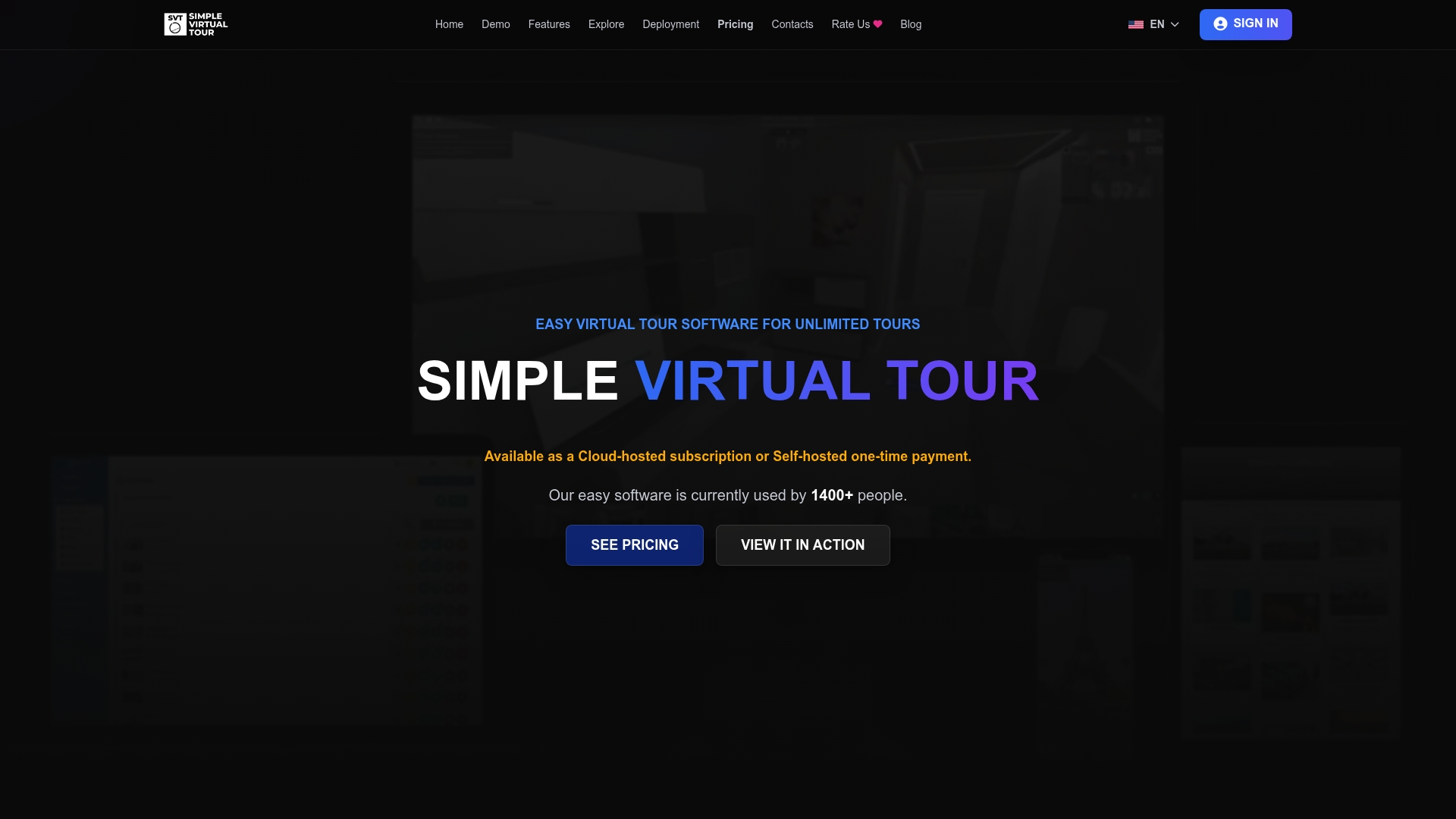
Simple Virtual Tour reports over 1,400 users worldwide. The platform supports both cloud-hosted and self-hosted deployment, giving teams a choice about where their tour files live. Its workflow centers on a short, three-step creation path that lowers the technical barrier for teams new to 360° tours.
Core Features
The backend lets you create unlimited tours, upload panoramas, videos, and live streams, and add interactive hotspots and room links. You can customize the viewer interface, include virtual staging and multimedia galleries, and connect e-commerce for product demonstrations. Publishing delivers direct links, embed codes, and social sharing options for websites and social channels.
Key Differentiator
The platform centers on a three-step process: upload panoramas, edit and connect scenes, then publish. That workflow reduces setup time for repeat listings and makes training agents faster. The simplified process pairs with branding controls so each tour matches an agency or venue's style.
Pros
The interface is approachable for beginners while offering options useful to professionals. Deployment flexibility lets you choose cloud hosting or a self-hosted install to control data and hosting costs. Features include live sessions, multi-language support, multi-user accounts, and built-in e-commerce hooks that let shops showcase products inside tours.
Cons
- Limited advanced editing features compared to high-end virtual tour software
Who It's For
Small to medium-sized real estate agents and tourism businesses that need affordable tour production. Agencies that want to publish tours quickly and keep branding consistent will find the workflow practical. Teams that want an option to self-host files will benefit from the deployment choices.
Unique Value Proposition
The platform's cloud-hosted and self-hosted deployment options change who controls hosting costs and data. Agencies that host internally can avoid recurring hosting fees and keep raw panorama assets onsite. Teams that prefer managed hosting can use the cloud plan to reduce IT overhead while still accessing the same creation tools.
Real World Use Case
A regional real estate office uploads floor panoramas for a new listing, adds interactive hotspots for room details, then publishes an embed for the property page. The office links product staging in the tour to an online catalog for prospective buyers. Agents share the tour on social channels and in listing emails to reduce in-person visits.
Pricing
Simple Virtual Tour offers a free plan with limited features and subscription plans starting at €2.99/month. The vendor also advertises one-time purchase options for software and plugins, which can suit teams that prefer capital expenditure to recurring fees.
Website: https://simplevirtualtour.com
CloudPano
At a Glance
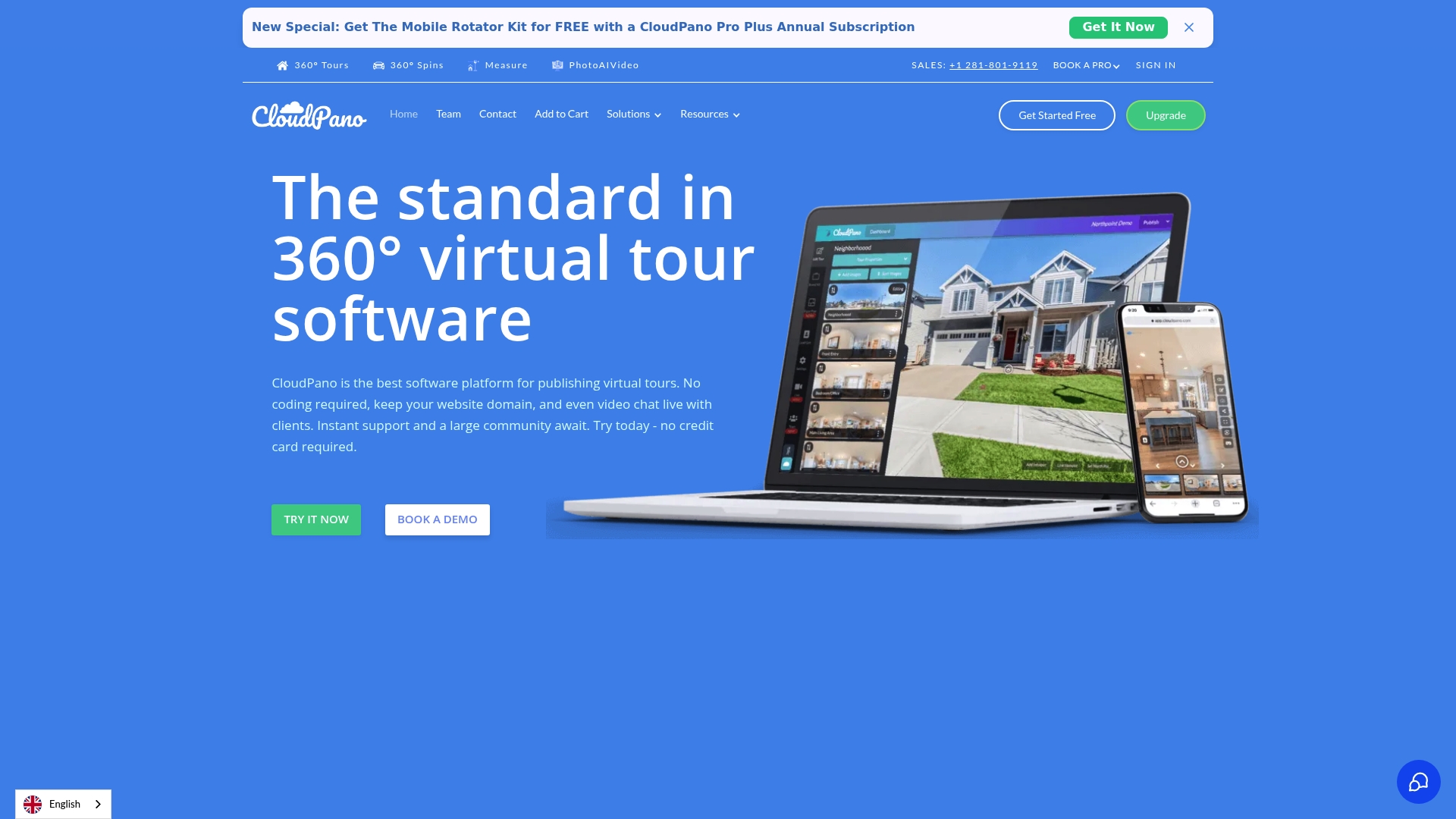
Live 360° video chat and VR viewing are built into CloudPano, letting agents and hosts speak with viewers inside the tour. The platform also supports embedding tours on Zillow and realtor.com to reach listing audiences. Pricing starts at a disclosed $19/month for the Pro plan, with higher tiers and enterprise options available.
Core Features
Users can build 360° virtual tours without coding using a drag and drop interface and add interactive hotspots, images, video, and logos. The product supports floor plans and dollhouse views and links tours to Google Street View and major listing sites for wider exposure. White label options include custom domains and branding control so tours appear on your properties and marketing channels.
Key Differentiator
CloudPano combines easy no-code tour creation with flexible branding controls and direct connections to real estate listing services. That mix suits teams who need to publish tours quickly while keeping brand elements intact. Live 360° video chat adds a layer of real-time client engagement that many tour tools do not include.
Pros
The drag and drop editor makes tour setup fast for photographers and agents who prefer to avoid technical setup. CloudPano produces high definition tours that work on desktop, mobile, and VR headsets, which helps reach both consumer and professional viewers. Integrations with major listing sites and the availability of white label options make it practical for businesses that publish many tours or want branded embeds.
Cons
- Some features and third party integrations require higher tier plans, which raises total cost for full functionality.
- Public documentation provides limited detail on compatibility with specific camera models or advanced editing workflows.
- Pricing may be expensive for solo photographers or very small sellers with tight budgets.
When It May Not Fit
Teams that need precise camera model support or advanced post processing may find documentation lacking for specific hardware workflows. Small operators who only publish occasional tours may pay more than their usage justifies. Organizations that require deep, frame level editing should evaluate CloudPano against dedicated imaging tools.
Notable Integrations
- realtor.com
- Zillow
- Apartments.com
- Dealer.com
- Google Street View
Who It's For
Entrepreneurs, real estate agents, photographers, and property marketers who publish frequent listings will find CloudPano helpful. The feature set matches businesses that value branded embeds, listing site distribution, and occasional live guided tours. Solo hobbyists with limited budgets may find the pricing tiers less suitable.
Real World Use Case
A real estate agent shoots a house, uploads equirectangular photos, and assembles an interactive walkthrough with hotspots and a dollhouse view. They embed the tour on their listing page and share it to Zillow and realtor.com to increase listing exposure. During open house hours the agent uses live 360° video chat to guide remote buyers through features in real time.
Pricing
CloudPano lists a Pro plan starting at $19/month, plus Pro Plus and custom enterprise options for larger needs. Some integrations and white label features require higher tiers or enterprise contracts. Trial access is offered so teams can test the builder and publishing flow before committing.
Website: https://cloudpano.com
3DVista
At a Glance
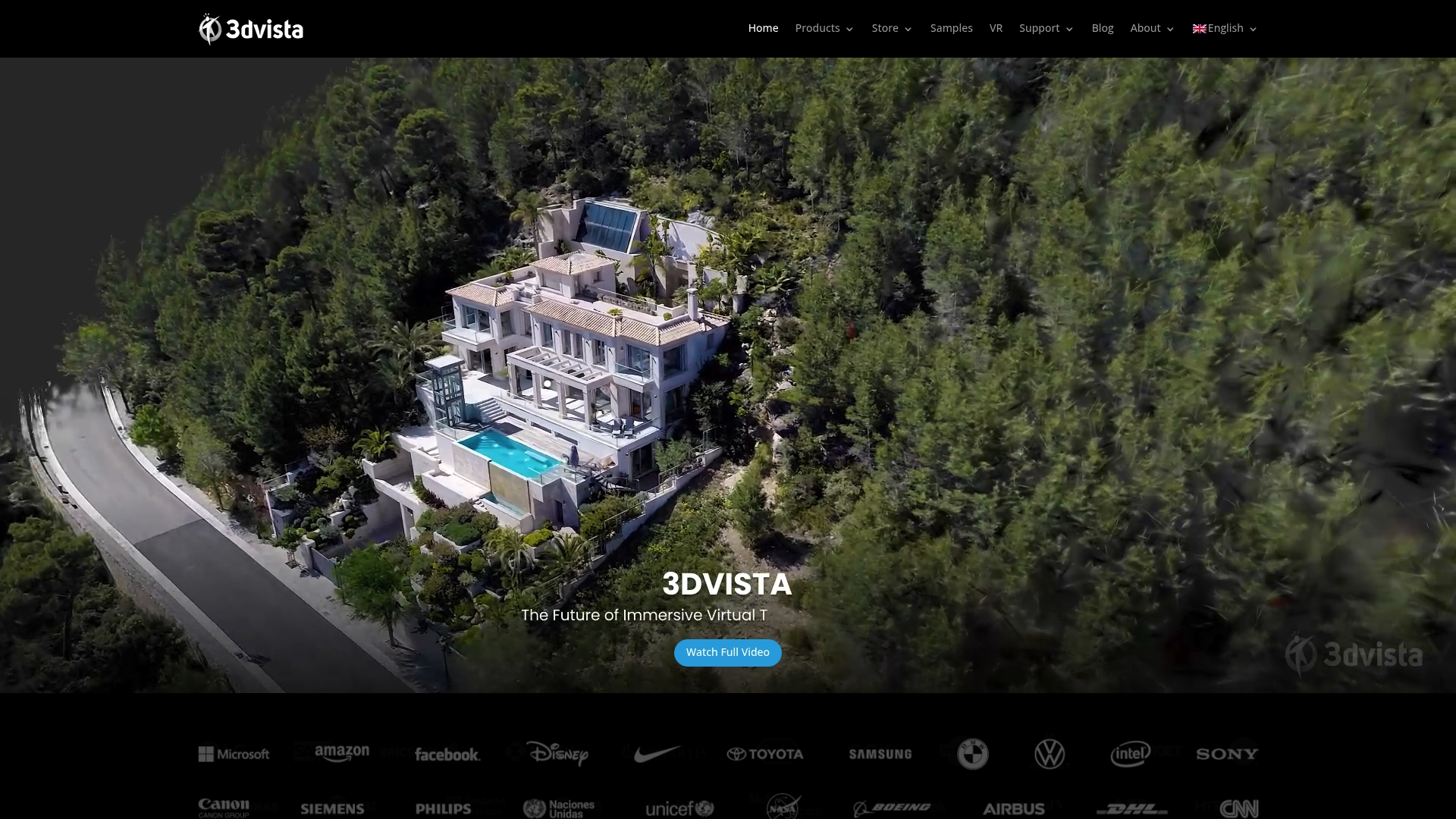
No specific pricing details are publicly available for 3DVista. The vendor advertises an integrated suite for virtual tours, panorama stitching, VR mobile apps, hosting, and live guided tours. Public pages were restricted during review, so feature demos and licensing terms were not viewable.
Core Features
3DVista bundles tools for virtual tour creation and editing with 360 degree panorama stitching and VR app exports. The suite includes hosting and live guided tour capabilities plus specialized services such as TURN and Notes. It targets businesses that need presentation tools, VR delivery, and a hosted viewing option.
Key Differentiator
3DVista stands out for packaging creation, hosting, and guided interaction within a single product family. That emphasis on live guided features and VR apps suits teams that want synchronized visitor sessions and mobile VR delivery. By contrast, Simple Virtual Tour highlights dual deployment with cloud hosted and self hosted options for organizations that need full hosting control.
Pros
Established toolset for virtual tours and panoramic presentations, with positive user feedback on ease of use and professional output. The product supports VR exports and mobile deployment, which helps agencies deliver immersive experiences to buyers and tourists. Built in hosting plus live guided tour features allow real time walkthroughs and interactive sessions without stitching together separate services.
Cons
- Pricing details are not publicly specified, which means buyers must contact sales for exact costs.
- Enterprise features or additional services may raise overall project cost beyond standard licenses.
- The vendor site shows limited feature comparisons and few public demos, making side by side evaluation harder.
When It May Not Fit
If you require transparent, published pricing to compare vendors quickly, 3DVista may not fit. Teams that need extensive online demos or a trial before procurement will find limited options on the site. If self hosted deployment is a hard requirement, choose a vendor that documents hosting models in detail.
Who It's For
Professionals and businesses creating high quality virtual tours, panoramic visuals, and VR experiences across real estate, tourism, education, and corporate marketing. Agencies that produce client paced guided sessions or sell VR app packages will find the feature mix relevant. Organizations that can engage vendor sales for licensing details are the best match.
Real World Use Case
A real estate agency uses 3DVista to build immersive listings and publish hosted tours. The agent runs live guided sessions so distant buyers join a synchronized walkthrough and ask questions in real time. The same tour package exports to a VR app for remote property viewing on mobile headsets.
Pricing
Not publicly disclosed. Pricing appears to be custom or enterprise based, so you must contact 3DVista sales for licensing and hosting quotes. Expect vendor dialogue to clarify licensing tiers, hosting options, and any service add ons.
Website: https://3dvista.com
GoThru
At a Glance
The vendor advertises GoThru is used by 60% of Google Trusted Photographers. That claim highlights the product's orientation toward professional photography workflows and Street View publishing. GoThru targets real estate, agencies, and tourism with tools for VR viewing, panorama editing, and direct publishing to Google Street View.
Core Features
GoThru lets you assemble virtual tours from panoramic images using AI assisted linking to connect scenes. You can edit panoramas, auto level images for a consistent appearance, and export 360 videos and walkthroughs. The platform supports VR viewing and direct publishing to Google Street View and social channels.
Key Differentiator
GoThru's close ties to Google Street View shape its workflow and export features. That claim about the Trusted Photographers community explains why Street View publishing is a native option. Export and upload tools are designed for photographers who regularly deliver Street View uploads alongside client tours.
Pros
GoThru's export path to Google Street View and social media speeds client delivery. Its editing toolset covers panorama adjustments, hotspots, and walkthrough creation while VR support includes Oculus Quest and Google Cardboard. Flexible plans let photographers and agencies pick between a free tier, subscription options, or pay as you go. Tours can be downloaded for independent hosting, which helps agencies control delivery.
Cons
-
Trustpilot reviews indicate some users experience issues with the editing process and customer support.
-
Pricing can be complex, with multiple plans and add ons that new users may find confusing.
-
Certain features, such as level editing and multi language support, may not be as polished or as user friendly as some competitors.
When It May Not Fit
Beginner photographers who need a simple point and click workflow may find GoThru complex. Advanced editors who require deeper level editing tools or full multi language workflows could find some features limited. Teams that want predictable pricing and highly responsive, dedicated support may prefer a different provider.
Who It's For
Photographers, real estate agents, and small to medium businesses creating virtual tours for listings and marketing will find GoThru aligned to their needs. Photographers who publish to Google Street View benefit most from the native export path. Small agencies that manage multiple listings and want downloadable tours for private hosting also fit well.
Real World Use Case
A real estate agent shoots a property with a 360 camera and uploads panoramas to GoThru. They connect panoramas with AI assisted links and add hotspots for room details. Then they publish the tour directly to Google Street View to reach online buyers and embed a downloaded copy on the agency website for private leads.
Pricing
Plans start with a free tier that limits features. Paid subscriptions begin at $15 USD/month, and the vendor offers pay as you go options. The plan structure includes add ons and multiple tiers, which can make pricing complex for new users.
Website: https://gothru.co
Comparison of alternatives
Each virtual tour solution has distinctive strengths, addressing diverse requirements for professionals navigating digital experiences. Below, we analyze essential aspects of the reviewed platforms to support a well-informed decision.
Hosting capabilities and deployment
Simple Virtual Tour excels in offering cloud-hosted and self-hosted options, providing users with flexibility in managing hosting costs and data ownership. This feature is beneficial for agencies that either prefer to maintain operations internally or opt for managed services. In contrast, CloudPano facilitates integration with major real estate listing sites but places more reliance on cloud hosting.
Interactive capabilities
CloudPano integrates live 360° video chat, enhancing client engagement, a feature absent in some other solutions. Meanwhile, 3DVista stands out with its advanced VR compatibility, catering to the needs of agencies that demand cutting-edge immersive experiences. GoThru specializes in Google Street View integration, beneficial for realtors targeting an audience through this specific platform.
Best fit
- Teams new to virtual tours requiring a straightforward, reduced-step setup approach alongside branding flexibility will find Simple Virtual Tour fitting those needs effectively.
- Professionals heavily relying on Google Street View integration as a selling platform will benefit from the specialized functionality GoThru provides.
- Agencies seeking live interaction capabilities during virtual tours to foster closer client relationships may prefer CloudPano for its video chat feature.
- Developers and marketers producing expansive, immersive VR content for diverse industries can leverage 3DVista's compatibility and feature set tailored for high-level customization.
Our pick
Among the options reviewed, Simple Virtual Tour emerges as the most versatile choice due to its unique combination of hosting flexibility and simplified creation process. While alternatives offer exceptional advantages in specialized areas, Simple Virtual Tour's balanced feature set and adaptability make it well-suited for real estate agents and tourism professionals aiming for efficiency and branding coherence in virtual presentations. For those prioritizing integration and specific advanced features, exploring the competitor platforms is highly recommended.
Choose the virtual tour platform that combines ease of use, advanced features, and flexibility to best meet your team's needs.
| Product | Key Features | Target Audience | Pricing | Limitations |
|---|---|---|---|---|
| Simple Virtual Tour | Customizable tours, e-commerce integration | Real estate agents and tourism businesses | €2.99/month and up | Limited advanced editing features |
| CloudPano | Drag-and-drop editor, live video chat for tours | Real estate agents, property marketers | $19/month and up | Higher-tier plans may be expensive for limited users |
| 3DVista | VR app export, live guided tours, panorama tools | Real estate, tourism, education professionals | Price not published | Lack of clear and accessible pricing or extensive demos |
| GoThru | Google Street View integration, panorama editing | Photographers, small and medium businesses | $15/month and up | Complaints regarding editing process and customer support |
Choosing the Right Virtual Tour Tool for Your Real Estate or Tourism Business
Many small to medium-sized real estate agents and tourism businesses face the challenge of creating engaging virtual tours that match their brand without high costs or complex software. Simple Virtual Tour addresses these concerns by offering a straightforward three-step workflow and dual deployment options. This lets you host tours on your own servers or use the cloud, giving you control over your data and expenses. With features like live session capabilities and e-commerce integration, Simple Virtual Tour makes it easier to create interactive presentations that engage buyers and visitors.

Align your business needs with an accessible platform used by over 1,400 users worldwide. Visit Simple Virtual Tour to see how you can publish branded, customizable tours quickly. Choose the option that fits your team and start creating virtual tours that keep your listings and venues front and center.
FAQ
How does Simple Virtual Tour handle interactive hotspots and multimedia in virtual tours?
Simple Virtual Tour allows users to create unlimited tours and add interactive hotspots, videos, and live streams. This feature enhances the user experience and makes tours more engaging, which is particularly useful for real estate and tourism industries.
What is the difference between CloudPano and Simple Virtual Tour?
CloudPano features live 360° video chat and VR viewing, providing real-time engagement for buyers. Simple Virtual Tour excels in a streamlined three-step tour creation process, making it suitable for teams that value quick publishing and ease of use.
Can I self-host my virtual tours with Simple Virtual Tour?
Yes, Simple Virtual Tour offers self-hosting options alongside cloud hosting, giving teams control over their data and hosting costs. This flexibility helps organizations choose a deployment strategy that best fits their needs.
Does GoThru support VR viewing and where can I publish my tours?
GoThru supports VR viewing and directly publishes to Google Street View and social channels, making it ideal for photographers focusing on online distribution. If you seek a more affordable solution that includes a robust feature set, consider starting with Simple Virtual Tour.
What advantages does Simple Virtual Tour offer for branding?
Simple Virtual Tour provides customizable branding controls that help maintain a consistent look and feel across all published tours. This capability is paramount for businesses wanting to enhance their professional image with minimal effort.