
The reliable workflow is simple: host your virtual tour on a mobile-optimized, canonical URL, generate a dynamic QR code that points to it, test the code on real phones over cellular data (not just office Wi-Fi), then monitor scans through analytics. Platforms like Simple Virtual Tour handle the hosting and analytics side, helping you focus on getting the code printed correctly and placed where people will actually use it.
TL;DR:
- Use dynamic QR codes for flexible updates, campaign tracking, and changing properties, while static codes are suitable only for permanent, unchanging content.
- Ensure the canonical URL for your tour loads over HTTPS, remains unchanged, and is mobile-optimized to prevent silent breakages in scanning.
- Place QR codes at appropriate sizes and contrast levels, mounted at eye level with clear microcopy, to maximize scanability outdoors and in low-light conditions.
- Test the tour on multiple devices with cellular data, optimize load speed with lightweight images, and provide accessible features like captions and static fallbacks.
- Track engagement through scan metrics and tour analytics, connecting data into your CRM or marketing systems for follow-up, while implementing security measures to prevent malicious tampering.
Table of Contents
- What Are the Best Use Cases for QR Codes for Virtual Tours?
- Should You Use a Dynamic or Static QR Code?
- How Do You Create a QR Code That Launches a Virtual Tour?
- What Size and Placement Make a QR Code Scannable?
- How Do You Test Mobile Performance and Accessibility?
- How Do You Track QR Scans and Tour Engagement?
- What Security and Privacy Risks Come With Public QR Codes?
- How Does Simple Virtual Tour Support This Workflow?
- How Do You Connect QR Scans to CRM and Marketing Follow-Up?
- What Legal Considerations Apply to QR Code Data Collection?
- How Do You Fix Common QR Code and Tour Access Problems?
- How Do You Improve the Experience Beyond Load Speed?
- A Straight Opinion on QR-Driven Tours
- Ready to Put This Workflow Into Practice?
- Sources
- FAQ
What Are the Best Use Cases for QR Codes for Virtual Tours?
QR codes for virtual tours work best when the physical location can't fully explain itself. A museum plaque, a "for sale" sign, and a hotel lobby all share the same problem: limited space, unlimited story. The code closes that gap.
Museums use exhibit-card codes to replace rented audio guides entirely, delivering multilingual narration, curator commentary, and AR overlays through a device visitors already carry, which cuts rental costs and reduces friction for international visitors. Real estate agents put codes on yard signs so a drive-by prospect can walk through a listing before ever calling the agent. Tourism boards and event venues use them on brochures, trail markers, and entrance signage to route visitors into interactive maps or promotional walkthroughs.
The media behind the code should match the setting:
- Museums: short audio guides or 3D reconstructions with multilingual captions
- Real estate: full 3D walkthroughs, ideally the same listing tour featured on the MLS page
- Tourism and venues: video previews or panoramic image galleries showing the space before arrival
- Events: floor plans or sponsor walkthroughs linked from registration materials
For quick decisions, open the tour directly. For anything needing context (pricing, hours, a call-to-action), route to a landing page where the tour is still the first thing visible.
Should You Use a Dynamic or Static QR Code?
Choose dynamic almost every time you're dealing with a listing, exhibit, or anything that might change. A static QR code encodes the destination URL permanently. Once printed, the link can't be edited. A dynamic code encodes a short redirect URL you control, so you can swap the destination behind it without reprinting anything, and most dynamic providers layer in scan tracking automatically.
That distinction matters more than it sounds. A real estate listing that sells needs its code repointed to a new property, not thrown away. A rotating museum exhibit needs the same flexibility. Static codes make sense only for content that will never move: a permanent historical marker, a building's standing floor plan, a monument that will occupy that spot for decades.
Use dynamic when:
- The property, exhibit, or offer will change or rotate
- You need scan-count data or campaign attribution
- Multiple codes need to point to one evolving asset
Use static when:
- The install is permanent and the URL will never change
- You want to avoid a recurring subscription fee for a hosted redirect
Print codes lose scannability from fading and edge wear faster outdoors than indoors, so give outdoor installations a maintenance check every few months regardless of which type you chose.
How Do You Create a QR Code That Launches a Virtual Tour?
Getting from "we have a tour" to "the code works in the parking lot" takes more steps than most teams expect. Skip one, and you get a code that scans fine at your desk and fails for a visitor standing in the sun.
- Host the tour on a mobile-optimized, canonical URL. Confirm it loads over HTTPS and that the link doesn't change based on referral source, device, or session, since a QR code pointed at a moving target breaks silently.
- Generate a dynamic QR code pointed at that canonical URL. Add UTM parameters if you're running the code across multiple print locations or campaigns, so you can tell a yard sign from a brochure in your analytics later.
- Customize the design, but protect contrast. A logo in the center or a brand color swap is fine. Heavy gradients or low contrast between the code and its background are not.
- Export at print resolution. Vector formats (SVG, EPS) scale cleanly for anything from a business card to a banner; raster exports (PNG) need enough DPI for the intended print size. Several free and low-cost QR generators built for tour links support both, along with direct compatibility with common 360° tour platforms.
- Test on multiple devices and connections. Scan with at least one iPhone and one Android phone, on cellular data, not just Wi-Fi. Confirm the tour opens in the right orientation and that there's a sensible fallback if the visitor's browser blocks autoplay or a deep link fails.
Pro Tip: Print one test code and physically walk it to the install location before mass-producing signage. A code that scans instantly under office lighting can behave differently in direct sun or under museum spot lighting.
What Size and Placement Make a QR Code Scannable?
A code that looks great on a laptop screen can be unreadable at arm's length outdoors. Size, contrast, and placement decide whether a visitor scans it or walks past it.
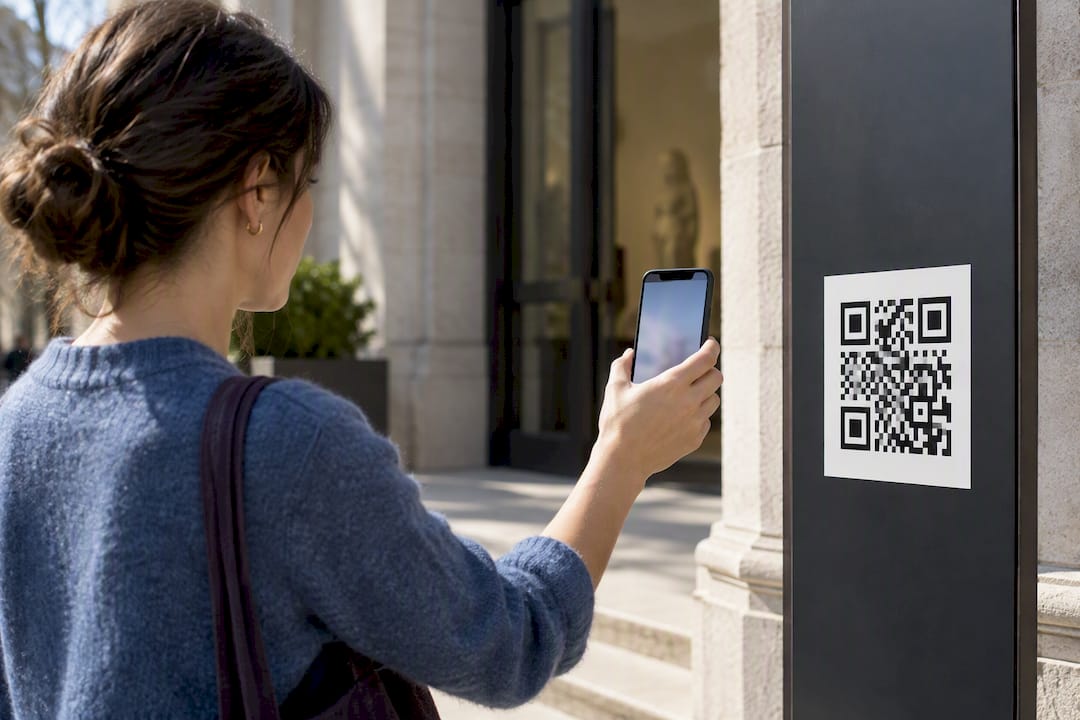
For small print like brochures or business cards, keep the code at least about 1 inch (2.5 cm) square, and scale up proportionally for anything viewed from farther away. A yard sign viewed from a car needs a code several times that size; a building banner or lobby display needs larger still, with generous white space (the "quiet zone") around the edges so the scanner's camera can lock onto it.
Design considerations that actually affect scan rates:
- Keep strong contrast between the code and its background. Dark modules on a light background scan more reliably than the reverse.
- Avoid heavy stylization, rounded modules, or embedded photos that reduce the contrast a scanner needs.
- Never place a code behind glass with glare, in direct shadow, or below eye level where people have to crouch.
- Mount at eye level with even lighting, and account for weather exposure if the placement is outdoors.
Pair the code with plain-language microcopy. "Scan to tour this home" or "Scan for the audio guide" outperforms a bare code with no explanation, since visitors are more likely to act on an instruction than guess at an icon.
How Do You Test Mobile Performance and Accessibility?
A tour that takes ten seconds to load loses visitors before they see anything. The QR code did its job getting them there; the tour has to hold up its end.

Optimize the first screen specifically for a slow connection. Load a compressed preview image or a single reframed still first, then stream the full panorama in the background. Tools built for reframing equirectangular 360° captures into lighter rectilinear stills, like 360PhotoLab, can generate exactly this kind of fast-loading fallback image.
Accessibility deserves the same attention as load speed:
- Add captions and transcripts for any audio narration.
- Keep navigation controls large enough for touch, with clear labels, not just icons.
- Offer a language toggle where your audience is multilingual, particularly for museums and tourism sites.
- Provide a low-resolution or static fallback for visitors on weak cellular signal, so a failed 3D load doesn't mean a failed visit.
Pro Tip: Test the tour with cellular data throttled to a slower setting in your phone's developer options before launch. If it still loads in a reasonable time, it will hold up in the field. Mobile-first tours built this way tend to perform noticeably better with real visitors than desktop-first ones retrofitted for phones.
How Do You Track QR Scans and Tour Engagement?
Scan counts alone tell you the code got used, not whether it worked. The useful picture comes from connecting three layers of data.
Dynamic QR platforms give you scan-level metrics: total scans, device type, and often rough location and time of day. Layer UTM parameters onto the destination URL so each printed placement, whether it's a yard sign, a brochure, or an exhibit card, shows up as its own line in your traffic reports, letting you compare which physical location actually drives visits.
The tour itself needs its own instrumentation. Wiring tour engagement events, like time spent, hotspots clicked, and rooms viewed, into a platform's built-in analytics or into GA4 turns a vague "people scanned it" into a real funnel:
- Scan volume: how many people engaged the code at all
- Tour engagement: time on tour, hotspot interaction, completion rate
- Conversion: contact form submissions, booking requests, or calls tied to that specific tour
That scan-to-tour-to-conversion chain is the same funnel logic marketing teams already use for digital campaigns, just applied to a physical printed touchpoint instead of a banner ad.
What Security and Privacy Risks Come With Public QR Codes?
A public-facing code is an open door, and not everyone walking through it has good intentions. QR codes are trivial to forge: someone can print a sticker with a malicious link and slap it over your real one on a sign or brochure.
The main risks are predictable once you name them. A malicious sticker overlay redirects visitors to a phishing page instead of your tour. A shortened URL hides its true destination, making it easier for an attacker's version to look legitimate at a glance. Fake overlays on unattended outdoor signage are the most common physical attack vector, since nobody is watching the sign at 2 a.m.
Mitigations are straightforward:
- Use a canonical HTTPS destination URL, and choose a dynamic QR provider that verifies domain ownership rather than an anonymous free shortener.
- Add a preview page or branded intermediate screen so visitors see your name before the tour loads, making a swapped sticker more obvious.
- Physically protect signage where possible: recessed mounting, tamper-evident materials, or regular visual checks on high-traffic installations.
- Collect the minimum personal information on any landing page tied to the code, and disclose any tracking or analytics plainly if you do collect contact details.
How Does Simple Virtual Tour Support This Workflow?
Every step in this checklist depends on reliable hosting, and that's the piece worth getting right before you print anything. Simple Virtual Tour supports both cloud-hosted and self-hosted deployment, allowing a museum with a permanent exhibit to keep a tour under its own control indefinitely, while a real estate team with frequent listings can use the cloud version.
Practical features that map directly onto the QR workflow:
- Unlimited tours across plans, useful for agencies or venues managing many properties or exhibits at once
- Live session hosting, letting a docent or agent walk a remote visitor through in real time from the same tour used behind the QR code
- E-commerce integration, relevant for tourism operators selling tickets or merchandise directly from a scanned tour
- Self-hosted option with full source code, which suits long-lived installations where you don't want a recurring cost tied to a sign that will stand for ten years
- An intuitive backend that doesn't require a developer to publish or update a canonical tour URL
Plans include a Free Forever tier for testing and extend through paid tiers suited for teams managing multiple properties or exhibits.
How Do You Connect QR Scans to CRM and Marketing Follow-Up?
A scan that doesn't lead anywhere in your marketing system is a missed contact. Connecting the QR-to-tour path into a CRM turns a passive walkthrough into a lead you can actually follow up on.
The simplest bridge is a short form gated behind (or offered alongside) the tour itself: "Get the floor plan" or "Schedule a viewing" captures an email or phone number without blocking access to the tour. That submission should flow directly into whatever CRM your team already uses, tagged with the specific QR placement it came from through the UTM parameters set up during code generation. A prospect who scanned the yard sign on Maple Street should show up in your pipeline labeled that way, not lumped in with website traffic generally.
For museums and tourism operators, the same mechanic works for newsletter sign-ups or membership drives. A visitor who scans an exhibit card and lingers on the tour for several minutes is a warmer lead than one who bounces in five seconds, and that engagement data is worth passing into an email platform for a follow-up sequence rather than letting it disappear.
Marketing automation tools can trigger on the scan event itself if your dynamic QR provider supports webhooks, sending a text or email the moment someone scans, while the tour is still fresh in their mind. That immediacy tends to outperform a generic follow-up sent days later, since the person is still standing in front of the property or exhibit.
Keep the integration light. A form with two fields converts better than one with eight, and the goal is capturing enough to follow up, not building a full profile from a single scan.
What Legal Considerations Apply to QR Code Data Collection?
Any time a QR code leads to a form, a tracking pixel, or an analytics script, you're collecting data, and that comes with obligations depending on where your visitors are located. QR scans themselves typically capture device type, approximate location, and timestamp through the dynamic QR provider. That's generally treated as analytics data rather than personal information, but the moment a landing page asks for a name, email, or phone number, different rules apply.
If your audience includes visitors from the European Union, GDPR requires a clear basis for collecting that data and a straightforward way to opt out or request deletion. California's privacy laws impose similar disclosure requirements for residents there. The safest practical approach, regardless of jurisdiction, is disclosing what you collect and why, directly on the landing page, in plain language rather than buried in a separate privacy policy nobody reads.
For museums and public venues collecting visitor data through QR-linked surveys or sign-ups, retention matters as much as collection. Keep only what you need for the stated purpose, and delete or anonymize scan-level data on a defined schedule rather than accumulating it indefinitely. Real estate teams using QR-captured leads for follow-up marketing should also honor any opt-out request immediately and document that it happened.
None of this requires a legal department for a small deployment. It requires a landing page that says clearly what happens to the information someone types in, and a process for honoring the requests that come from that disclosure. When the collection touches financial transactions, ticketing, or anything sensitive, loop in counsel before launch rather than after a complaint.
How Do You Fix Common QR Code and Tour Access Problems?
Most QR failures trace back to one of a handful of causes, and almost all of them are fixable before a visitor ever complains.
The code won't scan at all. Usually a contrast or size problem: the code is too small for its viewing distance, printed with insufficient quiet zone around the edges, or damaged by glare, fading, or dirt on outdoor signage. Reprint at a larger size and check the physical install for glare at the time of day people actually visit.
The code scans but the tour won't load. Check the canonical URL directly, outside the QR code, on the same device. If the page loads fine there but not through the redirect, the dynamic QR provider's redirect is likely misconfigured or has expired. If the canonical page itself fails, the hosting or CDN is the problem, not the code.
The tour loads but hangs or crashes on some phones. Older devices and older OS versions struggle with heavy 3D rendering. Offer a lighter fallback experience, a static image gallery or a lower-resolution version, that loads automatically when a device can't handle the full interactive tour.
Visitors report it worked for someone else but not for them. Almost always a network issue, not a code issue. Ask whether they were on cellular or Wi-Fi, and whether the venue's Wi-Fi requires a login screen that's intercepting the QR redirect before it reaches the tour.
Log complaints by symptom, not just as "it didn't work." The pattern usually points straight to the fix.
How Do You Improve the Experience Beyond Load Speed?
Speed gets a tour open. What keeps someone engaged once it's open is a separate set of decisions, and they matter just as much on a slow connection as a fast one.
Build in graceful degradation for weak signal areas, which are common in older museum buildings, rural tourism sites, and basements at open houses. If the full 3D tour can't load within a few seconds, drop automatically to a static image gallery of the same space rather than showing a spinning loader indefinitely. A visitor who sees something, even a lower-fidelity version, stays; one staring at a blank screen leaves.
Offer a downloadable or offline-capable version for locations with genuinely unreliable connectivity, such as remote tourism destinations or venues without public Wi-Fi. A PDF floor plan or a short pre-rendered video clip, accessible even without a live connection, gives visitors something useful when live streaming isn't realistic.
Keep navigation obvious. Large, clearly labeled hotspots beat subtle visual cues that require guessing. First-time visitors to an interactive tour format won't intuit gestures they haven't seen before, so a brief on-screen prompt in the first few seconds ("Tap the arrows to move") prevents the confused bounce that otherwise looks like a technical failure in your analytics.
Finally, set expectations before the scan. Signage that says "Scan for a 60-second video tour" primes a visitor differently than one promising a "virtual tour" with no scope, and mismatched expectations are one of the most common, and most avoidable, sources of visitor frustration.
A Straight Opinion on QR-Driven Tours
QR codes beat a dedicated app or a kiosk for one simple reason: they ask nothing of the visitor except a phone they already have in their pocket. An app demands a download most people won't bother with for a single visit; a kiosk chains the experience to one physical spot. A well-placed code removes both barriers.
The operational priorities that actually matter are testing on real cellular connections, not office Wi-Fi, and defaulting to dynamic codes anywhere content might change. Skip either one and the failure shows up in the field, not in your testing. If you have to choose between a flashier interactive tour and one that loads reliably for everyone, choose reliability. Accessibility beats novelty every time.
— Andrea
Ready to Put This Workflow Into Practice?
The platform supports mobile-optimized hosting with a stable canonical URL for QR codes, analytics to track engagement after visitors land, and an option for self-hosting to allow organizations long-term control without a recurring subscription.
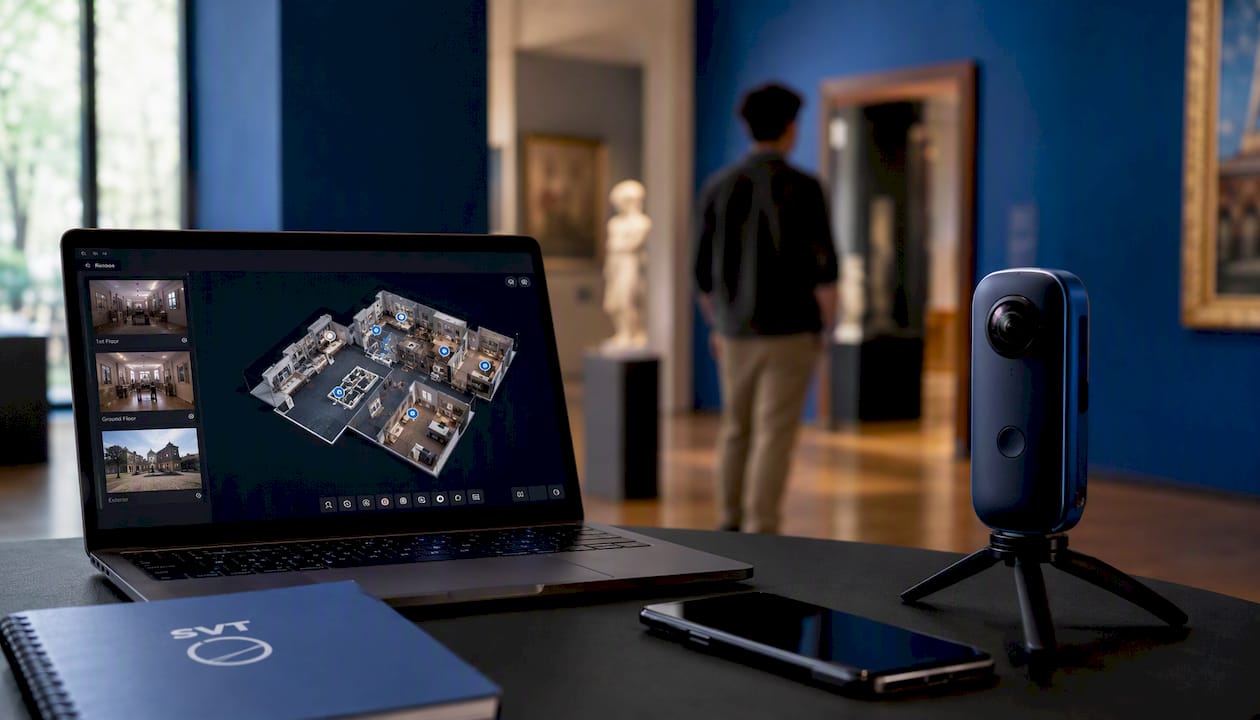
You can start on the Free Forever tier to test the full workflow, from hosting a tour to generating and scanning your first QR code, before committing to anything. Teams managing more properties or exhibits can move up through the paid tiers as volume grows, and organizations that want full source ownership can go the self-hosted route instead of a recurring subscription. Head to the Simple Virtual Tour plans page to pick a starting tier, or go straight to the buy and try page if you already know this is the platform for your next tour.
Sources
This guide draws on placement and platform guidance from MuseumNext, QRViz, Dynamic QR Creator, and the EZQR 2026 guide. For hosting-specific technical detail, see Simple Virtual Tour's real estate software guide and the analytics wiring guide for GA4.
- QR Codes in Museums: Unlocking New Opportunities in 2025
- QR code for virtual tour — Free Generator & Dynamic Tracking | Dynamic QR
- Jmpy
FAQ
What is the best free software for creating virtual tours?
Free options vary widely in feature depth, but several platforms, including Simple Virtual Tour's Free Forever tier, let you build and publish a basic interactive tour without payment. The right choice depends on whether you need unlimited tours, live sessions, or self-hosting, since free tiers typically cap one or more of those features.
Can I get QR codes for free?
Yes. Multiple generators, including tools built specifically for virtual-tour links, offer free static QR code creation with high-resolution export for print. Dynamic codes with scan tracking sometimes require a paid tier once you exceed a free scan limit or code count.
What is the FBI warning about QR codes?
The FBI has warned that criminals sometimes place malicious QR code stickers over legitimate ones on public signage, redirecting scanners to phishing sites or fraudulent payment pages. The practical defense is checking that a code's physical sticker looks untampered and confirming the destination URL matches your organization's domain before entering any information.
What is the best virtual tour creator tool?
The best choice depends on whether you need cloud convenience or self-hosted control. Simple Virtual Tour supports both deployment models along with unlimited tours, live sessions, and e-commerce integration, making it a practical option for organizations that want flexibility without being locked into one hosting approach.