
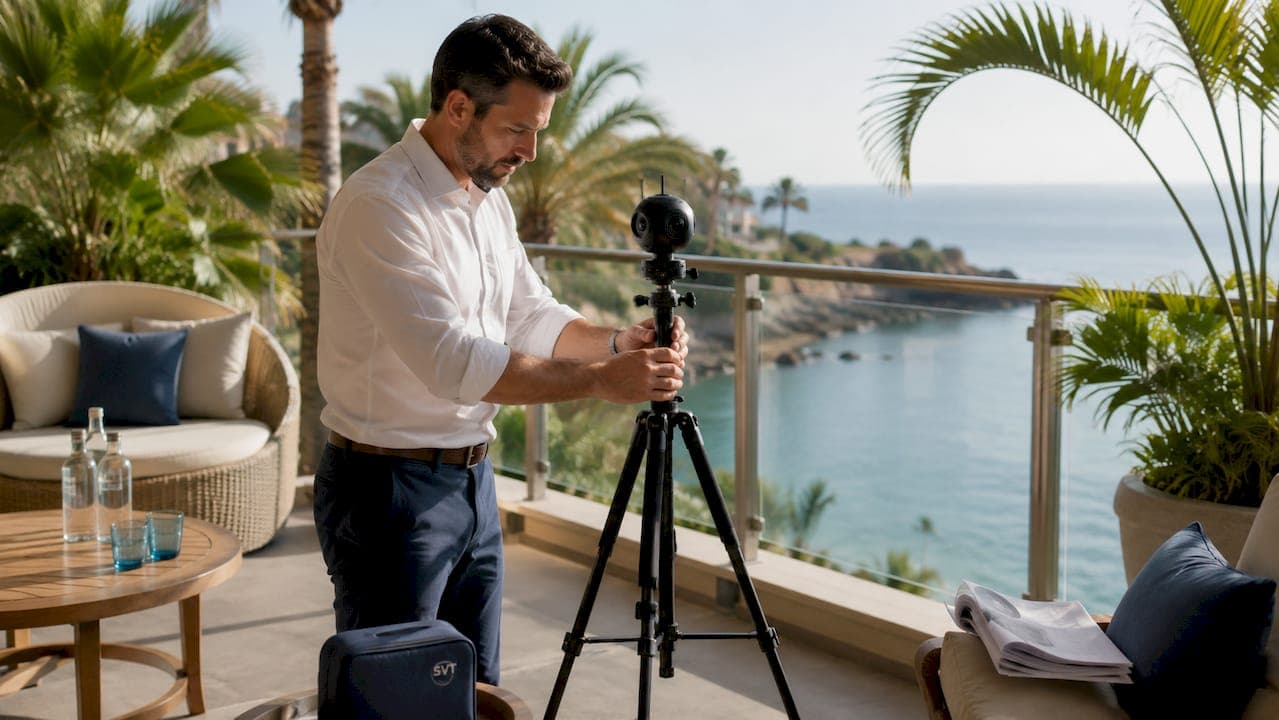
Interactive hotel room tour creation is the process of building immersive, 360-degree virtual walkthroughs that let potential guests explore your rooms remotely before booking. Hotels that publish these tours give guests a realistic sense of layout, lighting, and actual views, which directly reduces booking hesitation. The industry term for the core technology is "360-degree virtual tour," built from equirectangular or spherical panoramic images stitched into a navigable experience. Simple Virtual Tour is one platform that makes this process accessible to hotel managers without a technical background, and this guide walks you through every step from equipment to publishing.
What tools do you need for interactive hotel room tour creation?
The right hardware and software determine how fast and how well your tour comes together. You have three main equipment paths: a dedicated 360-degree camera, a smartphone with a panoramic mode, or a DSLR camera with a fisheye lens and a panoramic tripod head. Dedicated 360 cameras are the fastest option because they capture a full spherical panorama in one shot, while DSLR setups produce higher resolution but require more time to shoot and stitch.
On the software side, your choices break down by cost and complexity. DIY platforms start at about $8 per month and let you build tours from existing photos without paying per tour. Outsourced professional services cost $200–$500 per property and handle everything for you, while AI-powered services offer a 48–72 hour turnaround for automated processing. That cost gap is significant for smaller hotels managing tight marketing budgets.
Simple Virtual Tour sits in the DIY category and adds features that most entry-level platforms skip, including live session capabilities, e-commerce integration, and both cloud-hosted and self-hosted deployment. Over 1,400 users currently build tours on the platform, which signals a proven workflow for hospitality teams.
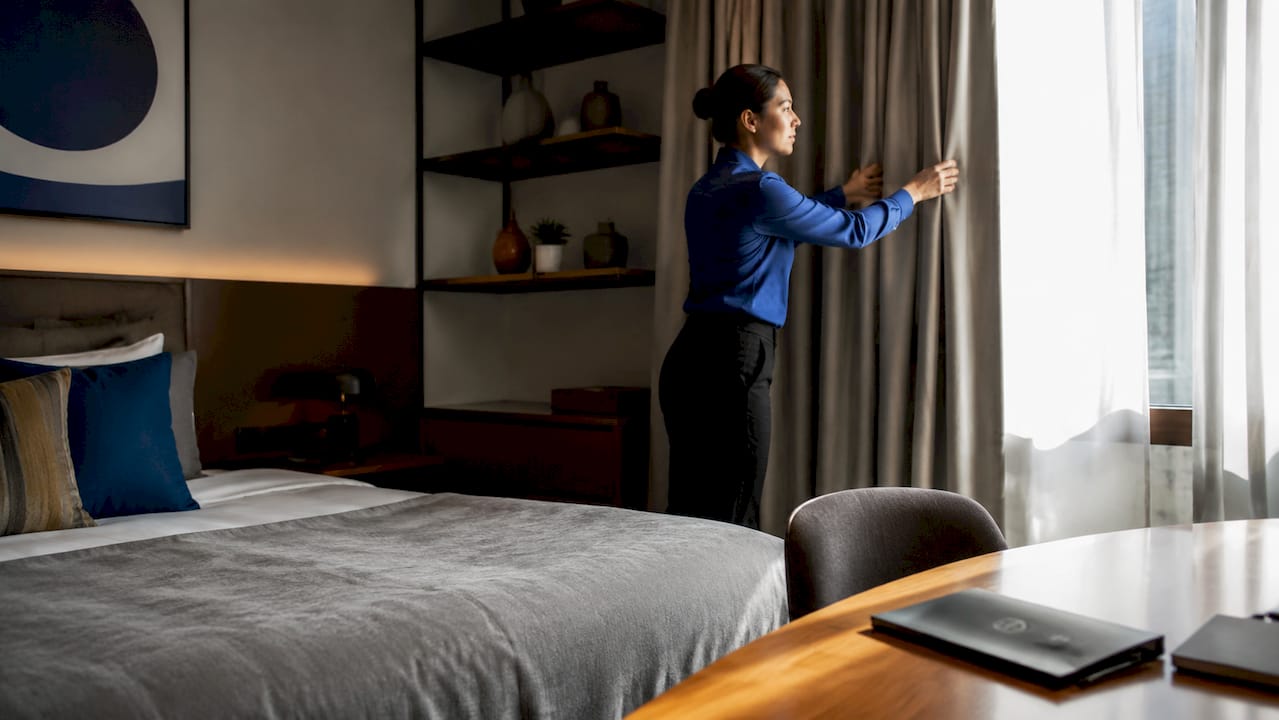
Before you shoot, prepare the room carefully. Good lighting and realistic staging directly affect guest confidence and tour quality. Open all curtains, turn on every light source, remove personal items, and straighten all linens. A well-staged room photographs honestly and builds more trust than a retouched static photo.
| Method | Estimated Cost | Turnaround | Best For |
|---|---|---|---|
| DIY platform subscription | ~$8/month | Same day | Small to mid-size hotels |
| AI-powered service | Varies | 48–72 hours | Teams with existing photos |
| Outsourced professional | $200–$500/property | 3–7 days | High-end properties |
| Enterprise platform | Custom pricing | Custom | Large hotel groups |
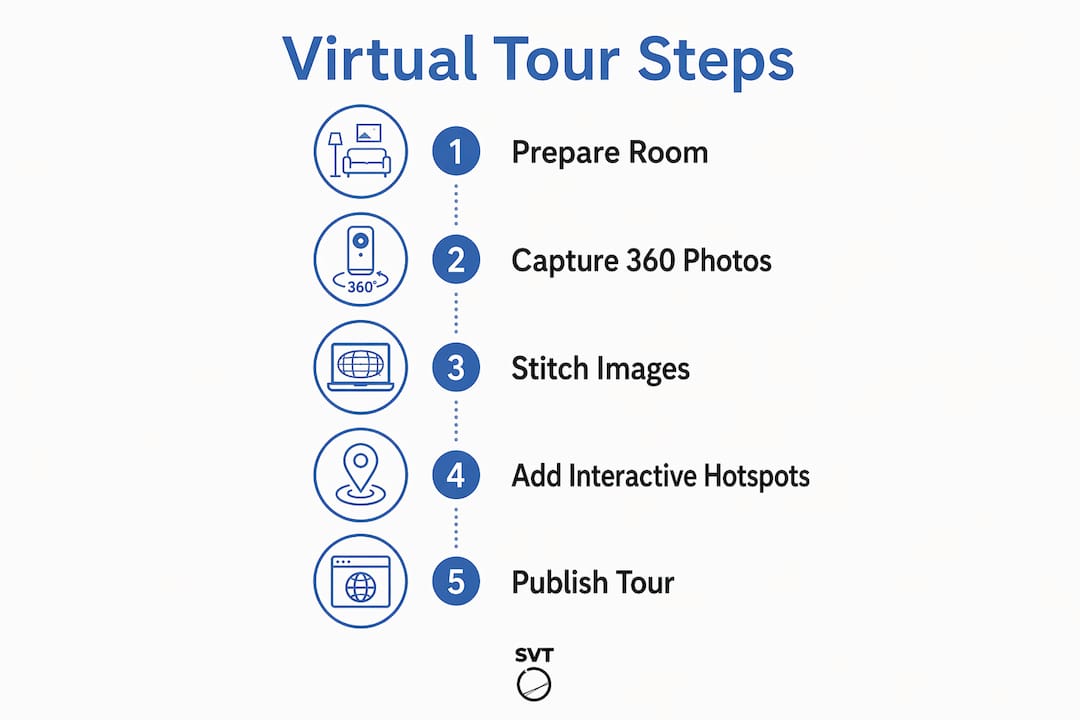
How to create a hotel virtual tour step by step
Creating a virtual hotel room tour follows a clear sequence. Skipping steps, especially scene organization and hotspot design, produces tours that confuse guests rather than convert them.
- Prepare the room. Stage the space as described above. Shoot during daylight hours when natural light is consistent. Avoid shooting with windows directly behind the camera to prevent harsh backlighting.
- Capture 360-degree images. Position your camera at the center of the room, roughly 5 feet high. Shoot one full spherical panorama per scene. For suites, capture the bedroom, bathroom, living area, and any balcony as separate scenes.
- Stitch and process images. Most 360 cameras stitch automatically in their companion app. DSLR shooters use dedicated stitching software to merge overlapping frames into a single equirectangular image.
- Import scenes into your tour software. Upload each equirectangular image as a separate scene. Name scenes clearly, for example "King Bedroom," "Ensuite Bathroom," and "Balcony View."
- Add hotspot navigation. Hotspot navigation links scenes and creates interactive points where guests click to move through the space. Place hotspots at doorways and transition points so the flow feels natural.
- Add informational overlays. Use hotspot overlays to label amenities: thread count, TV size, minibar contents, or room dimensions. These details answer the questions guests would otherwise call the front desk to ask.
- Preview and test. Walk through the tour yourself on a phone, tablet, and desktop. Check that every hotspot links to the correct scene and that overlays display correctly on small screens.
- Embed and publish. Tours embed on websites, social media, and listing services, expanding your reach beyond your own booking page. Copy the embed code from your platform and paste it into your website's room detail pages.
Pro Tip: Shoot a separate scene from the window to capture the actual view. Guests consistently cite "view" as a top booking factor, and a dedicated view scene answers that question before they ask it.
What are the best practices to boost bookings with your tour?
A well-built online hotel room showcase converts better than a standard photo gallery because it removes the specific uncertainties that cause guests to abandon a booking. The practices below address those uncertainties directly.
- Use realistic, unretouched images. Hotel managers at Burghotel Auf Schönburg emphasize that removing uncertainty through honest views builds more booking confidence than polished, touched-up photos. Guests who feel misled by photos leave negative reviews; guests who feel accurately informed arrive with correct expectations.
- Design for every device. A seamless experience on tablet, smartphone, and desktop is critical to maximize engagement. Test navigation controls on touch screens specifically, since swipe gestures behave differently from mouse clicks.
- Keep navigation intuitive. Label every hotspot clearly. Avoid abstract icons that require guessing. Guests should know exactly where they will land before they click.
- Integrate with your booking flow. Place a "Book This Room" button inside the tour interface or immediately adjacent to the embed. The shorter the path from tour to reservation, the higher your conversion rate. Pairing your tour with a booking integration strategy multiplies the impact of the visual content.
- Tailor content by room type. A budget room tour should highlight value: storage space, desk area, and proximity to amenities. A suite tour should highlight luxury: bathroom finishes, view quality, and living area dimensions.
"Our 360-degree tours show guests the actual room layout, architecture, and views from the windows. We deliberately avoid touched-up photos. The goal is to remove uncertainty entirely so guests book with full confidence in what they will find on arrival." — Burghotel Auf Schönburg
Interactive tours outperform photo galleries precisely because they replicate the feeling of walking through a space. A flat photo answers "what does it look like?" A 360-degree tour answers "what will it feel like to be there?"
Common challenges in hotel 360 tour creation and how to fix them
Most problems in hotel 360 tour creation fall into three categories: image quality issues, software limitations, and device compatibility gaps. Knowing the fix before you hit the problem saves significant time.
Image quality and stitching errors are the most common first-time issues. Misaligned stitching creates visible seams where two frames meet. The fix is to use a tripod with a nodal point adapter, which keeps the camera's optical center stationary during rotation. Moving the camera body rather than rotating around the lens is the single most common cause of stitching errors.
Lighting inconsistency across a room creates uneven exposures in the final panorama. Shoot in manual exposure mode so every frame uses identical settings. If the room has both bright windows and dark corners, use HDR bracketing: shoot three exposures per position and merge them in post-processing.
Software subscription costs can accumulate if you manage multiple properties. Subscription-based DIY platforms with no per-tour fees offer the most cost-effective path for hotels creating tours across several room types. Simple Virtual Tour's unlimited tour model means you pay once and build as many room tours as your property requires.
Pro Tip: Build a master template tour with your brand colors, logo, and navigation style before shooting any rooms. Apply that template to every new room tour so your online hotel room showcase stays visually consistent without rebuilding settings from scratch each time.
- Keep a change log of room updates so you know exactly which scenes to reshoot when furniture or decor changes.
- Export a backup of every tour project file before making edits. Platforms occasionally update their interfaces, and a backup protects your work.
- Test your embed code on a staging version of your website before pushing it live. A broken embed on a room detail page directly costs bookings.
You can also add video walkthroughs alongside your 360 tour to give guests an even richer preview. A tool like Kudoflix's hotel room video editor lets you produce professional room showcase videos that complement your interactive tour without requiring a full video production crew.
Key takeaways
Effective hotel 360 tour creation combines honest imagery, intuitive hotspot navigation, and device-compatible publishing to reduce guest uncertainty and increase direct bookings.
| Point | Details |
|---|---|
| Start with room preparation | Stage the room honestly and shoot in consistent lighting before capturing any 360-degree images. |
| Use hotspot navigation | Link scenes at doorways and label amenities with overlays to guide guests through the space naturally. |
| Prioritize device compatibility | Test every tour on mobile, tablet, and desktop before publishing to avoid losing mobile visitors. |
| Choose the right cost model | DIY subscription platforms at ~$8/month offer the best value for hotels creating multiple room tours. |
| Embed tours in the booking flow | Place tours directly on room detail pages with a booking button nearby to shorten the path to reservation. |
Why I think most hotels are still leaving bookings on the table
I've spent years watching hospitality marketing teams invest heavily in professional photography while their booking pages still rely on three static images and a floor plan PDF. The disconnect is real. Guests today research accommodations the way they research cars: they want to sit in the driver's seat before they commit. A 360-degree virtual tour is the closest thing to that test drive.
What surprises me most is how many hotel managers assume tour creation requires a large budget or a technical team. The DIY subscription model changed that equation entirely. A property manager with a 360 camera and an afternoon can produce a credible, embeddable tour for every room type on the property. The barrier is not cost or complexity. It's habit.
The hotels I've seen get the most value from virtual tours share one practice: they treat the tour as a trust document, not a marketing asset. They shoot honestly, label everything, and update the tour whenever a room is renovated. Guests who book after watching an accurate tour arrive with correct expectations and leave better reviews. That cycle compounds over time in ways that a single great photo never will.
My recommendation is to start with your highest-value room category, build one complete tour, and measure the booking rate on that room page for 60 days. The data will make the case for expanding to every room type better than any industry benchmark can.
— Andrea
Simple Virtual Tour: build your first hotel room tour today
Hotel managers who want to move from static photos to a full interactive room showcase have a direct path with Simple Virtual Tour.

Simple Virtual Tour supports unlimited tour creation under a single subscription, with no per-tour fees and no technical expertise required. The platform's intuitive backend lets you import equirectangular images, add hotspot navigation, apply your brand identity, and publish an embeddable tour in one session. Cloud-hosted and self-hosted deployment options give you full control over your data. With over 1,400 active users already building tours across real estate and tourism, the workflow is proven. Get started with Simple Virtual Tour and publish your first room tour this week.
FAQ
What is interactive hotel room tour creation?
Interactive hotel room tour creation is the process of capturing 360-degree panoramic images of hotel rooms and combining them into a navigable virtual experience using hotspot navigation and informational overlays. The result lets potential guests explore a room remotely before booking.
How much does it cost to create a virtual hotel room tour?
DIY platforms start at about $8 per month with no per-tour fees, while outsourced professional services cost $200–$500 per property. AI-powered services fall between those options and deliver results in 48–72 hours.
What equipment do I need to start creating hotel virtual tours?
A dedicated 360-degree camera is the fastest and most practical option for hotel teams. A smartphone with a panoramic mode works for basic tours, and a DSLR with a fisheye lens produces the highest resolution but requires more time to process.
How do I embed a virtual tour on my hotel website?
Most tour platforms generate an embed code that you paste directly into your room detail page's HTML. Embeddable tours also work on social media and listing services, extending your reach beyond your own website.
Do virtual hotel room tours actually increase bookings?
360-degree tours reduce guest uncertainty by showing accurate room layouts and real views, which builds the booking confidence that static photos cannot deliver. Hotels that publish honest, detailed tours consistently report stronger guest trust and fewer post-arrival complaints.